Vintage postage stamp art, from your photos
Postage Stamp Effect: Turn Photos Into Vintage Stamp Illustrations
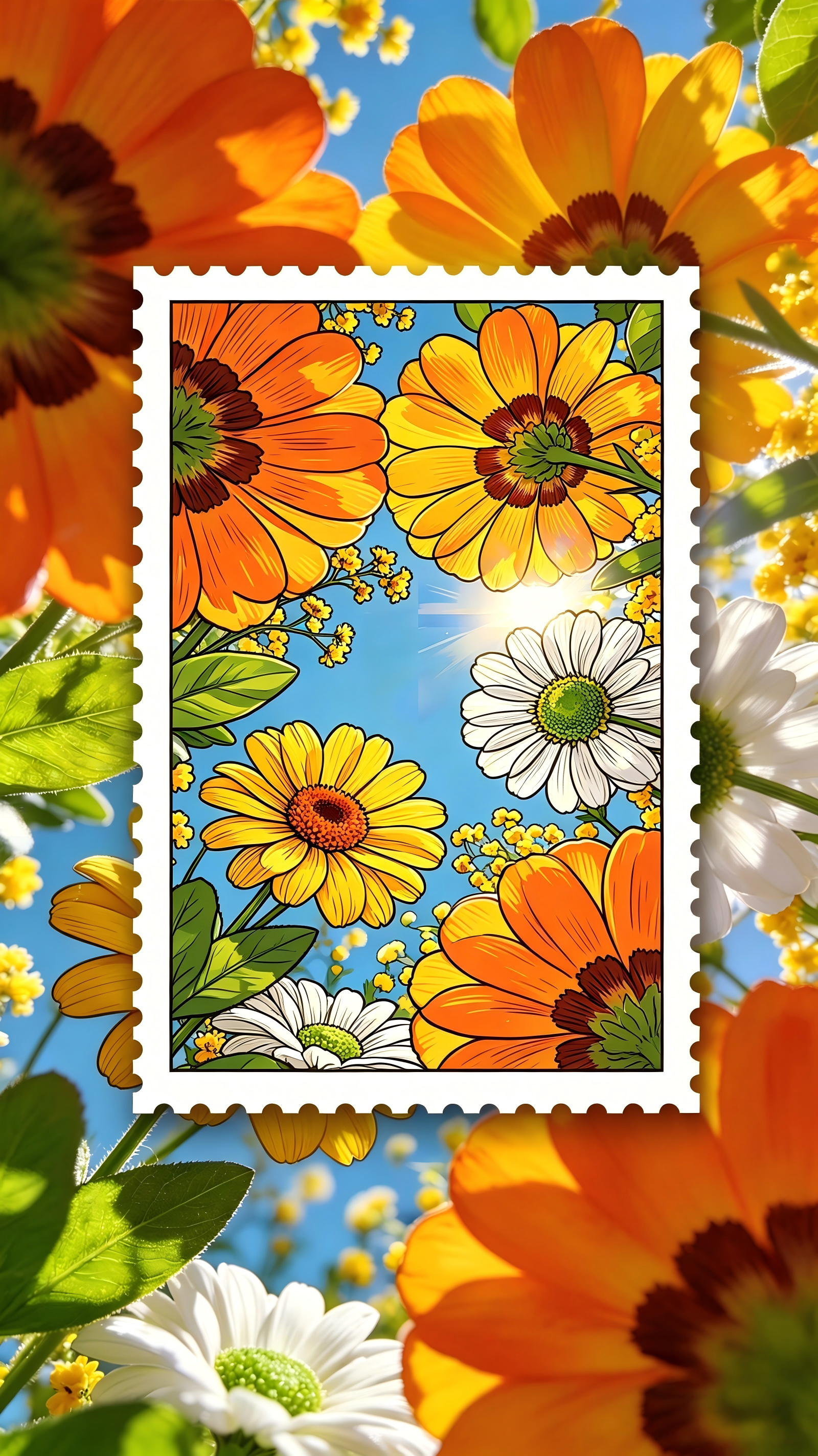
There's something oddly satisfying about seeing your photo turned into a postage stamp. This postage stamp effect takes your everyday pictures — portraits, pets, travel snaps, street scenes — and transforms them into vintage stamp illustrations with that classic serrated border, bold outlines, and a restrained flat-color palette that looks like it came straight from a collector's album. Two ways to do it: turn the whole image into a stamp illustration, or keep the real background and float a stamp-style subject right on top. Either way, it hits that nostalgic, slightly graphic-novel-meets-philately sweet spot.
What Is the Postage Stamp Effect?
The postage stamp effect transforms your photos into vintage stamp illustrations. It wraps your subject in that iconic serrated white perforated border, redraws everything in a flat graphic style with bold outlines and a limited 4–6 tone color palette, and delivers the nostalgic feel of a classic commemorative stamp. You can go full-stamp mode — where the entire image becomes an illustrated stamp — or composite mode, where the stamp-style subject floats over your original photo background. The result looks like something you'd peel off an old envelope and keep in a collector's book. It works on portraits, landscapes, pets, architecture, and just about anything with a clear subject.
How to Create Your Postage Stamp — Step by Step
- Upload your photo. Click the upload area or drag a clear JPEG, PNG, or WEBP photo (up to 30MB). Portraits, pets, travel shots, and architectural photos all work beautifully in this style.
- Pick your effect mode. Choose Full Stamp to turn the entire image into a stamp illustration, or Composite Mode to keep the original background and float a stamp-style subject on top. Each generation uses 6 credits.
- Click Create Postage Stamp. Hit the button and the tool redraws your photo as a vintage stamp illustration with bold outlines, flat colors, and that iconic serrated perforated border.
- Wait for processing. The postage stamp effect processes your image in about 15–30 seconds.
- Download or share your creation. Save your postage stamp image or share it to social media. Want a different look? Switch effect modes and regenerate.
Upload Your Photo to Get Started
Postage Stamp Effect Generator
Upload a photo and turn it into a vintage postage stamp illustration. Choose between full-stamp mode and composite mode. Each generation uses 6 credits — log in to start.
Each generation uses 6 credits.
Your postage stamp will appear here.
Postage Stamp Effect Gallery
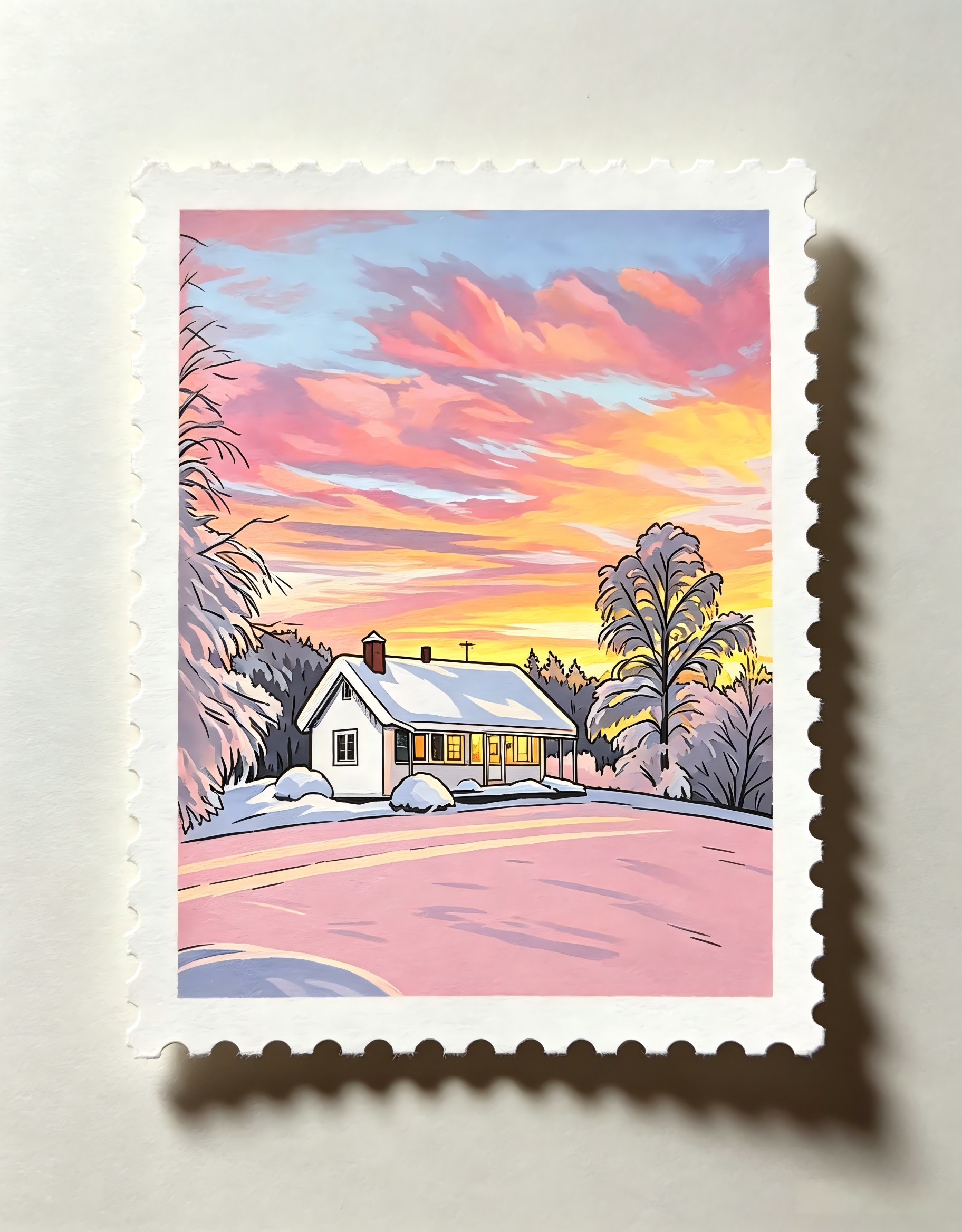
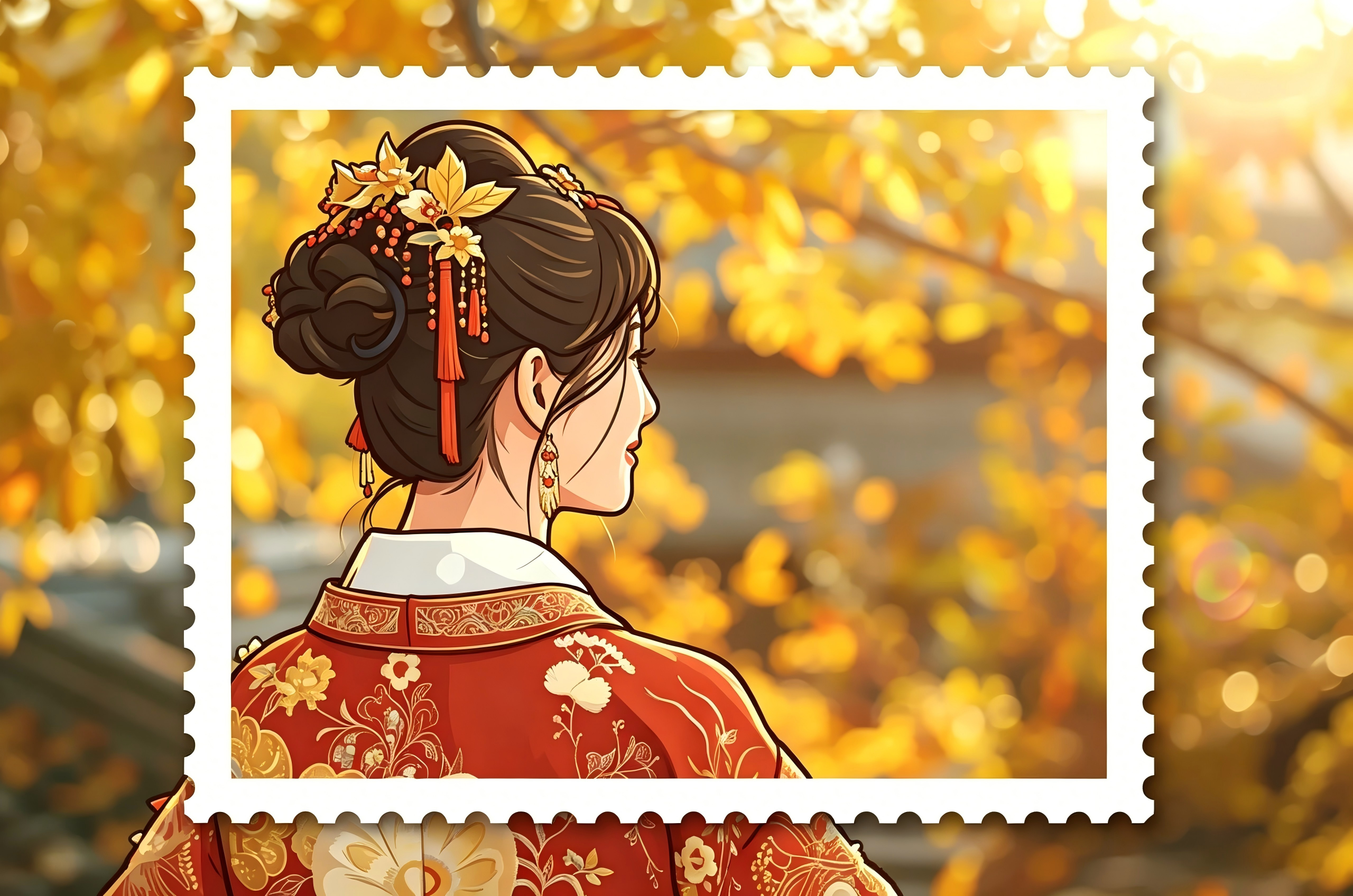
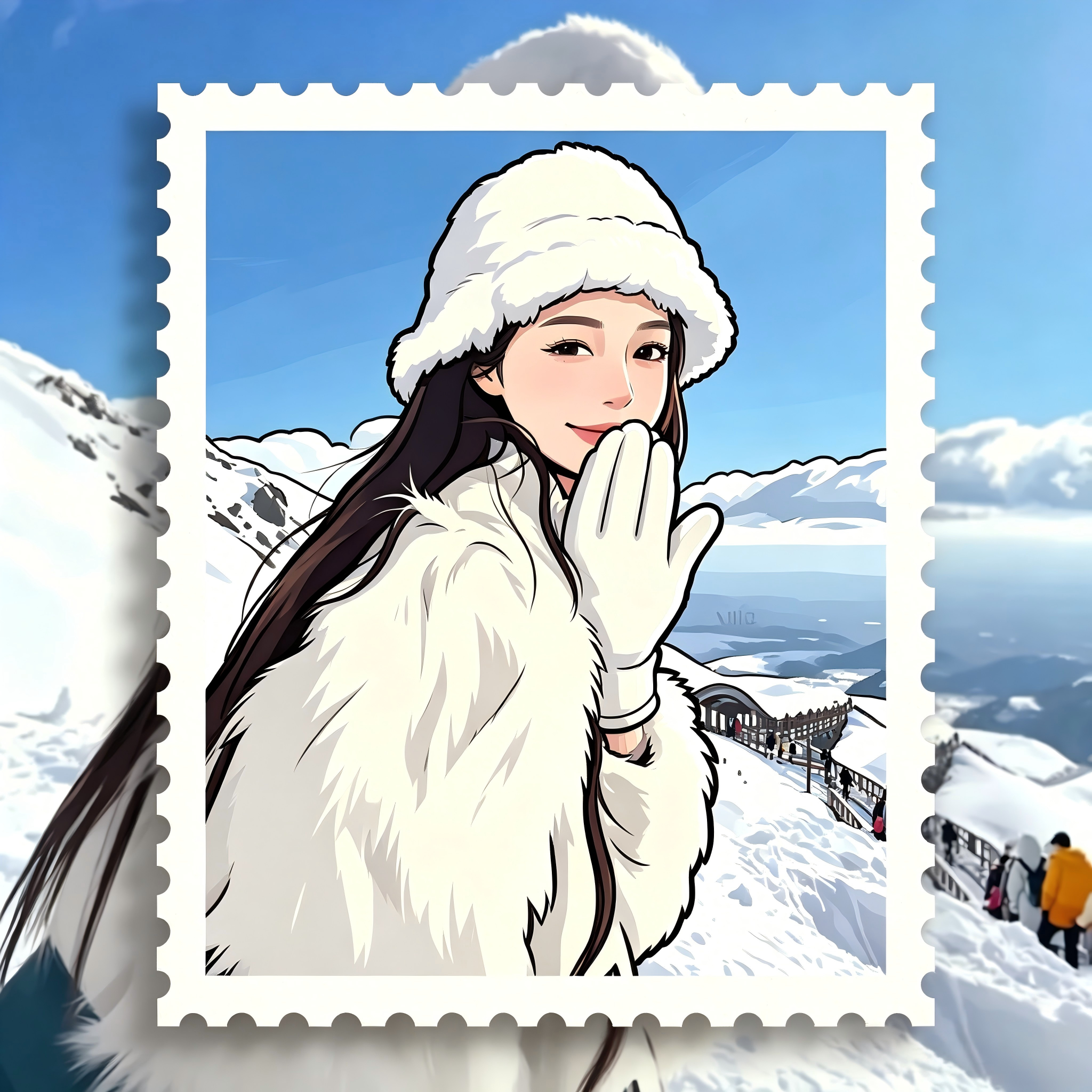
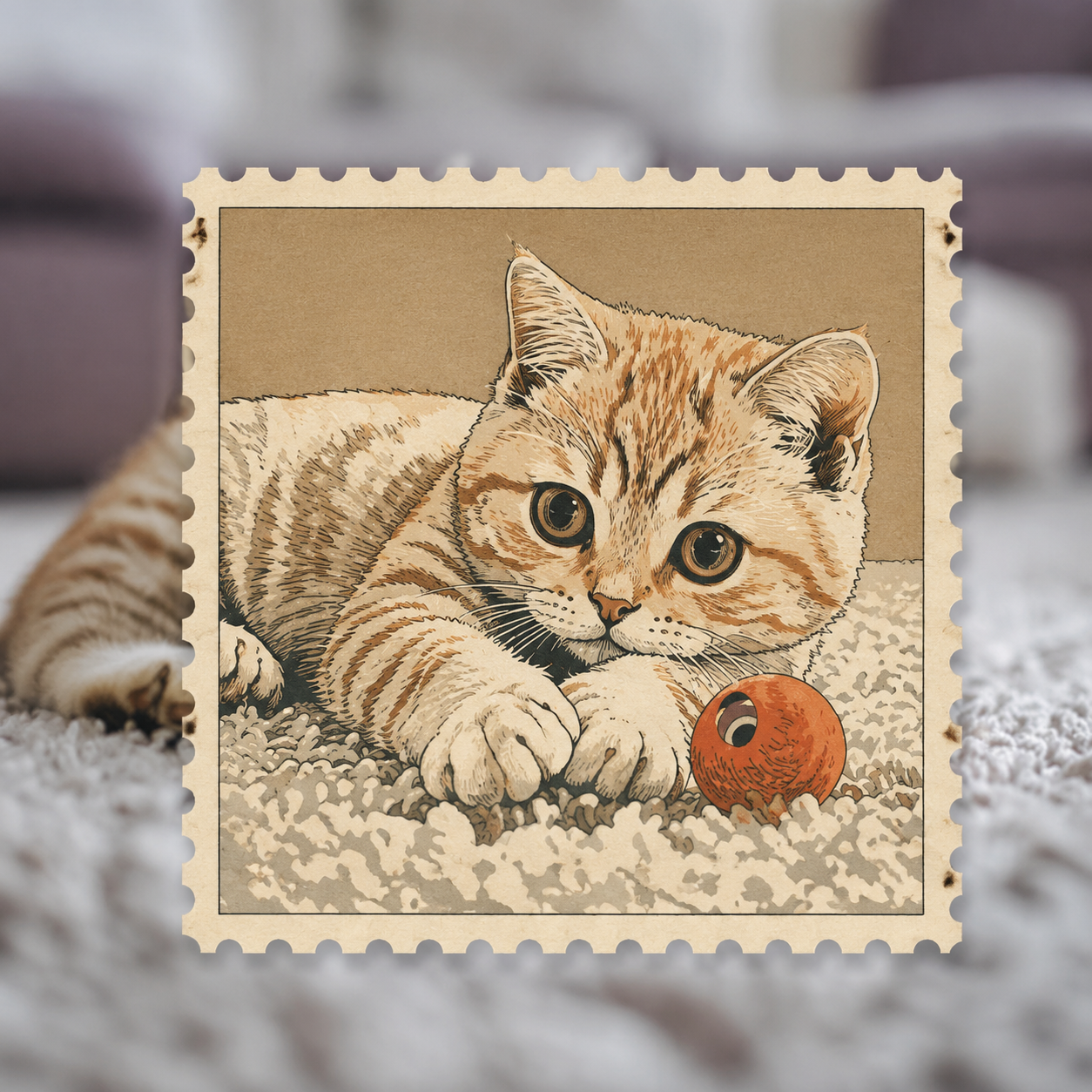
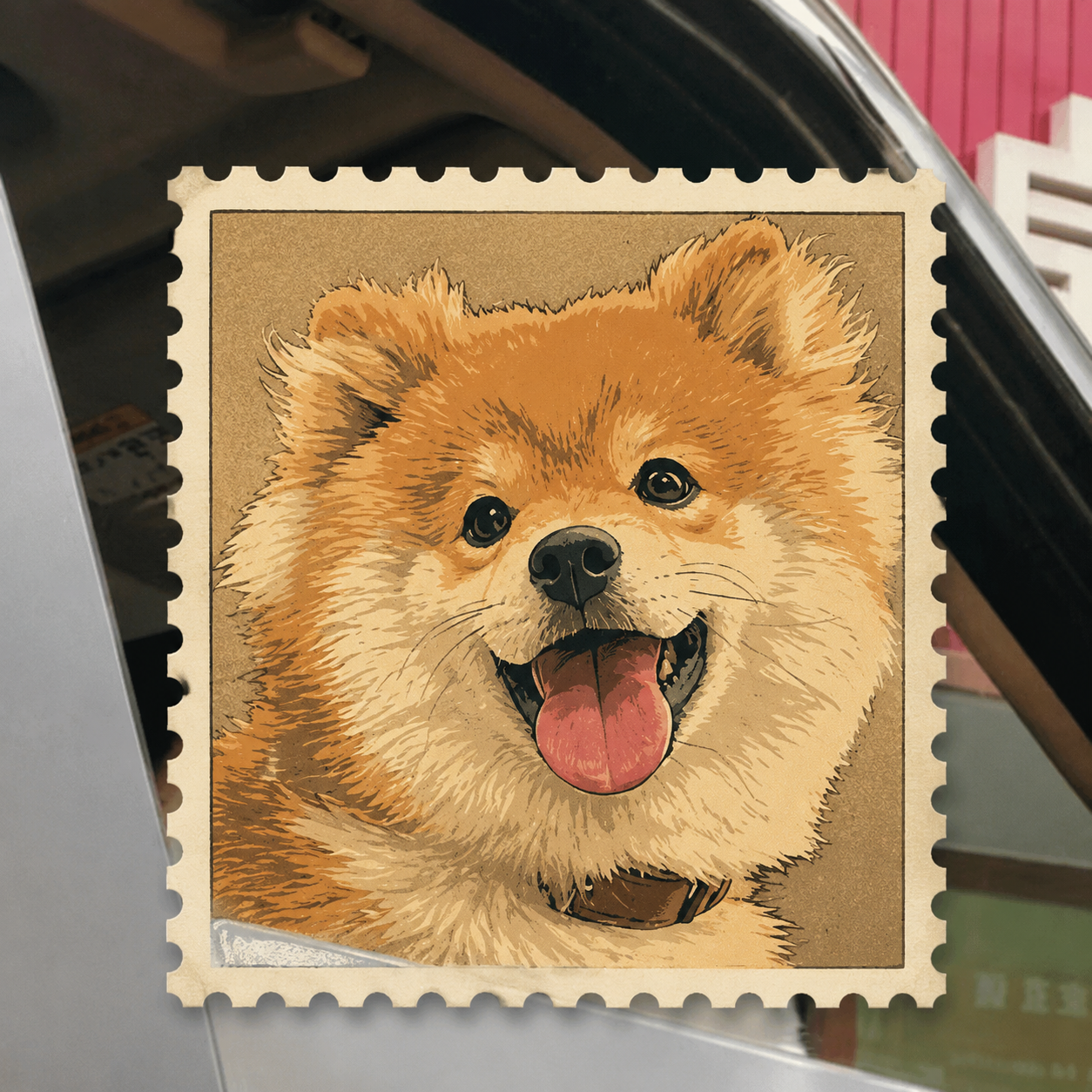
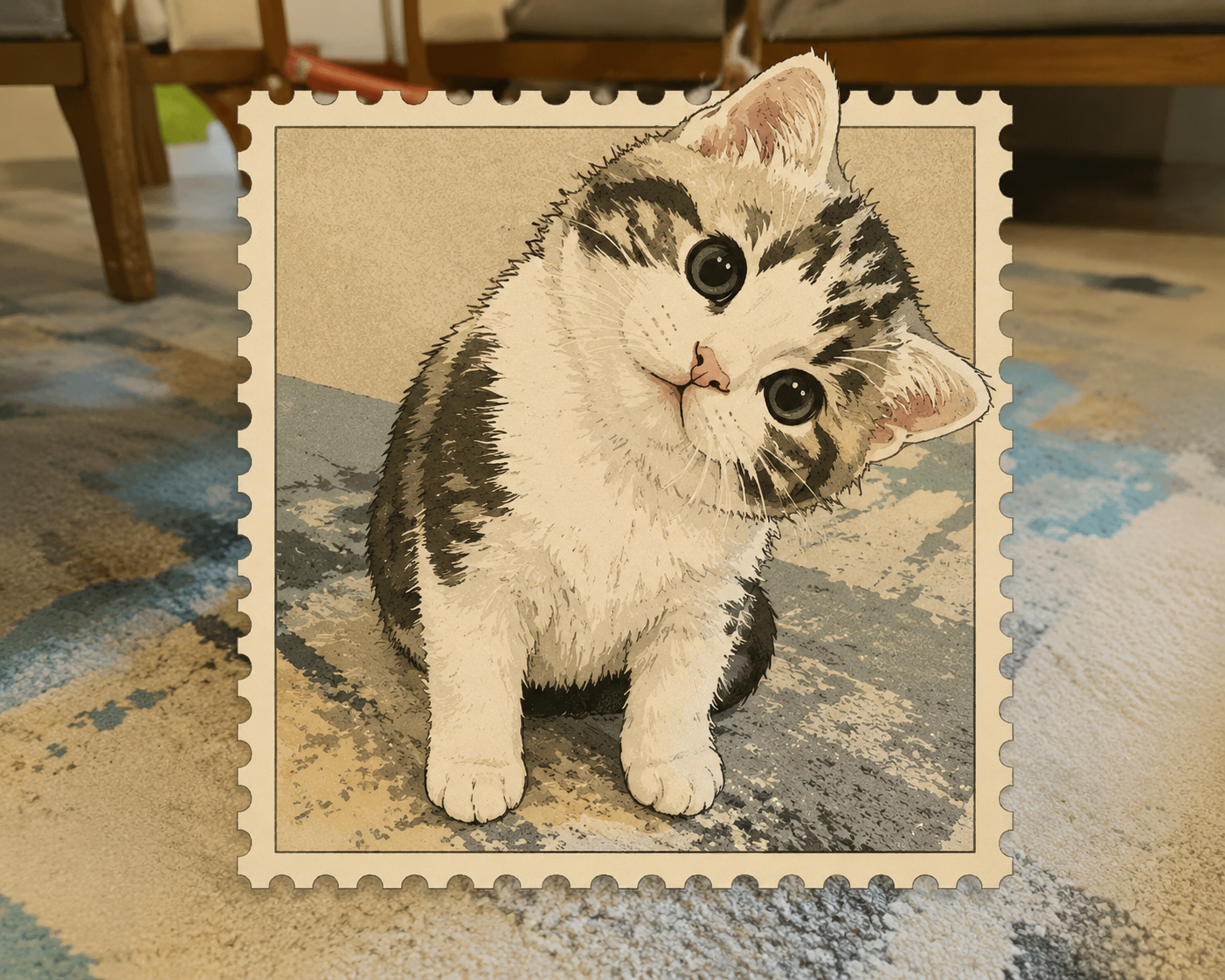
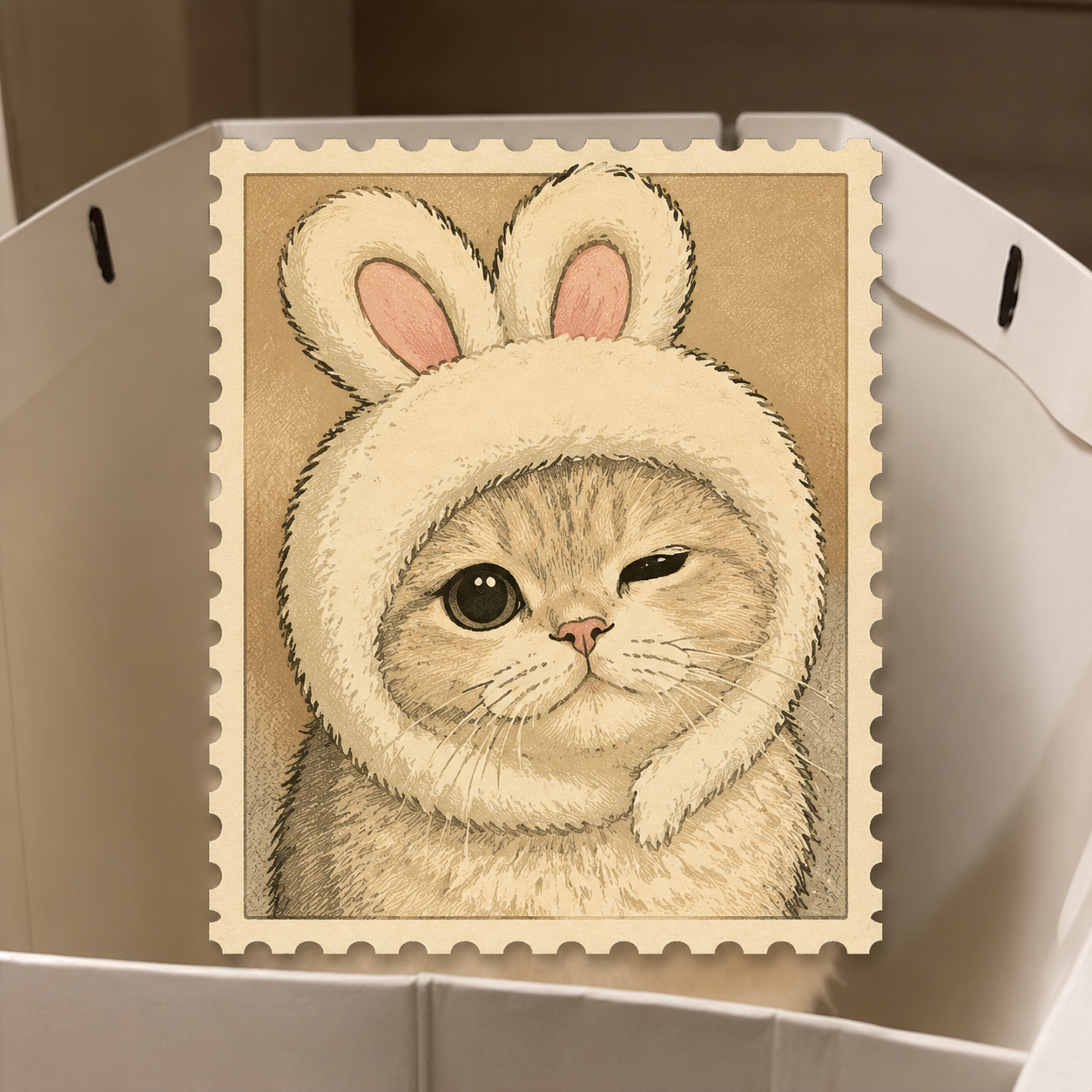
Sample postage stamp transformations — everyday photos turned into vintage stamp illustrations with serrated borders and flat graphic colors.
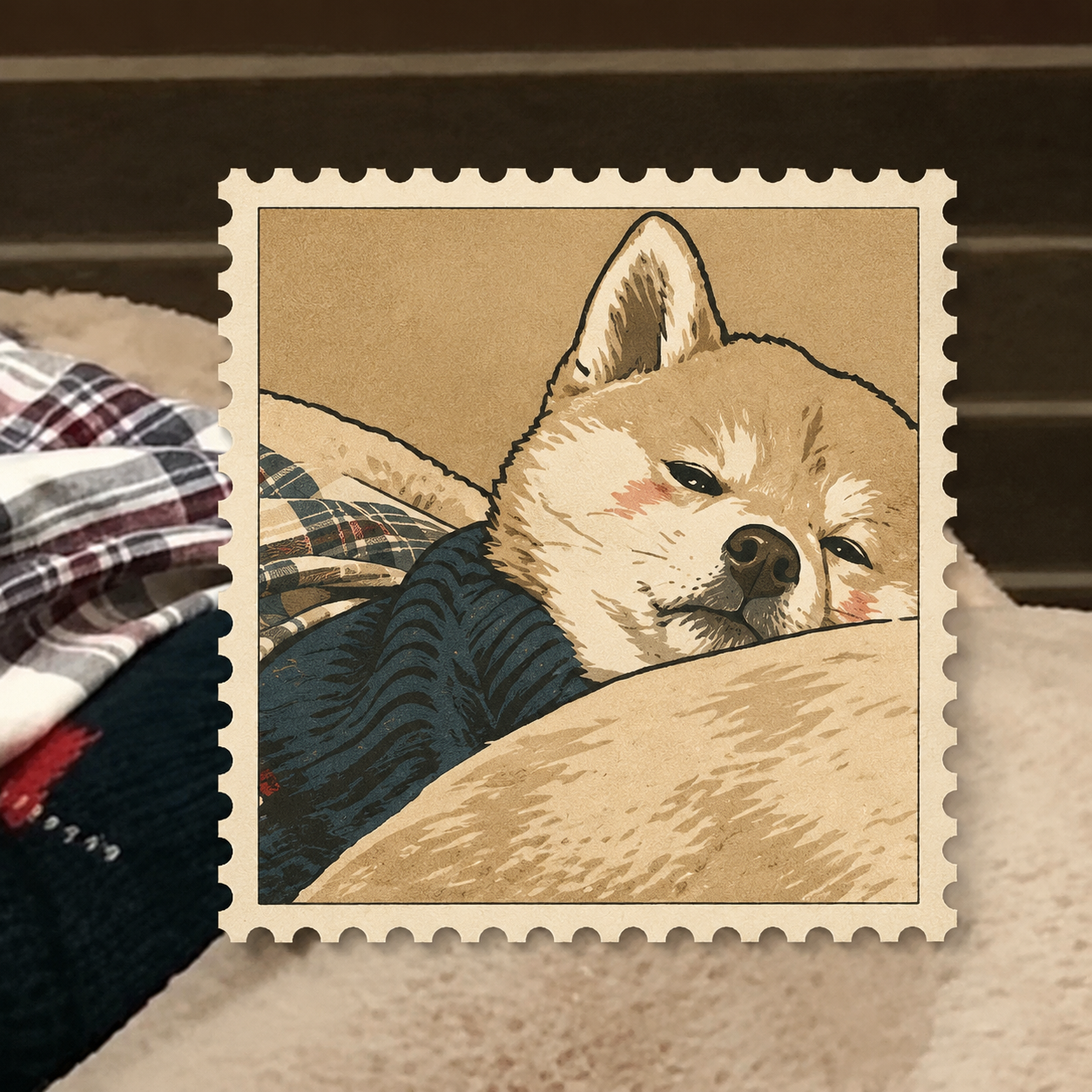
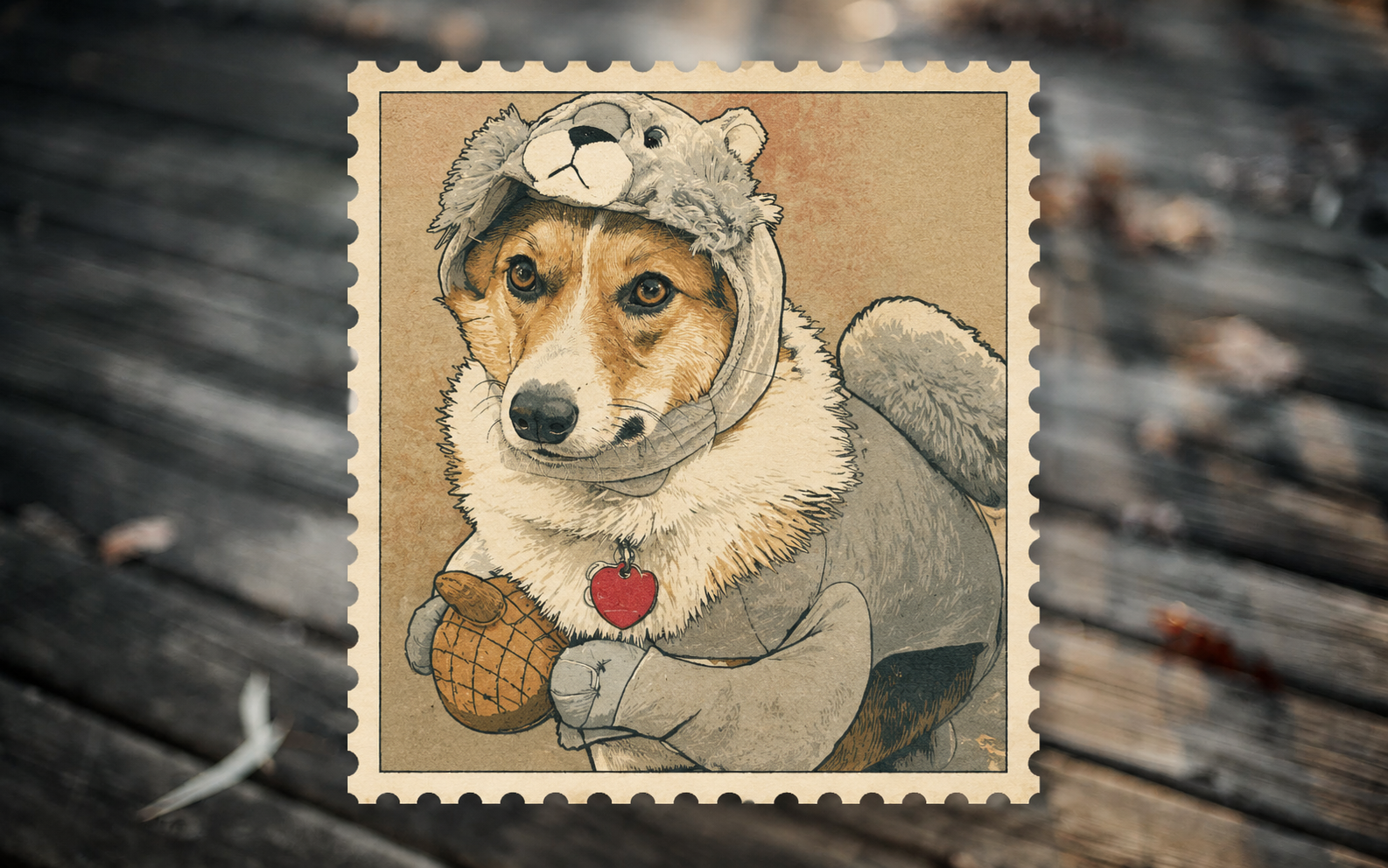
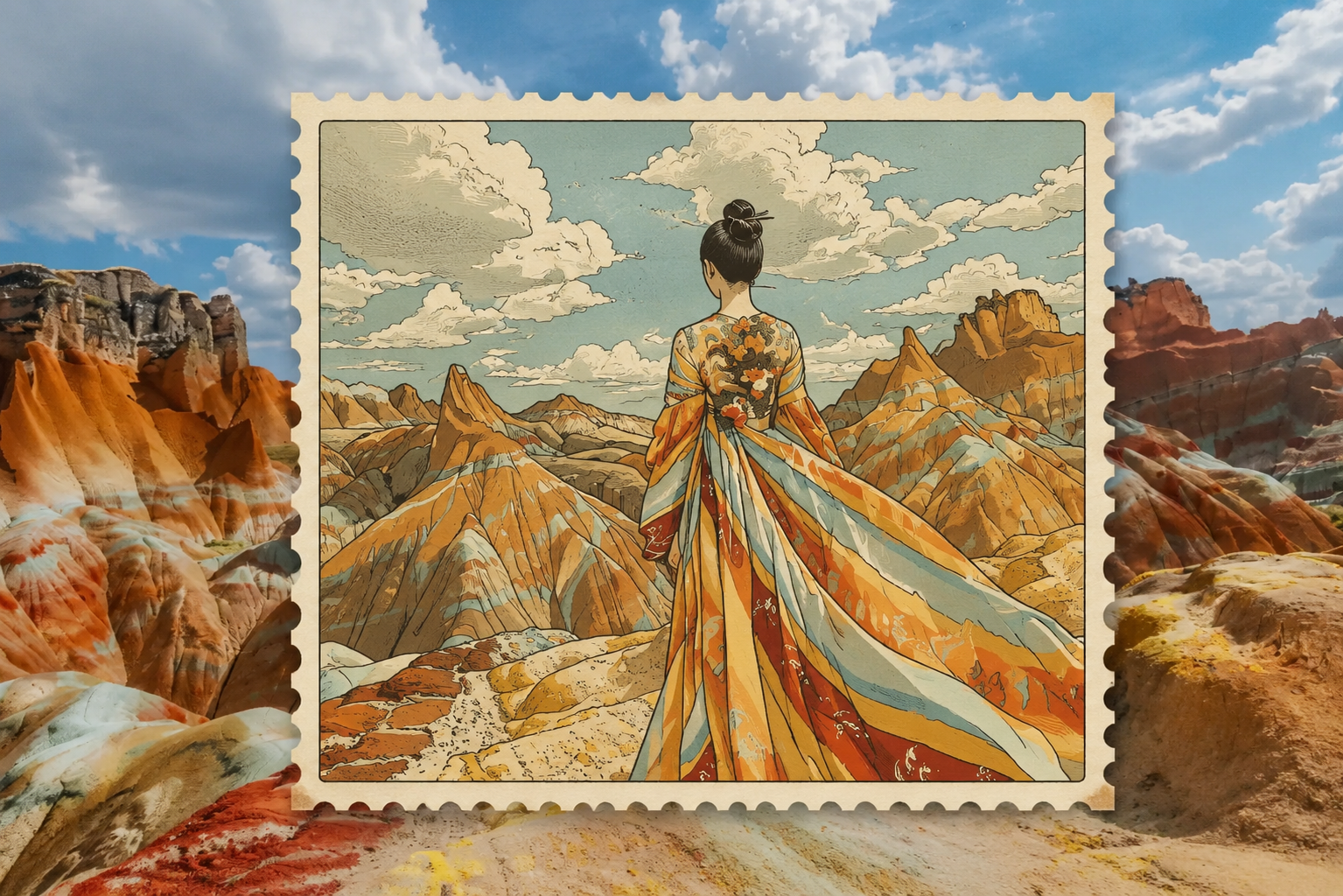
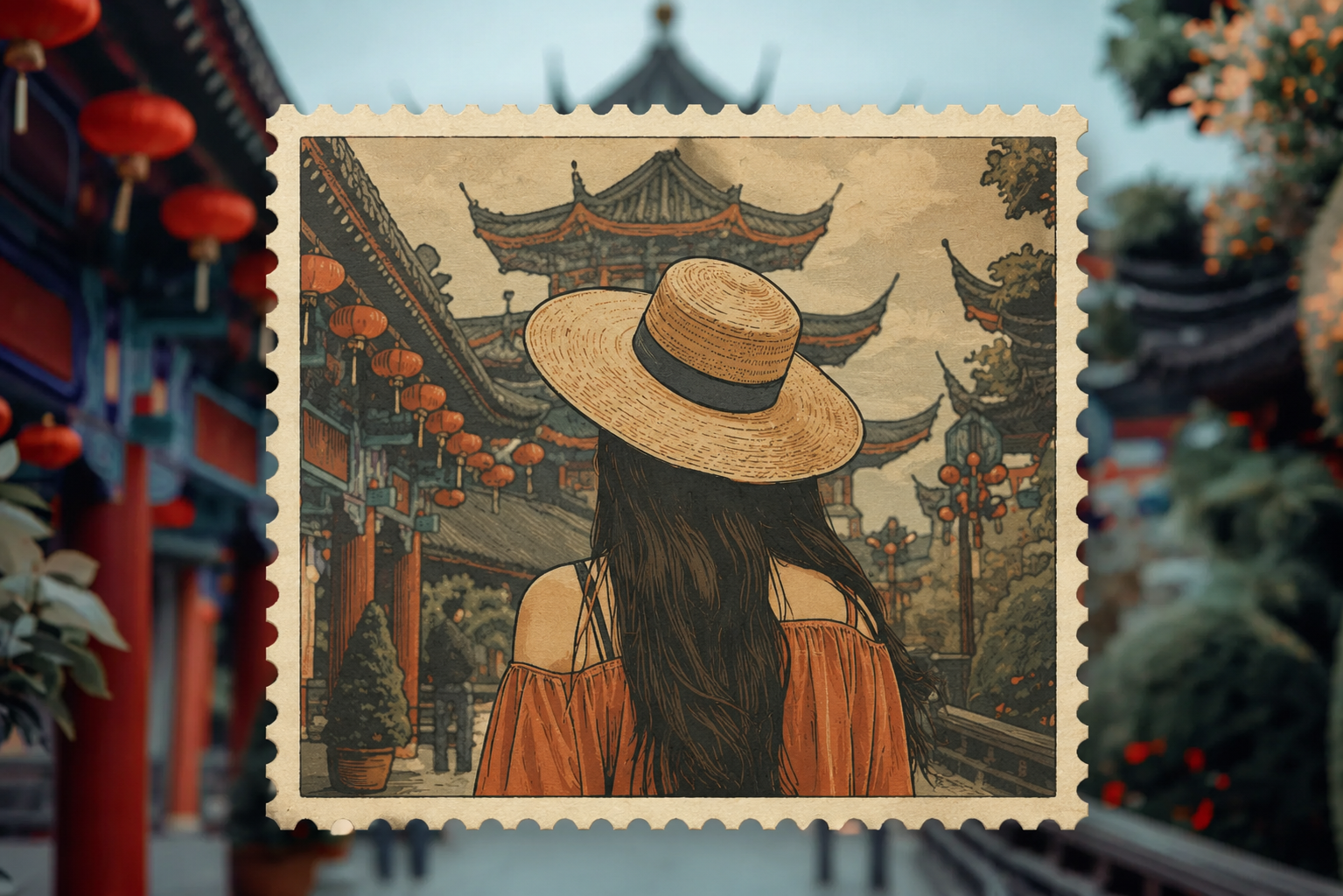
The Postage Stamp Style — What Makes It Special
The postage stamp effect isn't just a frame slapped on your photo. It's a complete visual transformation that captures the essence of vintage philately:
Overall Mood
Nostalgic, graphic, and slightly formal — like a commemorative stamp from a bygone era. The style draws from classic stamp engraving traditions: clean compositions, deliberate color choices, and that satisfying contrast between the rigid perforated frame and the illustrated subject inside. It feels like something you'd find in a collector's album, tucked between wax paper pages.
Bold Outlines — Graphic Flat Illustration
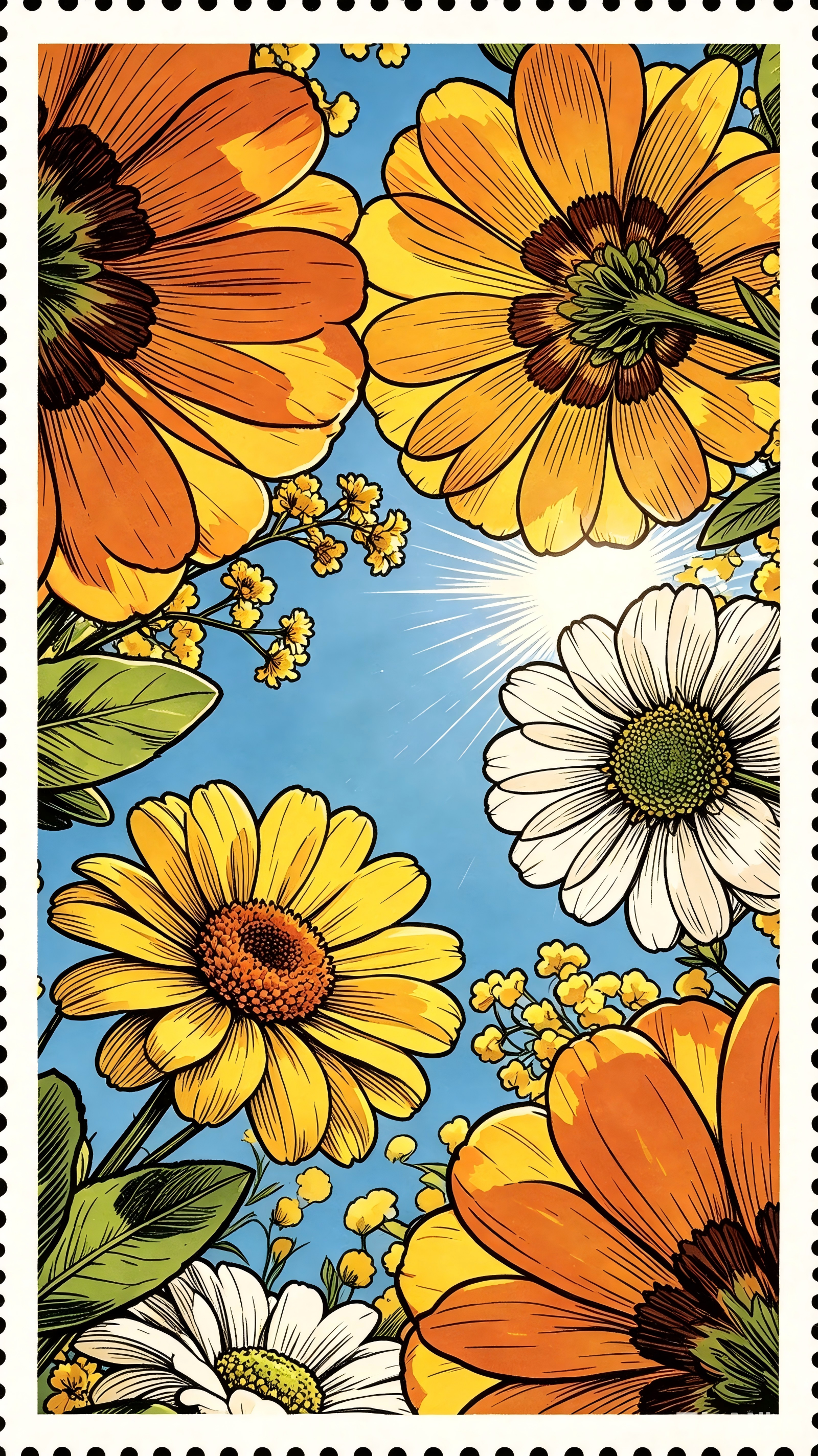
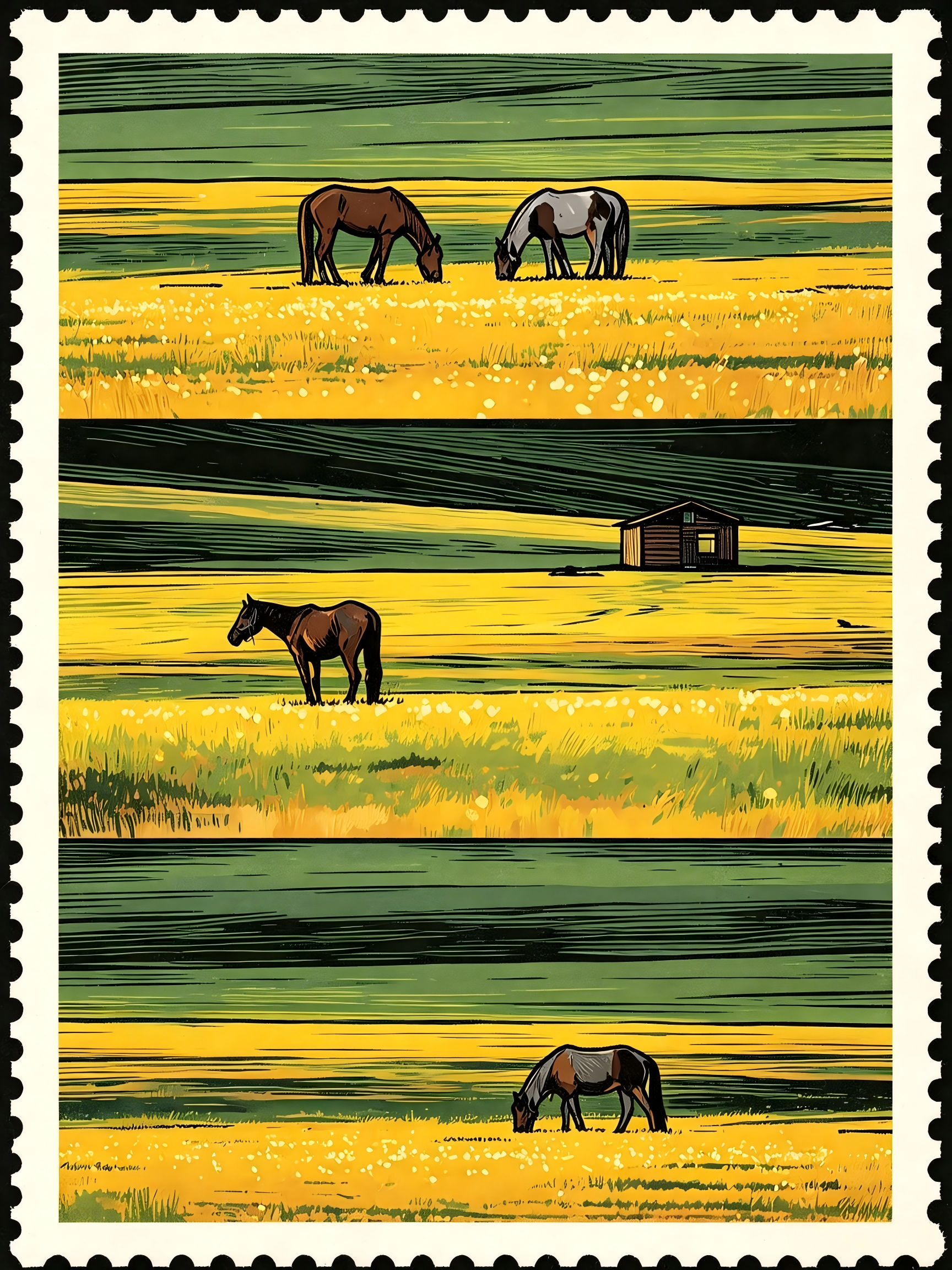
Strong, deliberate contour lines define every shape. The illustration uses a flat graphic approach — no gradients, no soft shading, just confident outlines and clean color blocks. It's the visual language of vintage print design: stamps, matchboxes, travel posters, and old book plates. Everything reads clearly at a glance, which is exactly what a real stamp needs to do.
Limited Palette — 4 to 6 Flat Tones
The color palette stays tight and intentional — typically 4 to 6 flat tones across the entire image. No subtle gradients or photographic lighting. Each color block has a job to do: skin tone, clothing, background element, highlight. The restraint is what makes it feel authentic to vintage stamp printing, where every ink color was a separate plate and a deliberate choice.
Serrated Perforated Border
The stamp frame is the defining feature — a white serrated edge with that classic perforation pattern you'd see on a real postage stamp. It's not a simple dashed line; it has the scalloped, semi-circular cut pattern that mimics actual stamp perforations. The border frames the illustration perfectly and immediately signals stamp to anyone who sees it.
Two Modes, Two Looks
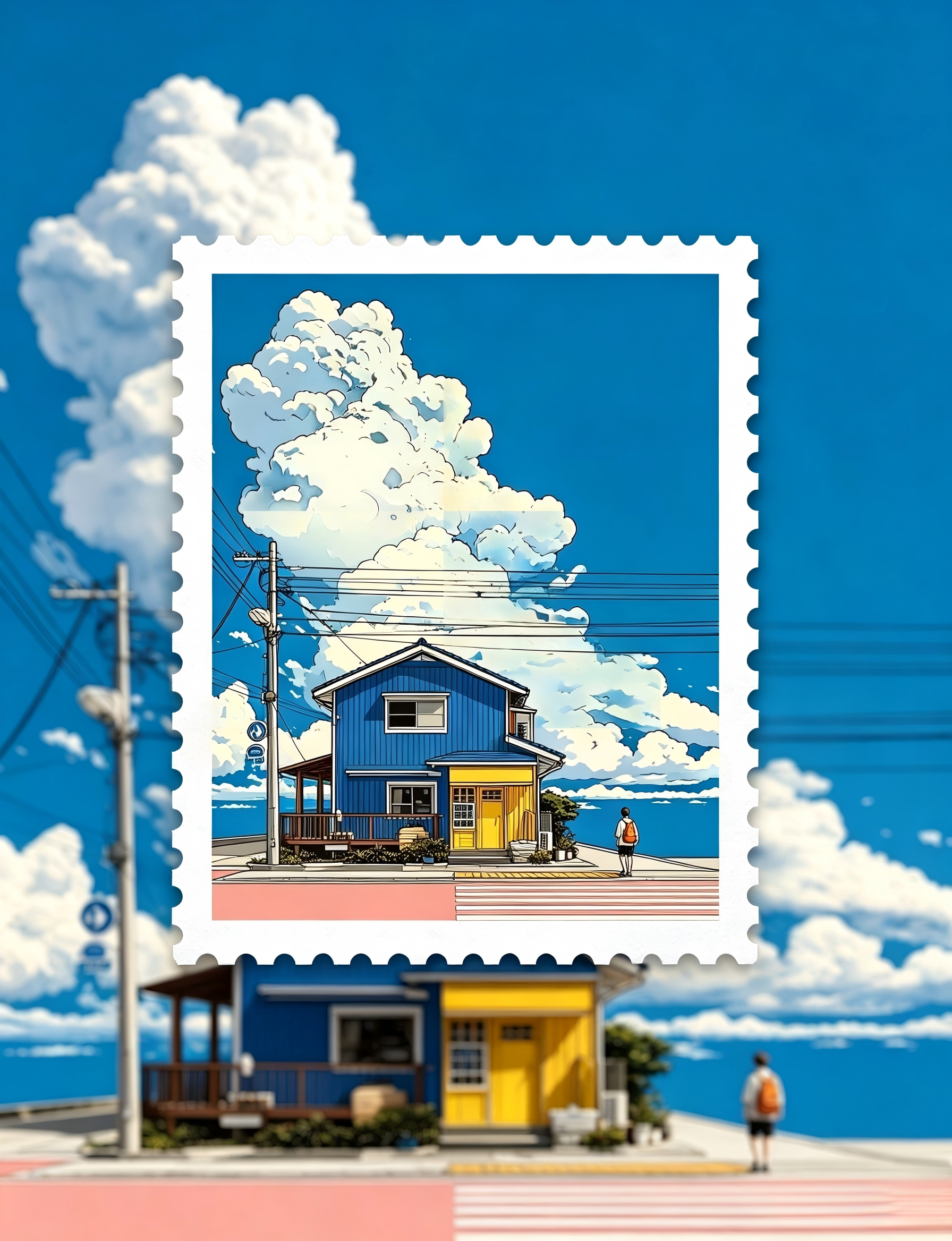
Full Stamp mode turns the entire image into an illustrated stamp — every pixel gets the flat-graphic treatment, background and all. Composite mode keeps your original photographic background untouched and only converts the main subject into a stamp illustration that floats over the real scene. It's a hybrid look that creates a surreal contrast between illustrated stamp and real-world photo, and it's surprisingly compelling.
What Photos Work Best for the Postage Stamp Effect?
Photos with a clear, well-defined subject tend to produce the most striking stamp results. Portraits are a natural fit — the bold outlines and flat colors give faces that commemorative-stamp dignity. Pets come out wonderfully too, especially against simple backgrounds. Travel photos and architecture shots work great because the stamp format naturally frames them like a souvenir. For composite mode, photos with some depth — a person in a garden, a dog on a beach, a building against the sky — create that satisfying contrast between the flat stamp subject and the real background. The key is a distinct subject that can stand on its own as a graphic illustration. Avoid photos where the subject blends into the background or where there are too many competing elements.
Frequently Asked Questions About the Postage Stamp Effect
What is the postage stamp effect?
The postage stamp effect transforms your photos into vintage stamp illustrations. It applies a flat graphic illustration style with bold outlines, a limited 4–6 tone color palette, and wraps everything in that iconic serrated white perforated stamp border. You can choose between turning the whole image into a stamp (Full Stamp mode) or keeping the original background while the subject becomes a stamp illustration (Composite mode).
What's the difference between Full Stamp and Composite mode?
Full Stamp mode converts the entire image — subject and background — into a flat graphic stamp illustration with vintage engraving aesthetics. Composite mode keeps your original photographic background completely realistic and only transforms the main subject into a stamp illustration that floats over the real scene. Composite mode creates a surreal, eye-catching contrast between the illustrated stamp and the real-world photo.
What kind of photos work best for this effect?
Photos with a clear, distinct subject produce the best results. Portraits, pets, travel shots, and architecture all work beautifully. For composite mode, photos with some depth — a person in a natural setting, a pet on a beach, a building against the sky — create the most compelling contrast between the flat stamp illustration and the real background.
Can I use this for social media posts?
Absolutely. The postage stamp effect has a unique, eye-catching look that stands out in any feed. The graphic flat-color style and iconic stamp border make it instantly recognizable and highly shareable. It works especially well for Instagram, Pinterest, and any platform where visual uniqueness gets attention.
How many credits does each postage stamp generation cost?
Each generation costs 6 credits, regardless of which effect mode you choose. You need to be logged in before generating. If your balance is low, visit the pricing page to purchase more credits.
Do I need an account to generate postage stamp effects?
You need an account to generate because each creation uses credits. You can browse the gallery, read about the style, and see examples before signing up.
What makes the postage stamp effect different from just adding a frame?
This isn't a simple frame overlay. The postage stamp effect completely redraws your photo as a flat graphic illustration — bold outlines, deliberate color blocking, and the visual language of vintage stamp engraving. The serrated border is integrated into the illustration, not just pasted on top. The result looks like an actual printed stamp, not a photo with a border around it.
Try More AI Image Tools
AI Pet Portrait Generator: Hand-Drawn Pet Art
Turn your pet photos into charming colored pencil portraits with kawaii charm.
Claymation Generator: Stop-Motion Clay Art
Transform photos into adorable claymation-style characters and scenes.
Ugly Image Generator: Hilarious Disaster Art
Turn photos into gloriously bad MS Paint-style creations for memes and laughs.
AI Image Generator: Text & Image to Art
Create stunning AI art from text prompts or transform existing images.