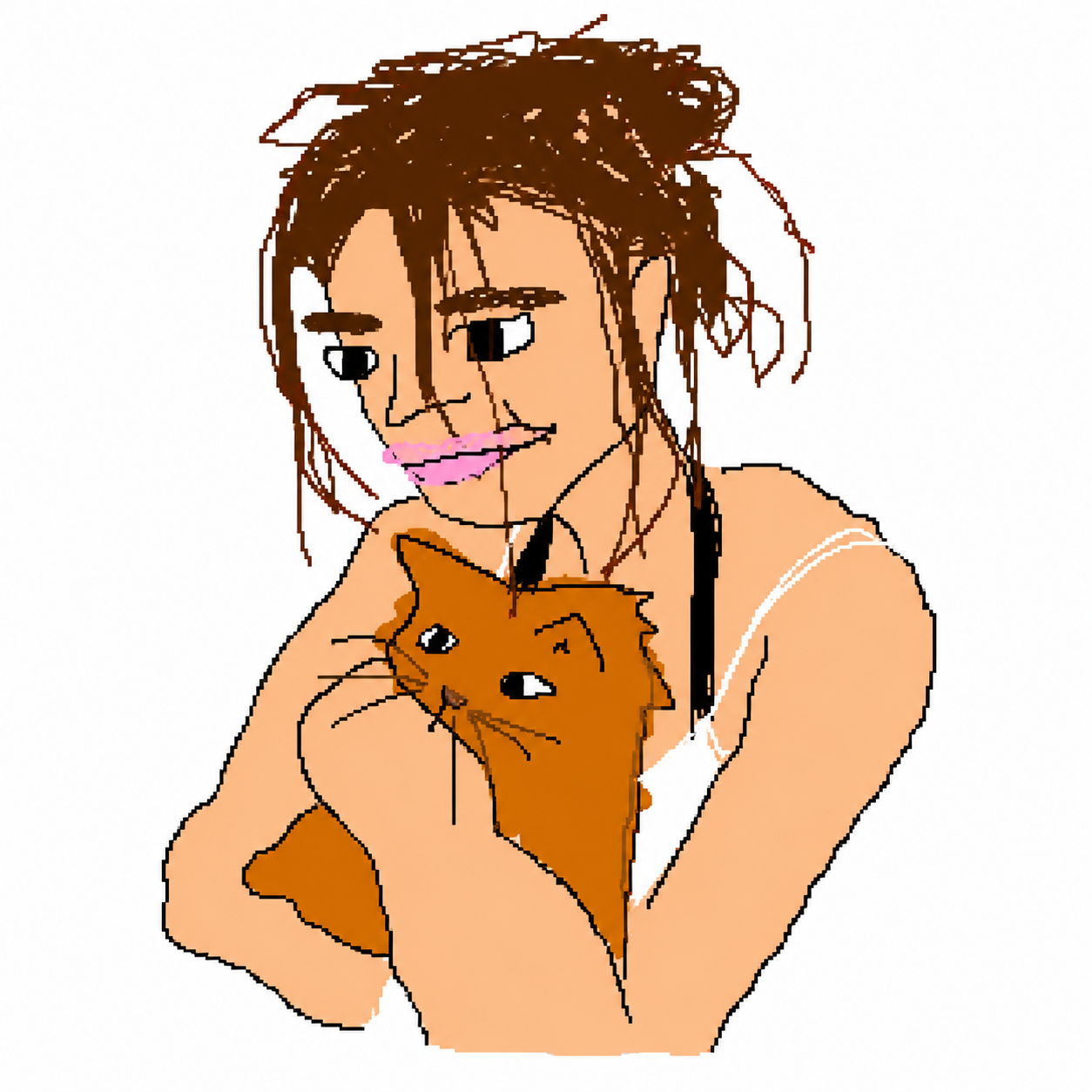
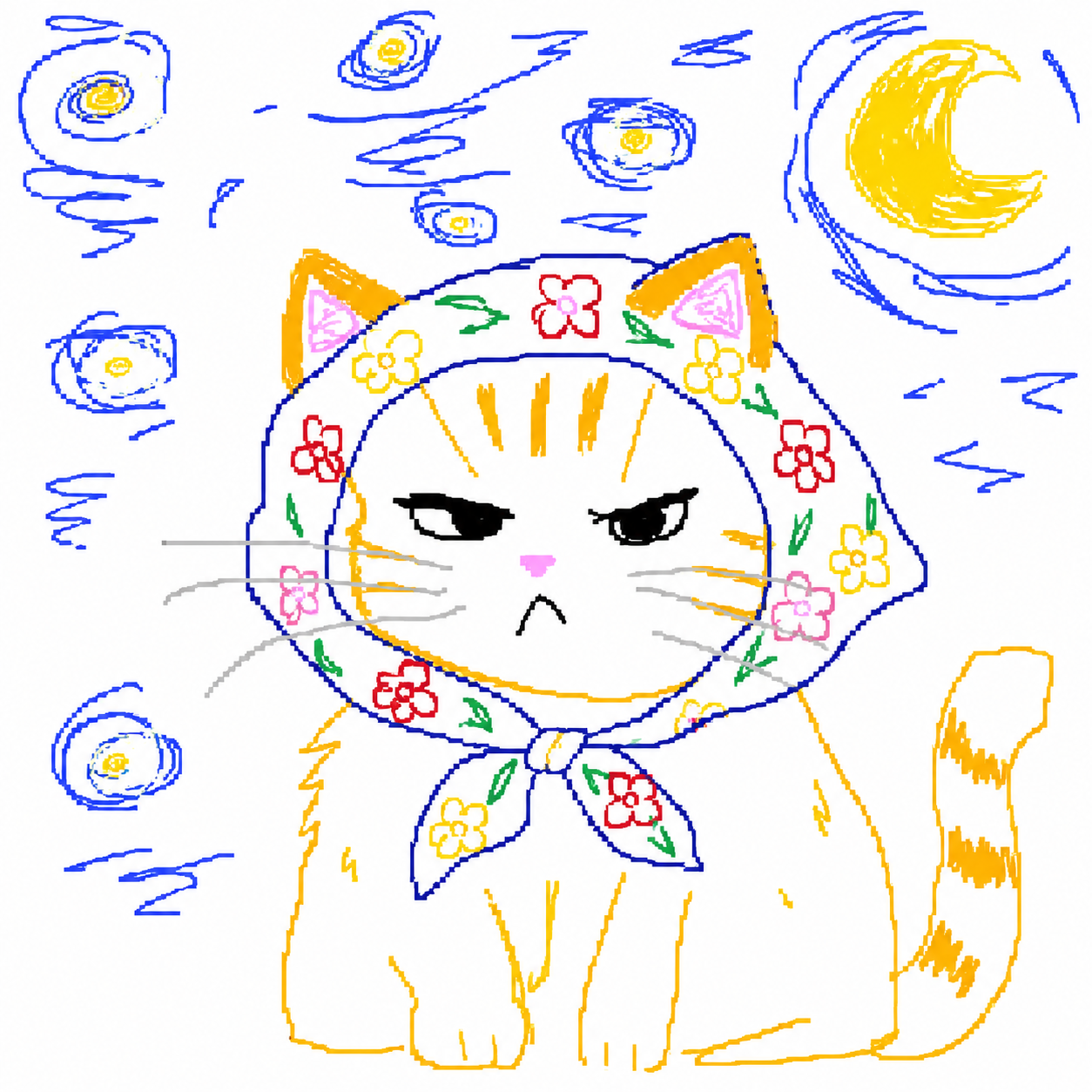
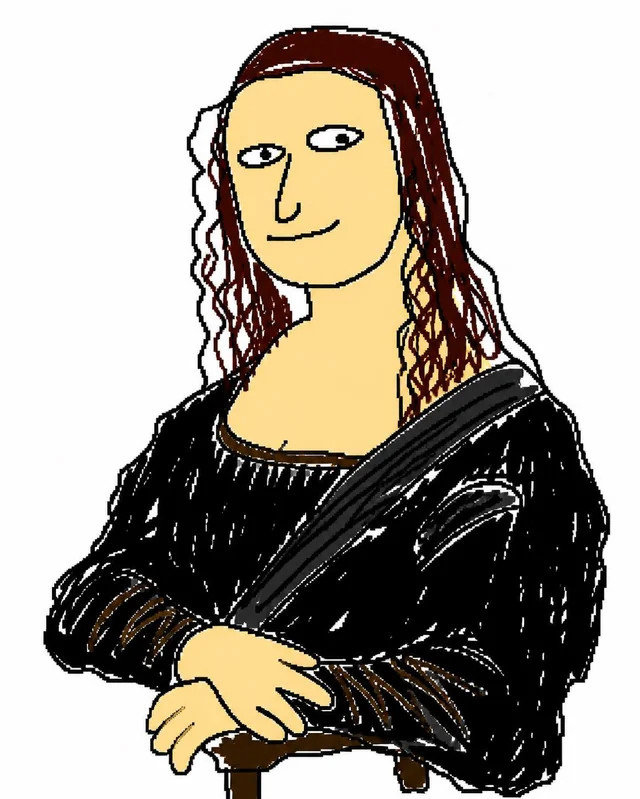
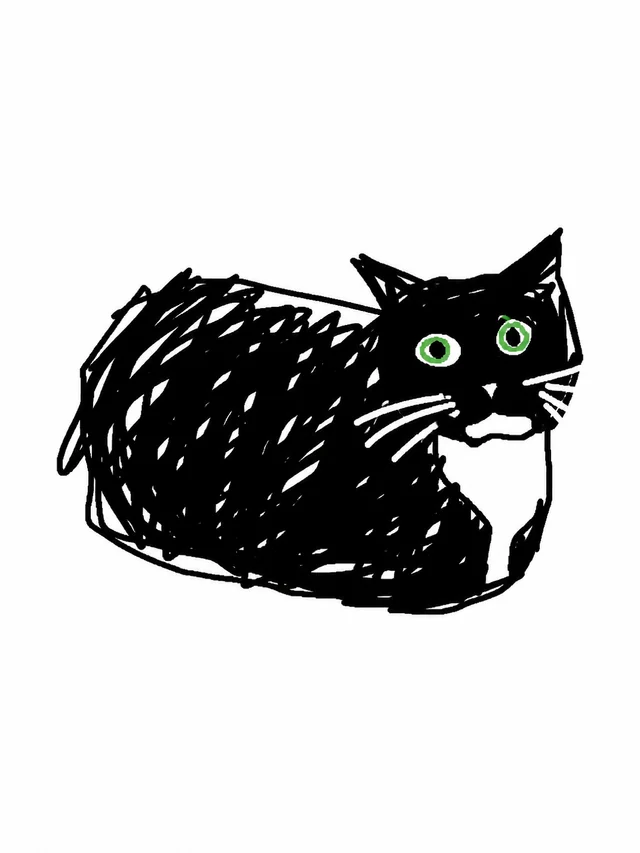
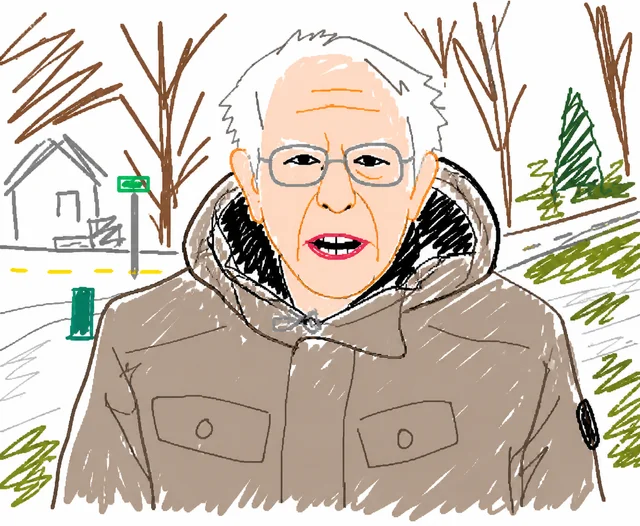
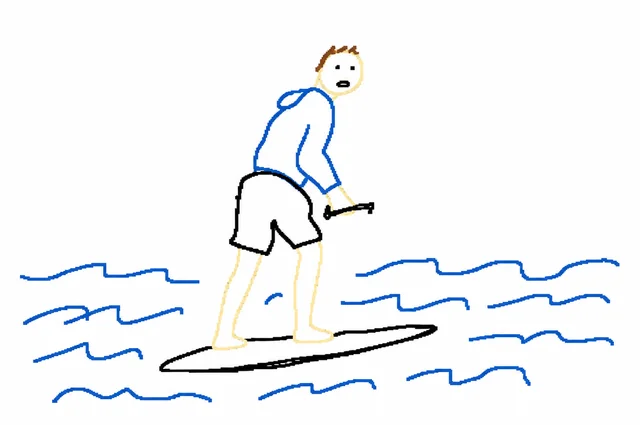
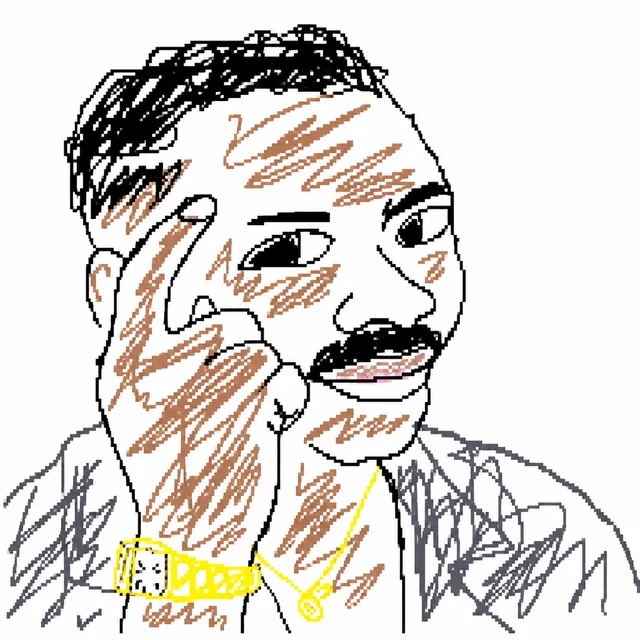
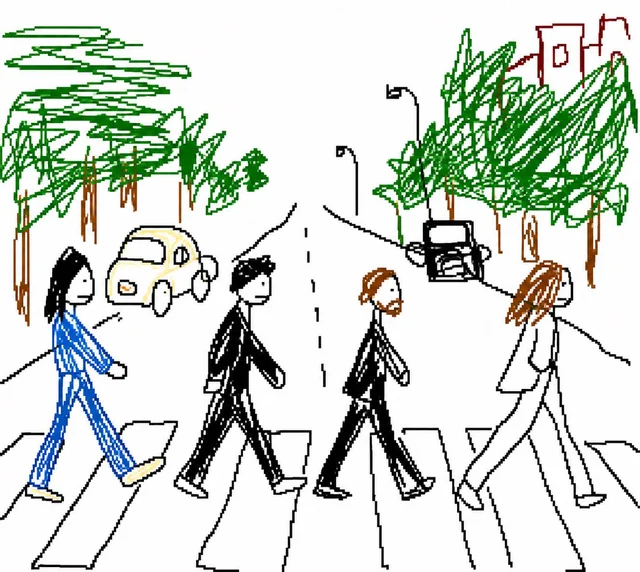
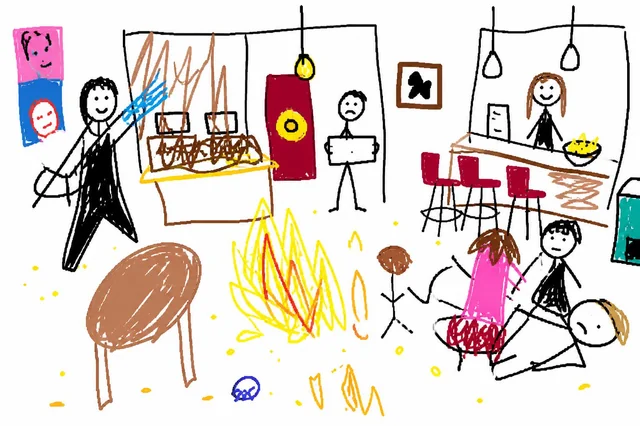
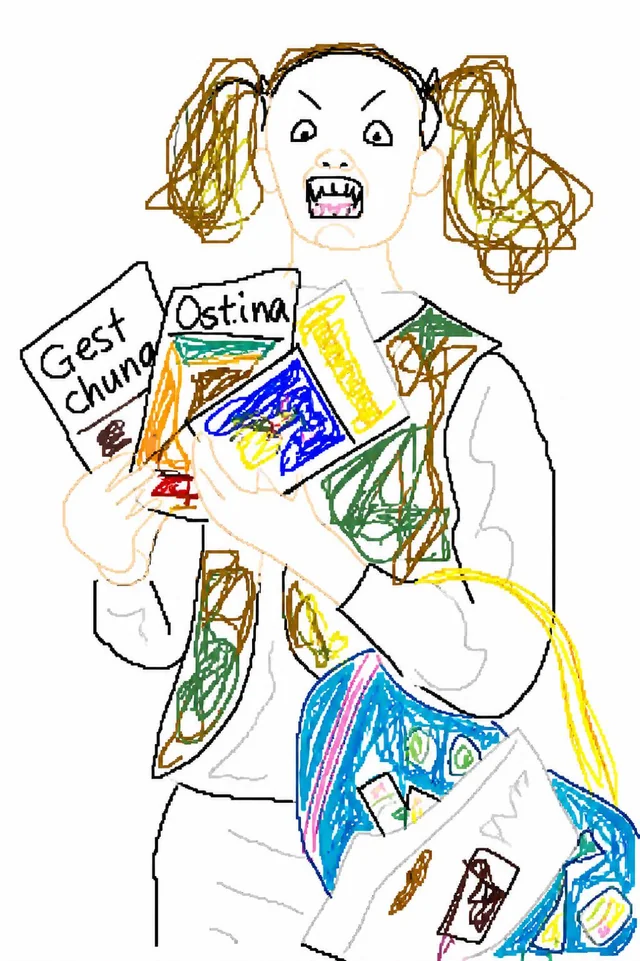
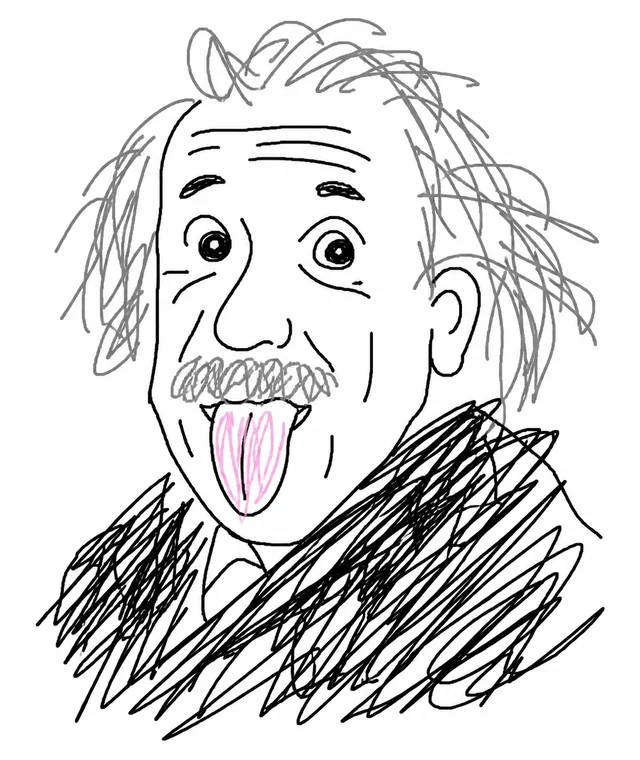
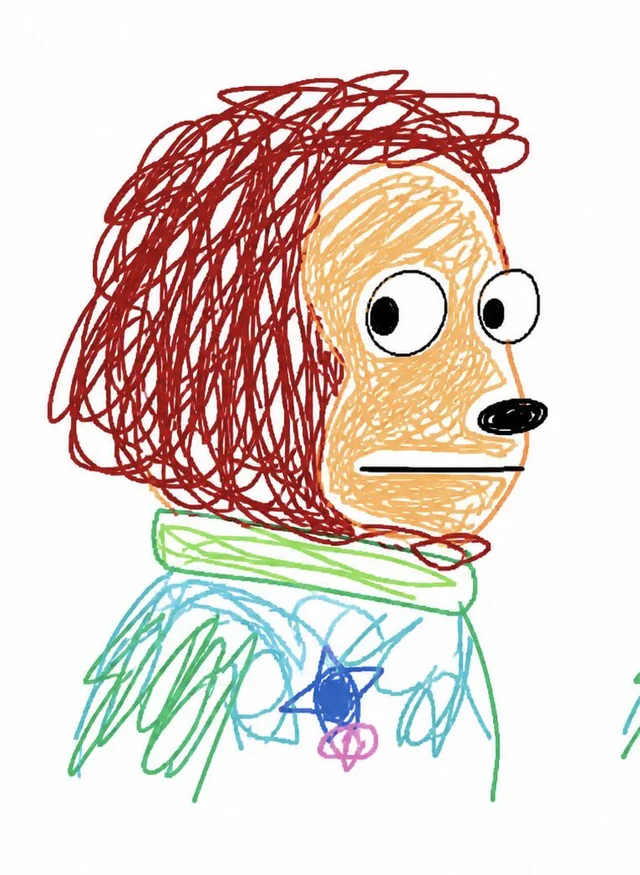
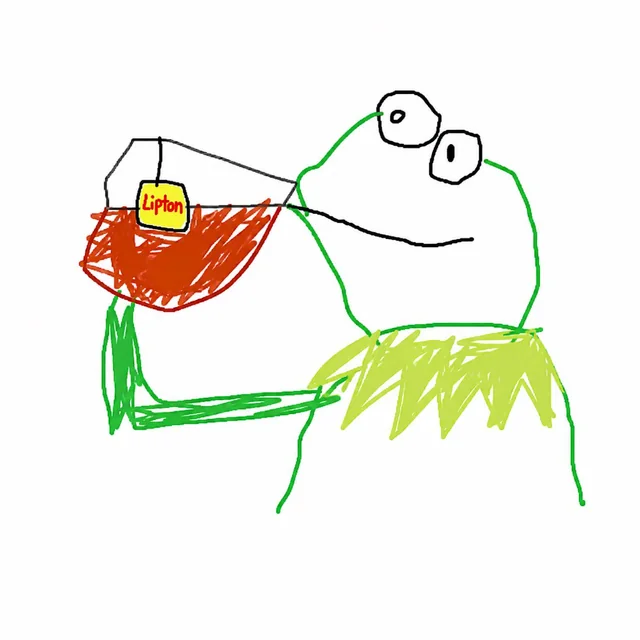
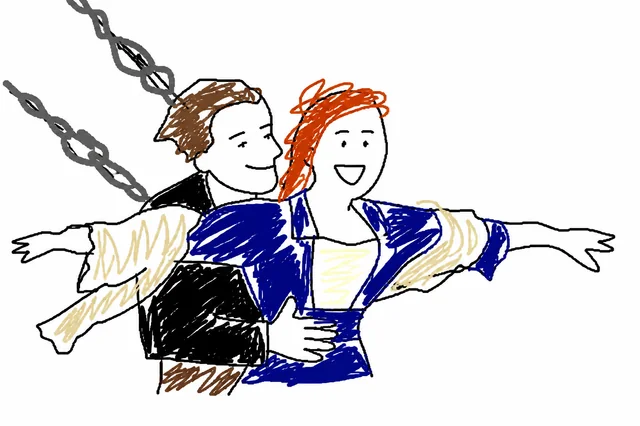
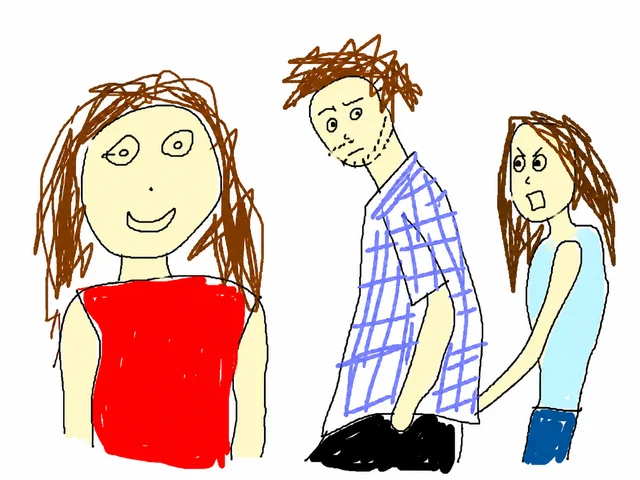
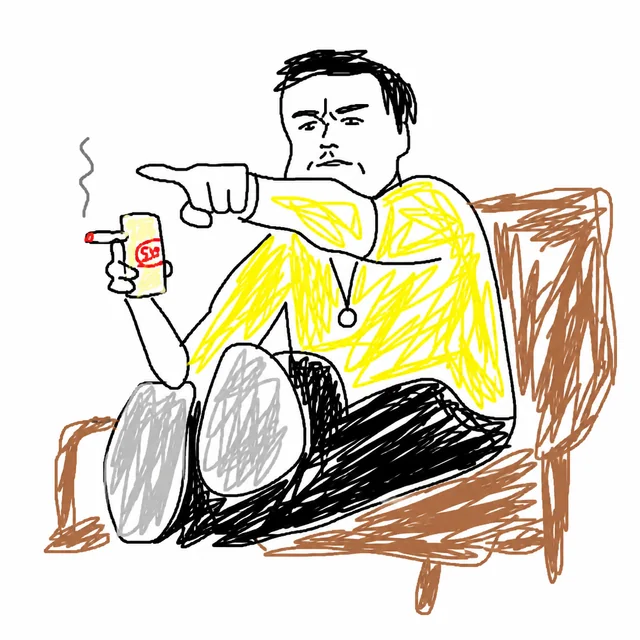
MS Paint disaster art, on purpose
Ugly Image Generator: Turn Any Photo Into Hilariously Bad Art
Upload any photo and this ugly image generator redraws it in glorious MS Paint style — clumsy lines, wrong colors, and charmingly awful proportions. Try it and share the meme-worthy results.

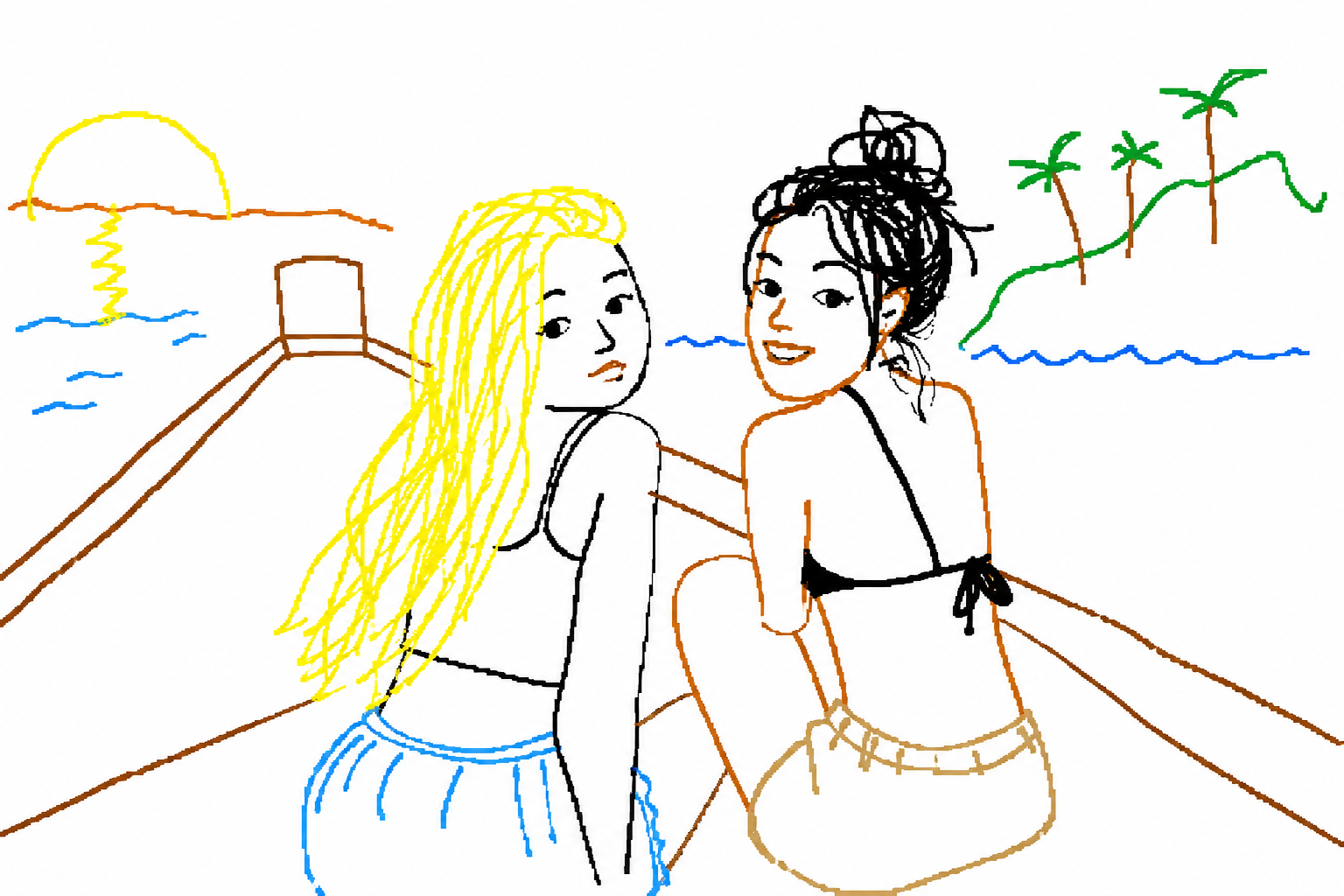
What Is an Ugly Image Generator?
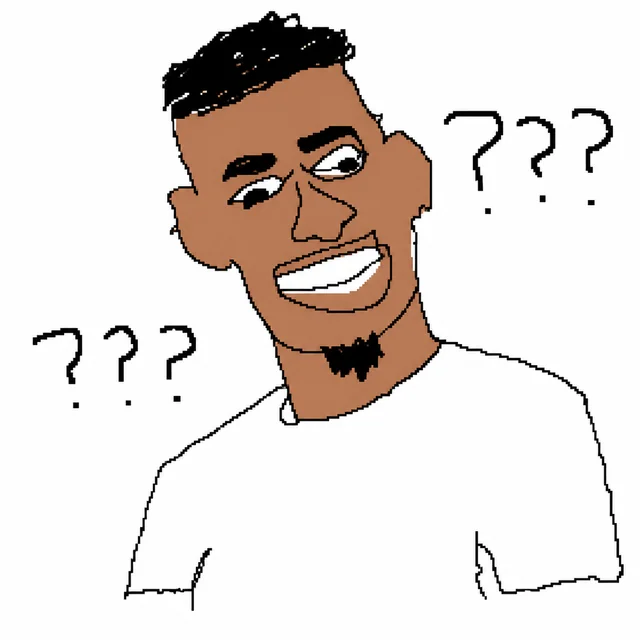
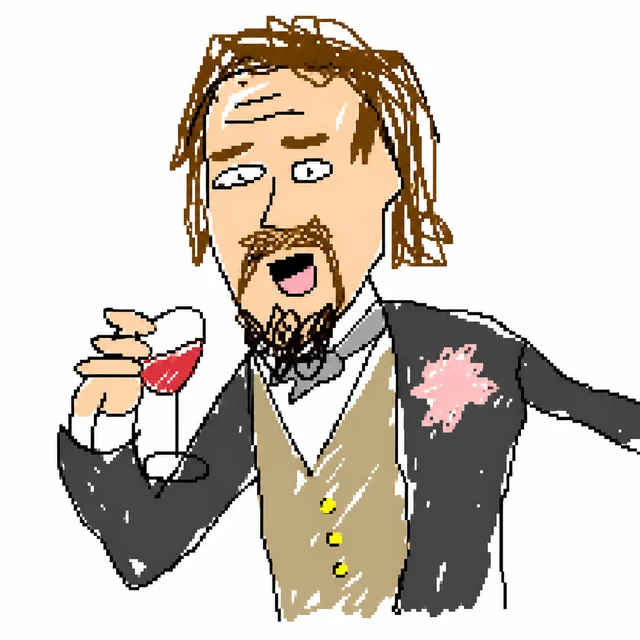
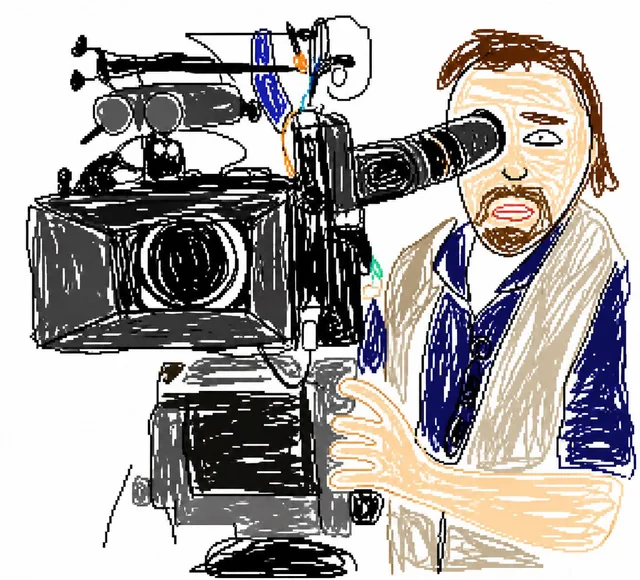
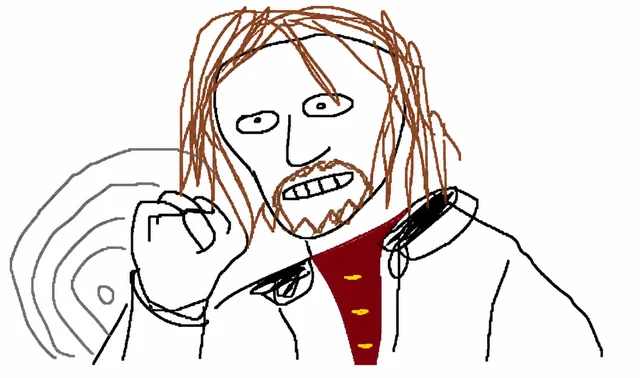
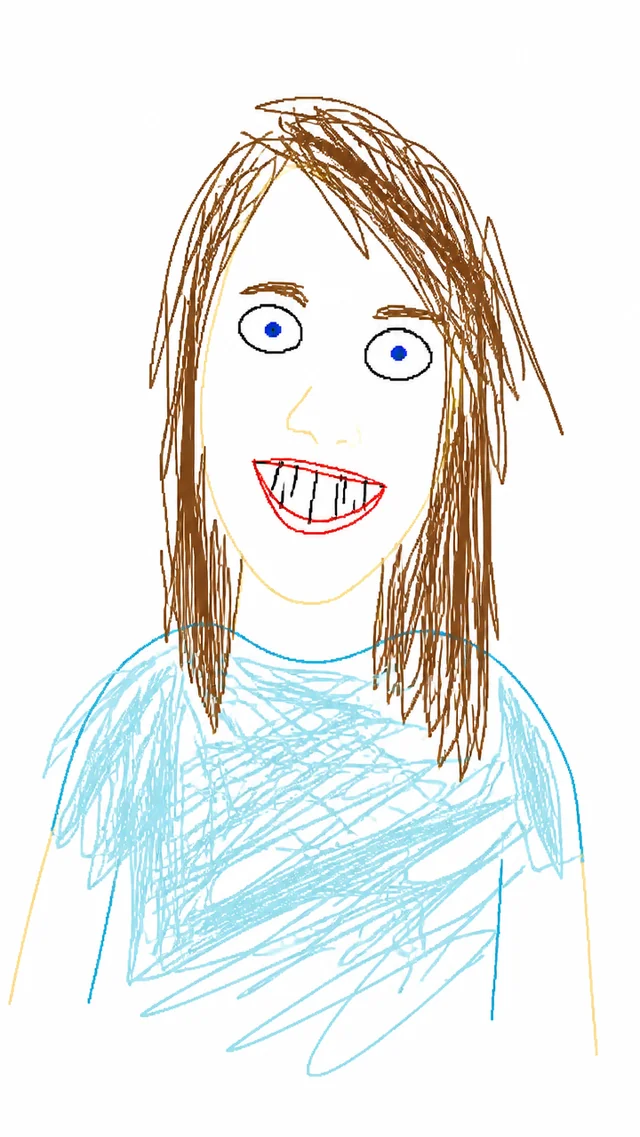
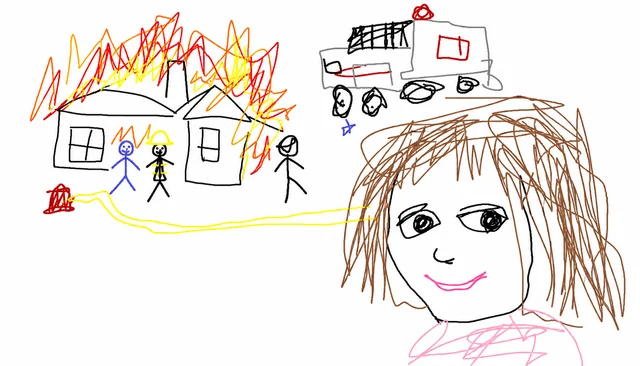
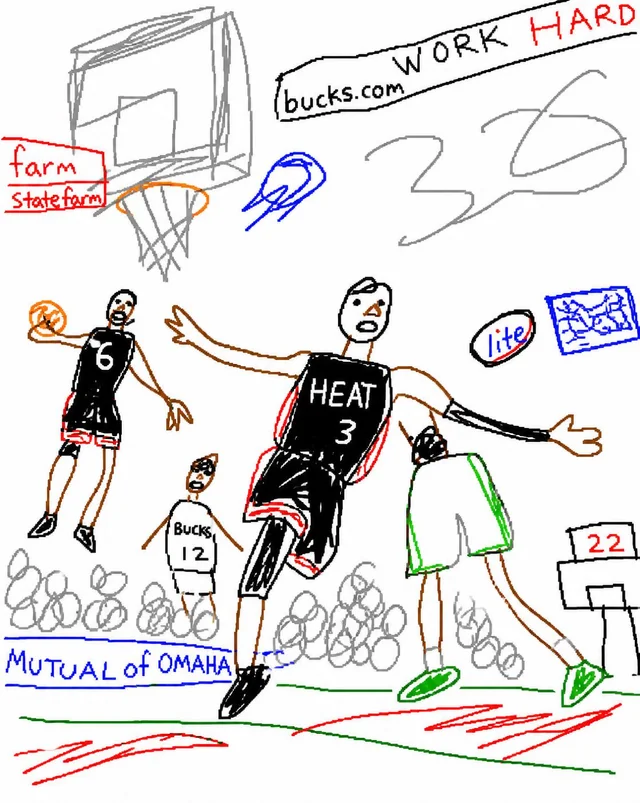
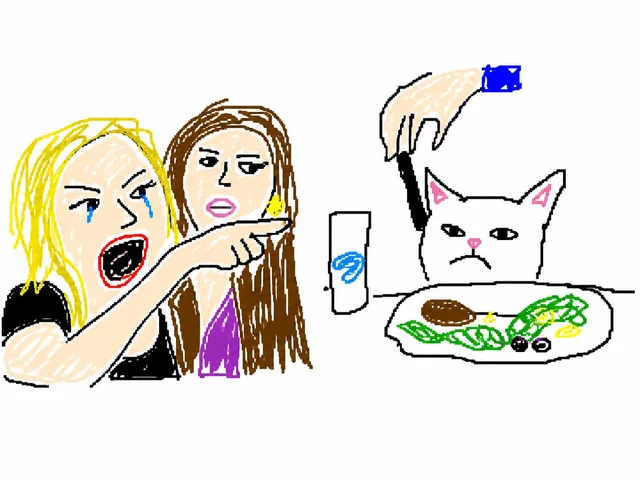
An ugly image generator is a tool that deliberately makes images look bad. It recreates your photo with flat colors, wobbly outlines, awkward anatomy, and the unmistakable MS Paint vibe. Use it for memes, reaction images, inside jokes, or simply to see a hilariously failed version of your picture. The worse it looks, the better it works.
How to Create Ugly Images — Step by Step
- Upload your photo. JPG, PNG, or WEBP works best; portraits and pets give the funniest results.
- Click "Uglify It". One tap and the ugly image generator redraws everything in MS Paint disaster style.
- Wait for processing. About 15–30 seconds to generate the gloriously bad version.
- Review your ugly art. If it is not awful enough, regenerate until it is beautifully terrible.
- Download or share. Save it or drop it into chats, memes, or Discord servers.
Upload to get started
Ugly Image Generator
Instant and intentionally bad. Upload your photo to get started.
We add an ugly-style system prompt automatically: flat colors, wobbly lines, wrong proportions.
Each generation uses 6 credits.
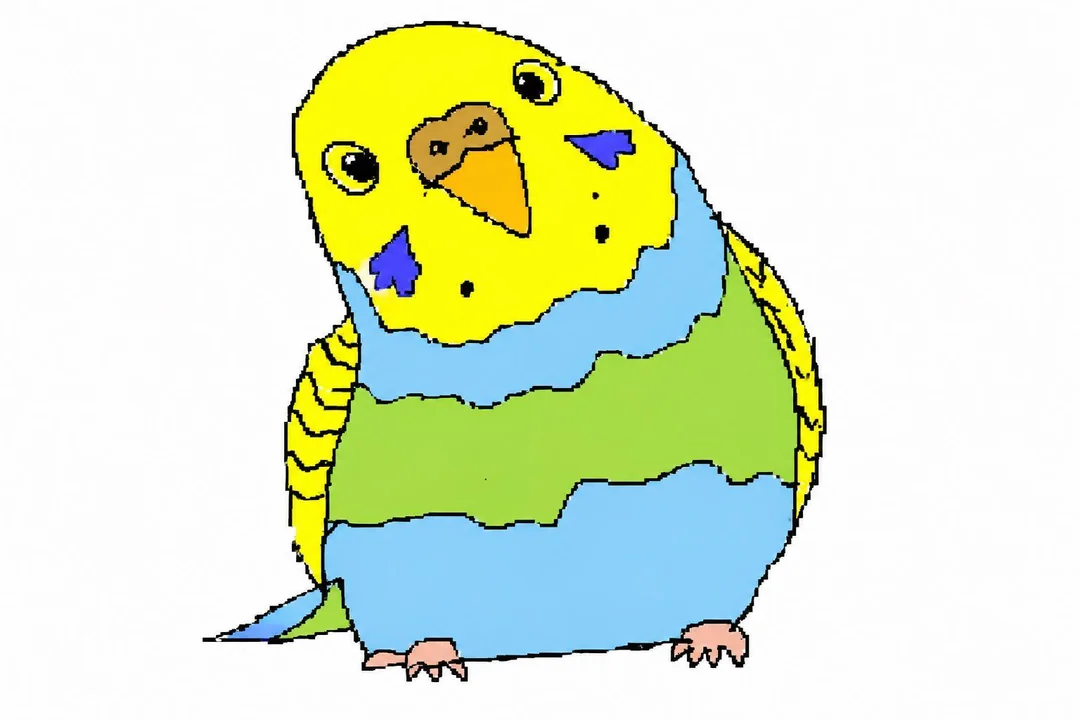
Your ugly MS Paint masterpiece will appear here.
What Makes the Best Ugly Images?
Best Photo Types for Ugly Image Generation
Portraits, pets, and food photos work best — the ugly image generator has recognizable shapes to mess up. High-contrast images with a single subject deliver the funniest ugly redraws. Busy backgrounds dilute the effect; keep it simple and let the mistakes shine.
Tips to Make Your Ugly Image Even Worse
Use centered subjects, exaggerated expressions, and uneven lighting. Ask for shaky outlines, flat block colors, weird shading, and wrong anatomy. If the result looks too polished, regenerate until it is gloriously broken.
The History of Ugly Art on the Internet
MS Paint culture has fueled bad art memes for decades. From wobbly stick figures to flat block colors, the charm comes from obvious imperfections. Ugly art embraces that tradition, turning precision tools into instruments of chaos. The aesthetic celebrates failure and reminds everyone that imperfect visuals can be the most shareable content on social media.
Frequently Asked Questions About Ugly Images
What is an ugly image generator?
It is a tool that intentionally redraws your photo in a clumsy MS Paint style with flat colors and wobbly outlines.
How do I make my photo look ugly?
Upload your image, click Uglify It, and the ugly image generator will create a low-effort MS Paint remake in 15–30 seconds.
How much does the ugly image generator cost?
Each generation uses 6 credits from your account. You can purchase credits on the pricing page.
What photos work best?
Portraits, pets, and simple objects with clear contrast make the funniest ugly results.
Can I share the results?
Yes. You can download or share them for personal, non-commercial use. Make sure you own the photo you upload.
What is MS Paint art style?
It is the lo-fi aesthetic of Microsoft Paint: flat fills, jagged edges, shaky outlines, and awkward proportions.
What if the result is too good?
Regenerate. We bias for ugliness, but you can force more wobbly lines, flat colors, and wrong anatomy in the prompt.
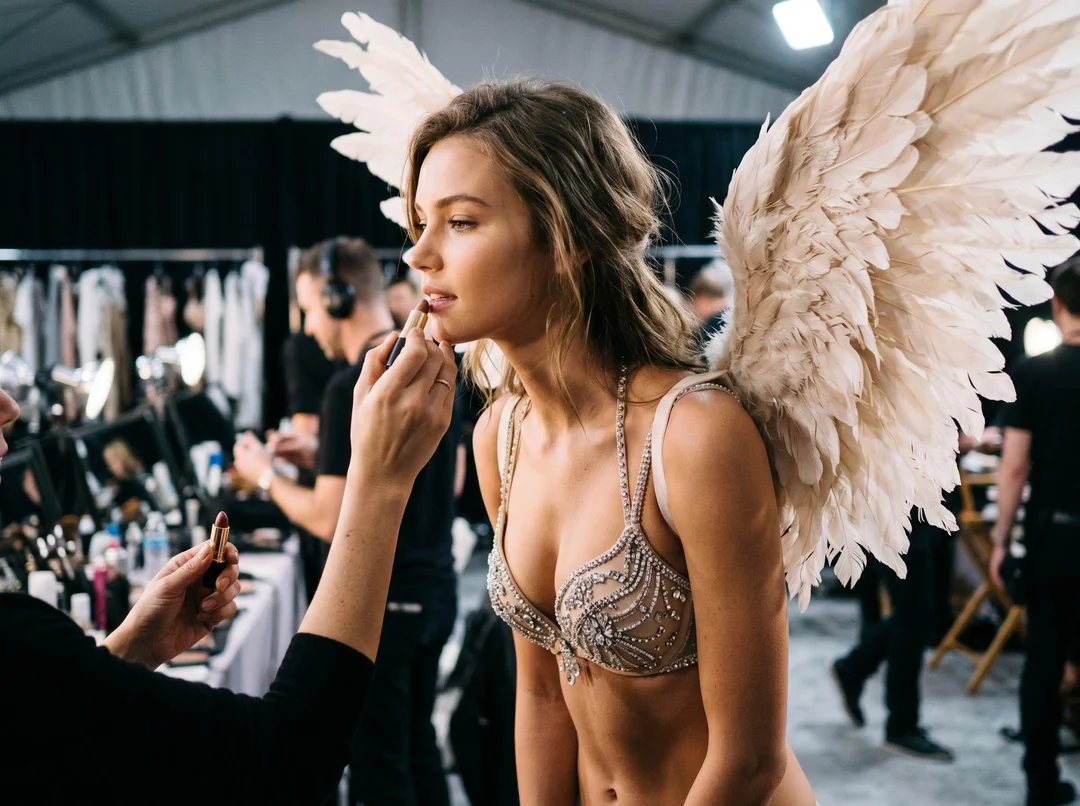
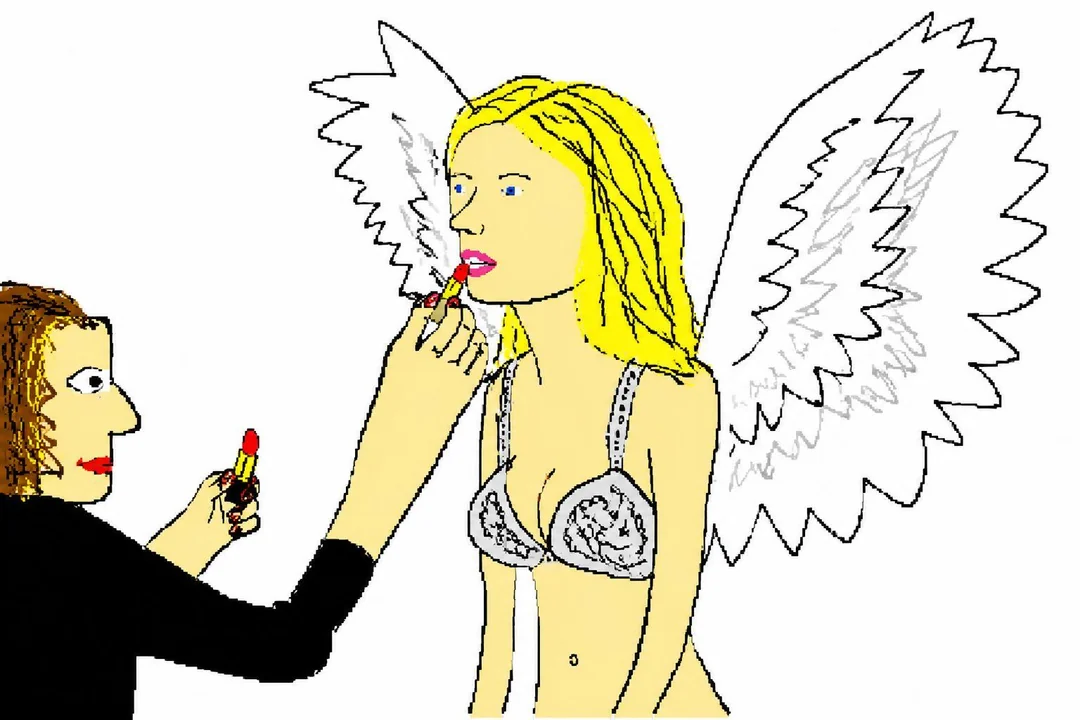
Real vs. Ugly Examples
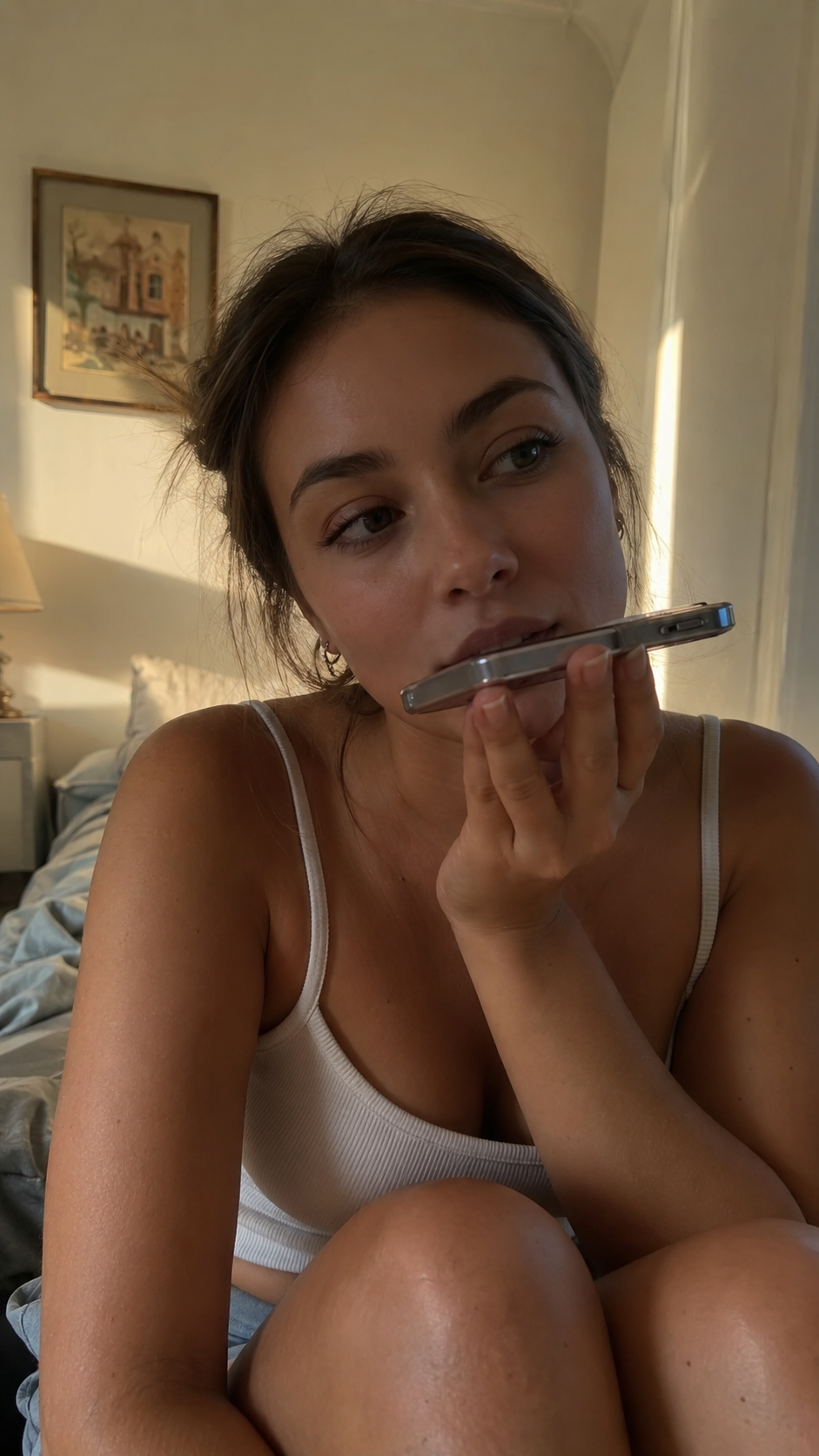
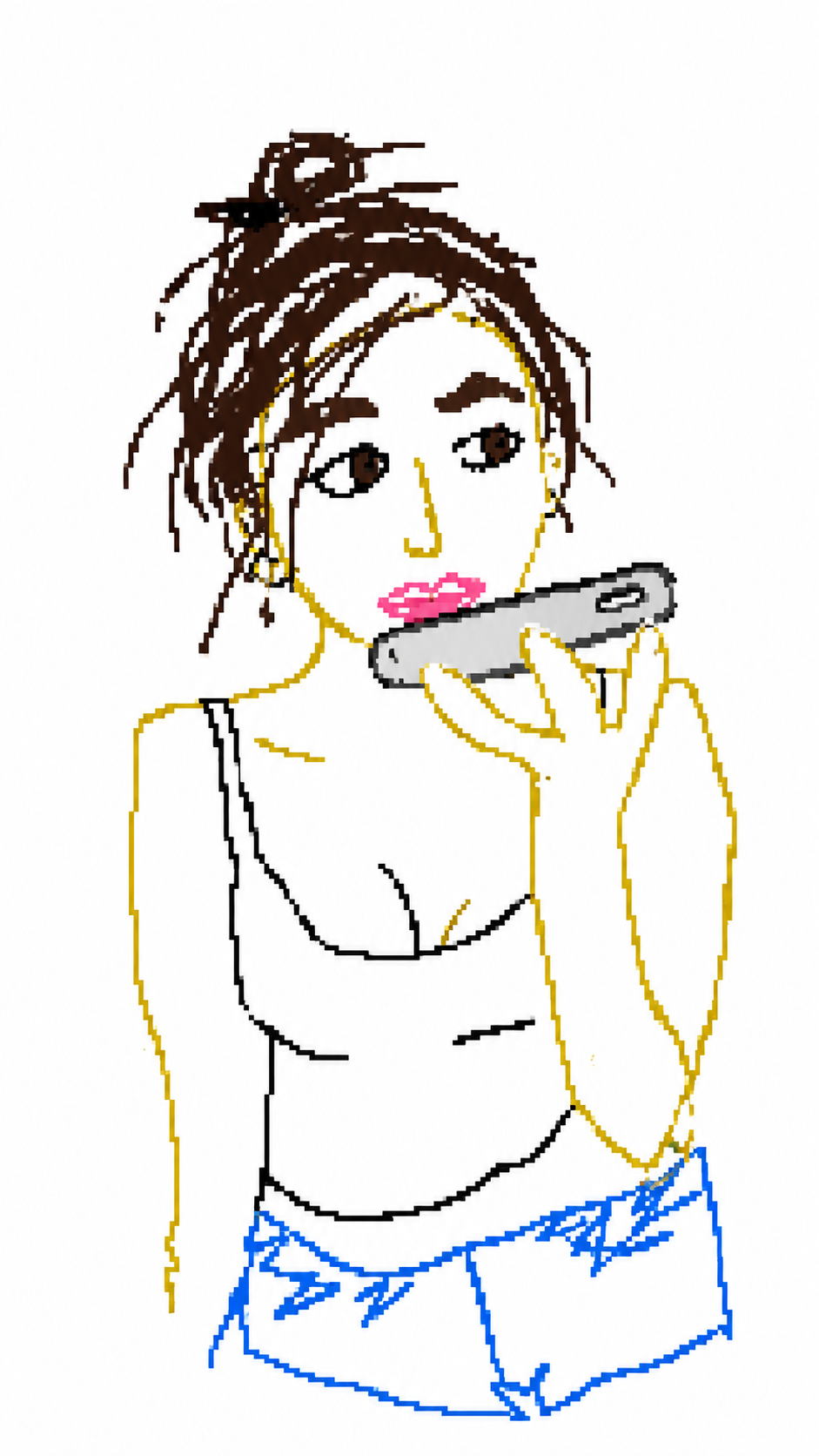
Each pair shows the original photo on the left and the MS Paint-style ugly redraw on the right.


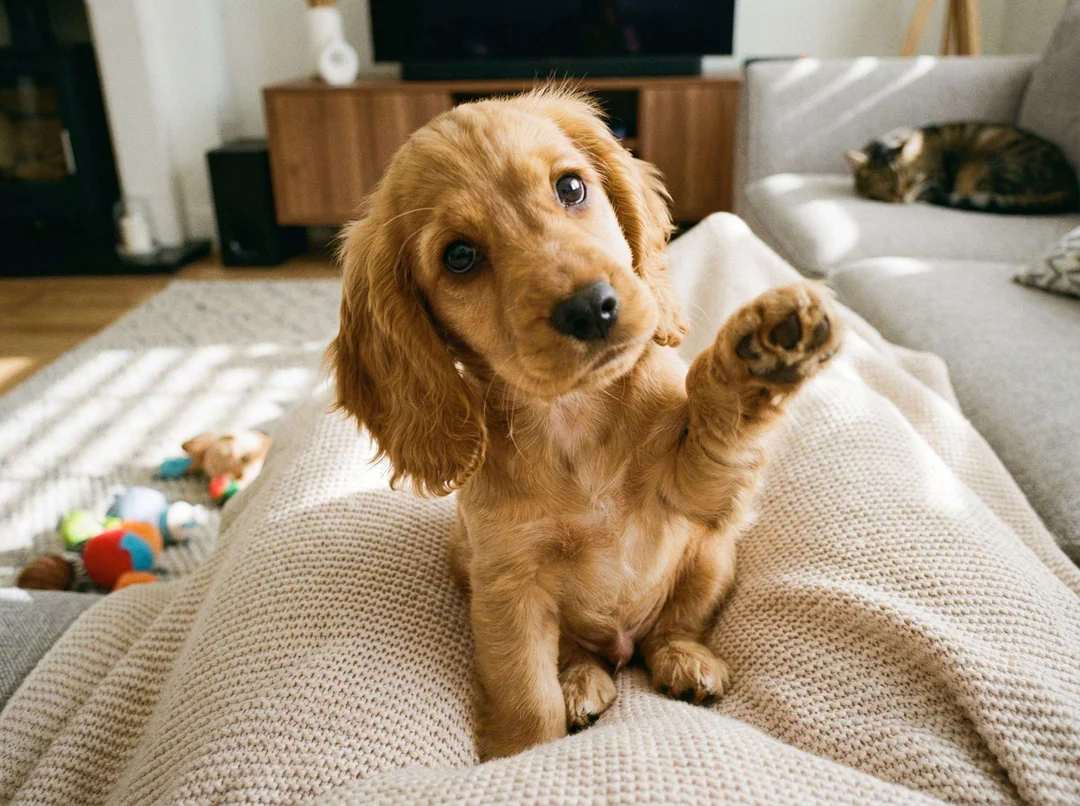
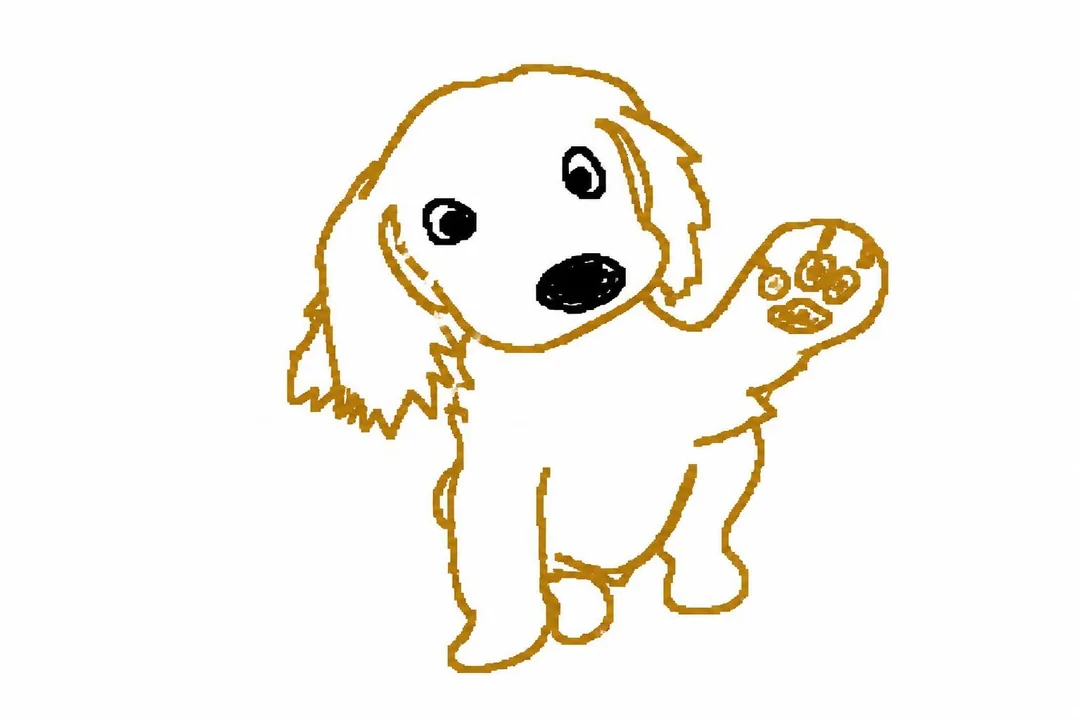
Pure Ugly Gallery
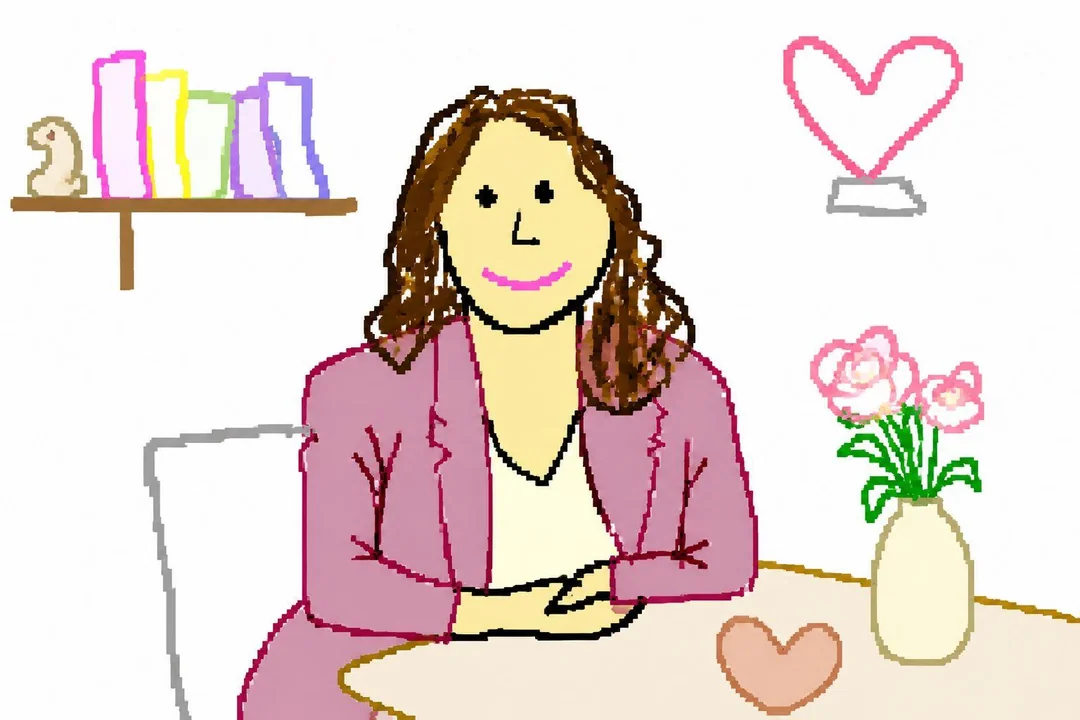
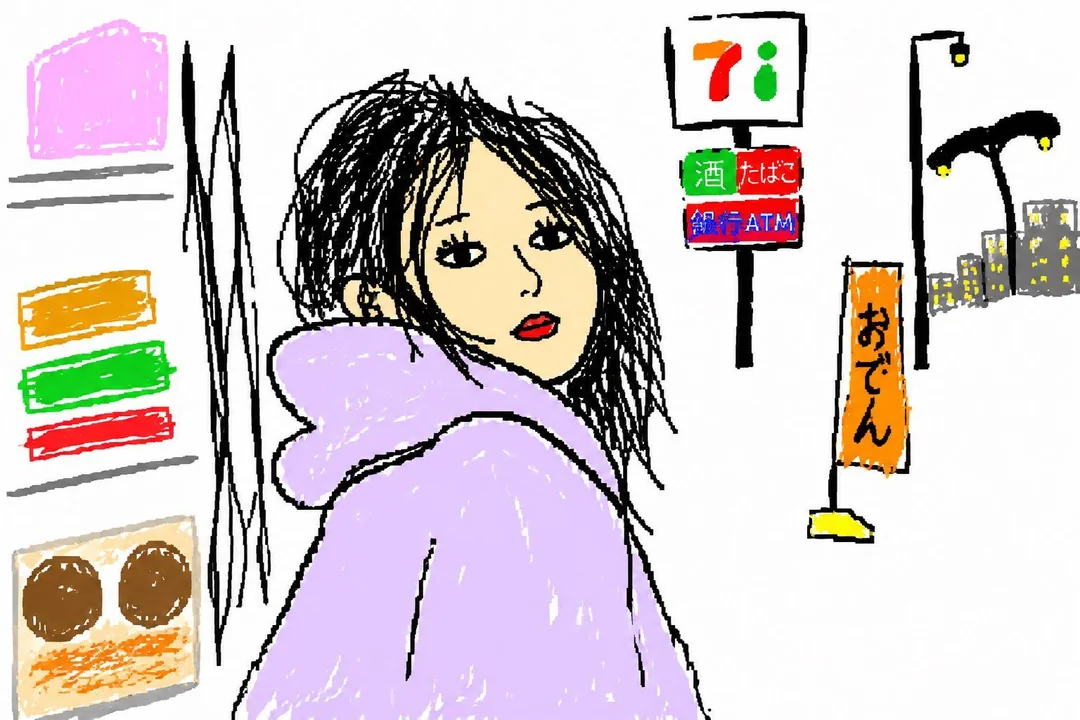
A flowing wall of ugly-only MS Paint samples. Scroll sideways on mobile or browse the masonry flow on desktop.