Smarter workflows enhanced by the web
In supported modes, ChatGPT Images 2.0 can combine prompt understanding, web retrieval, file analysis, and visual planning for more accurate results.
Create stunning AI images from text in seconds
chatgptimages2.io is an independent platform and is not affiliated with OpenAI or its products.
Plan composition, structure, and object relationships more accurately from detailed prompts.
Generate image sets with more stable characters, style, lighting, and scene continuity.
Render small text, UI labels, and multilingual content more faithfully at high resolution.
Discover stunning images created with ChatGPT Images 2.0
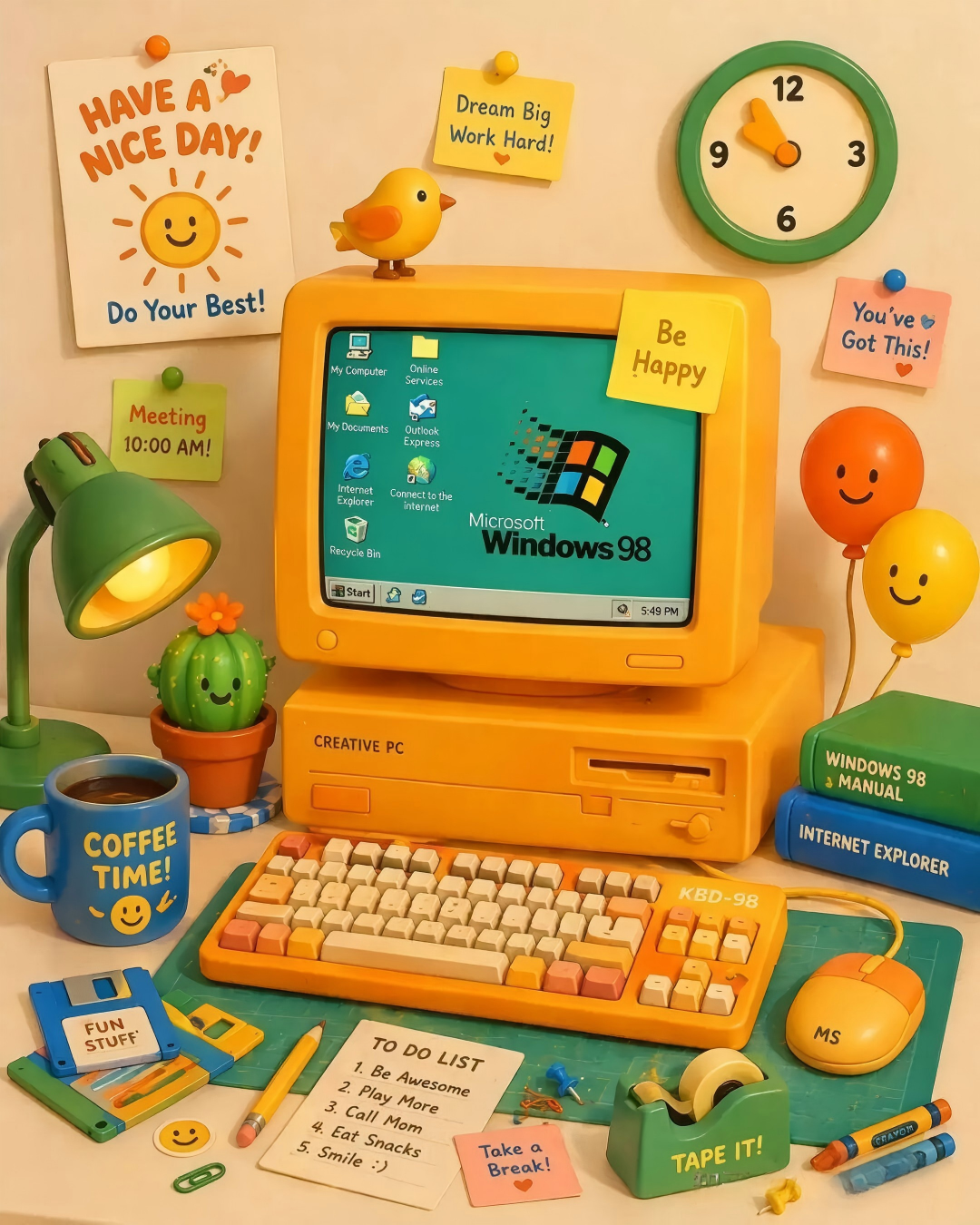
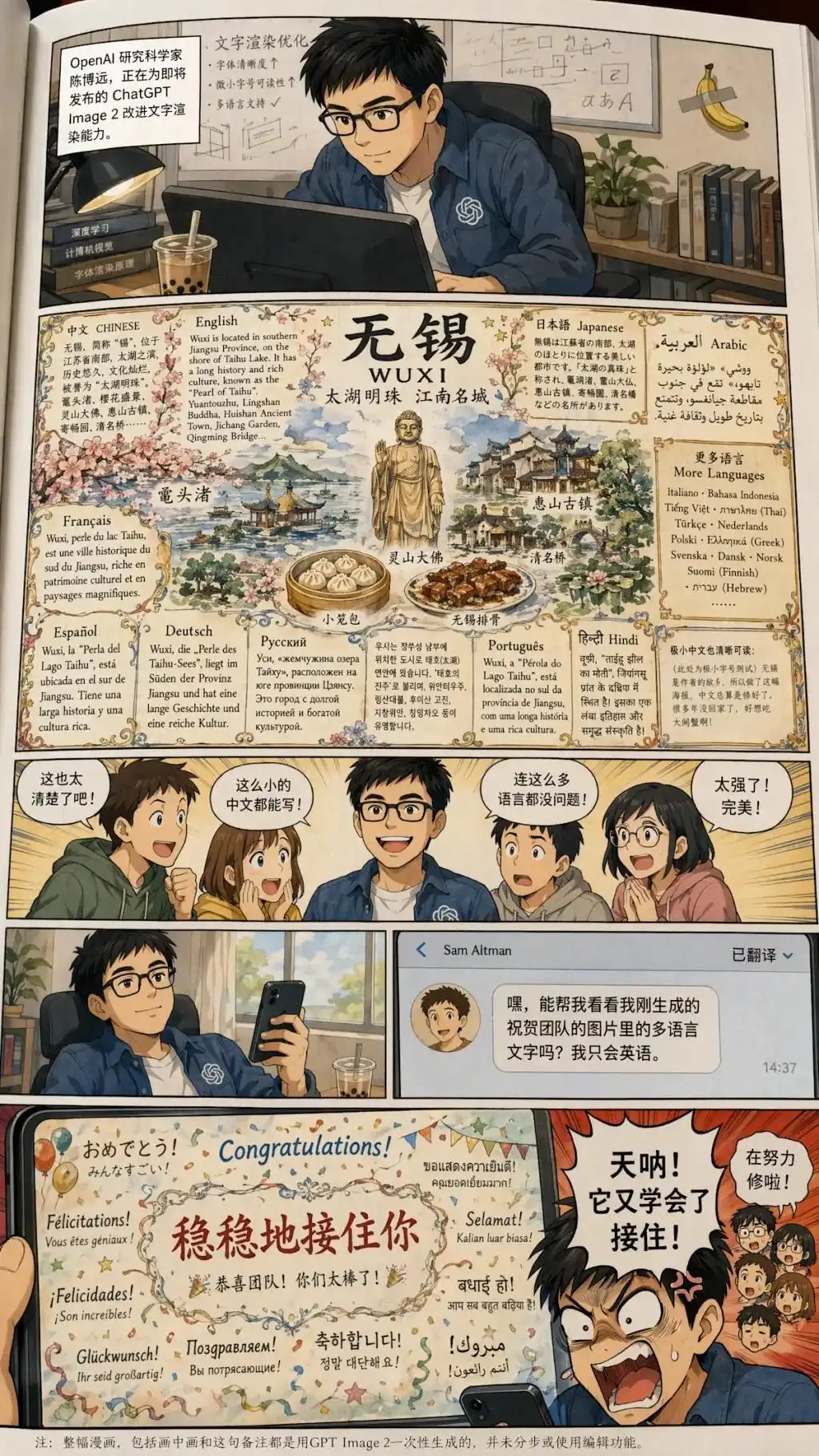
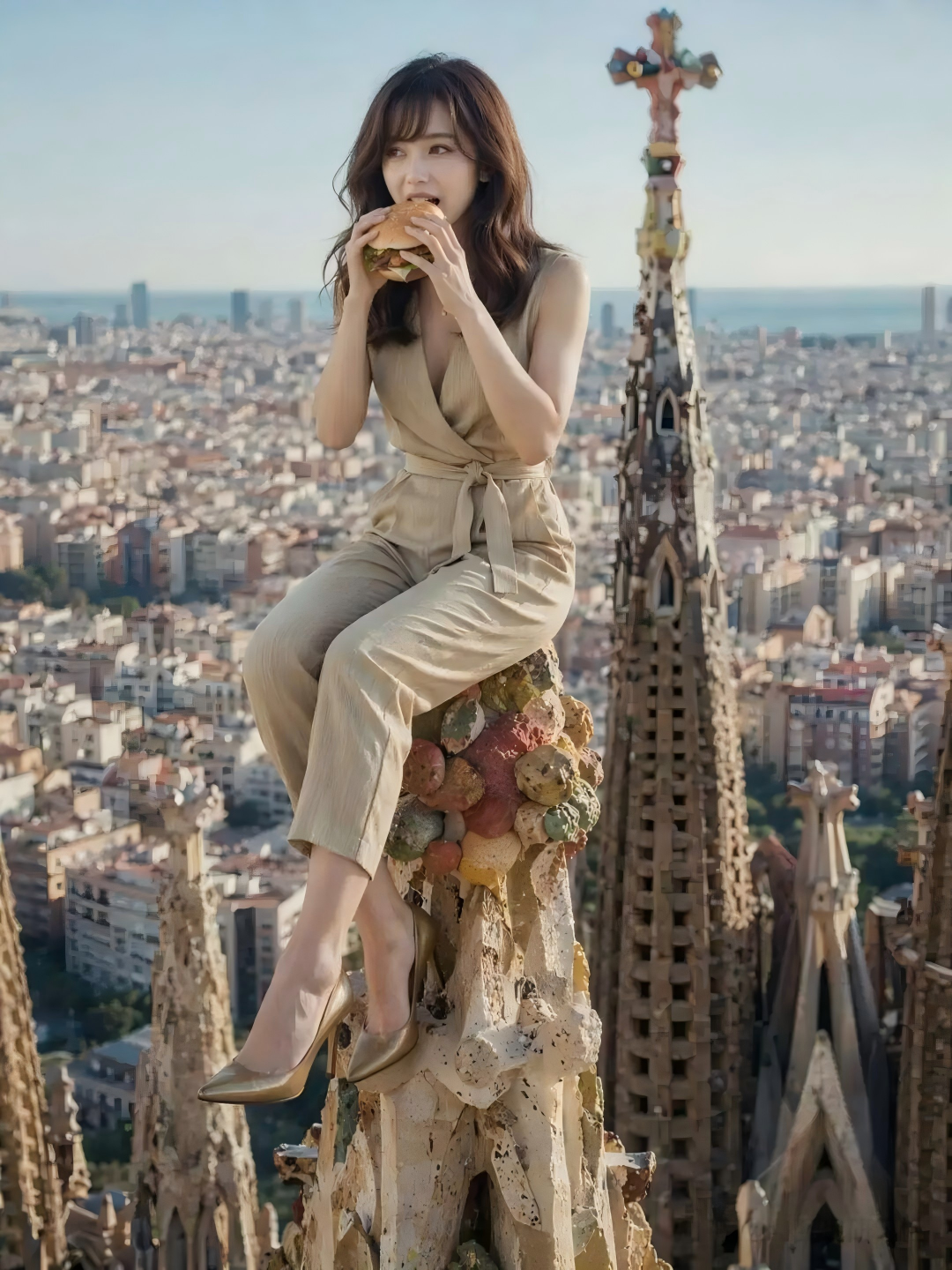
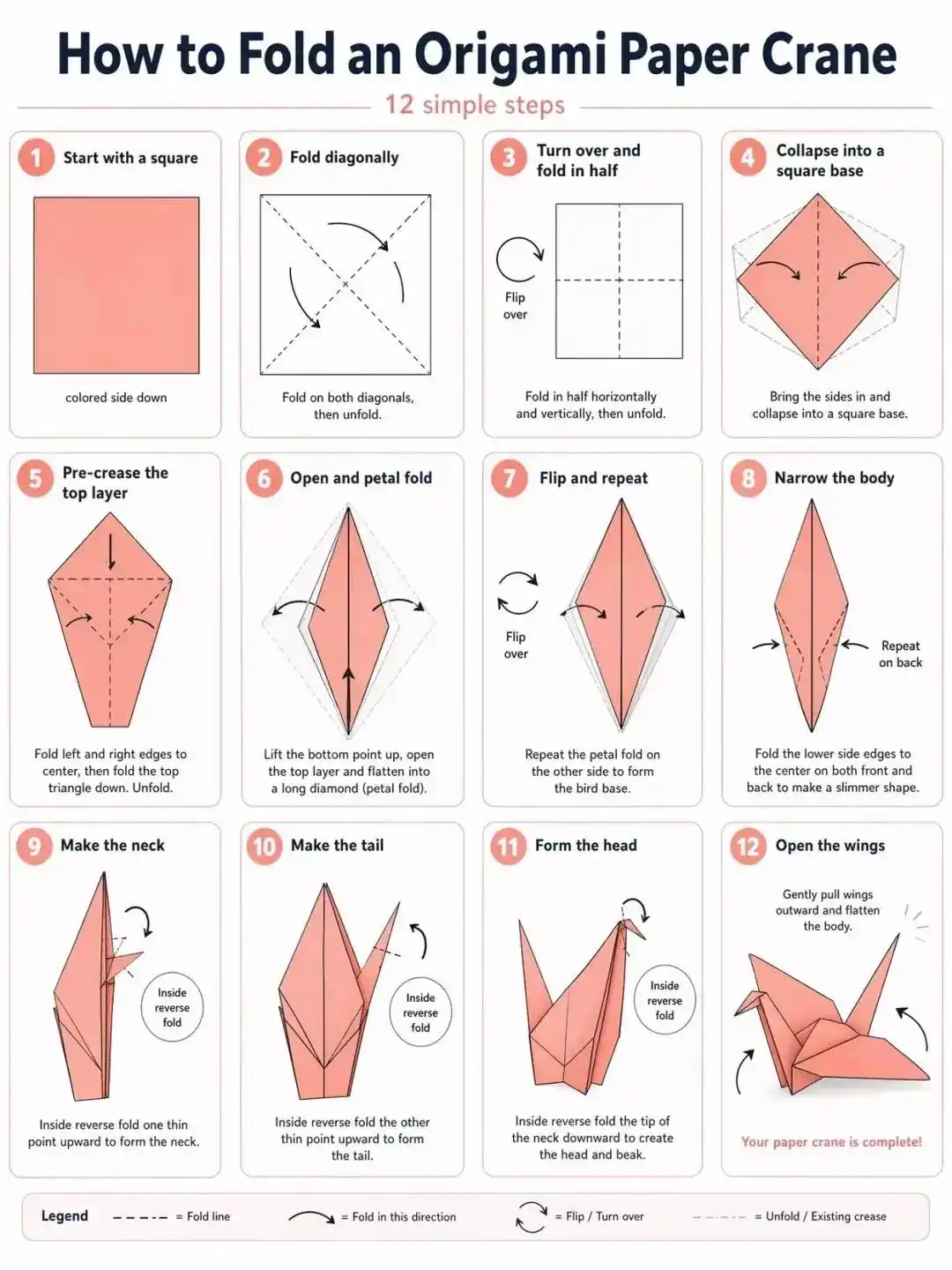
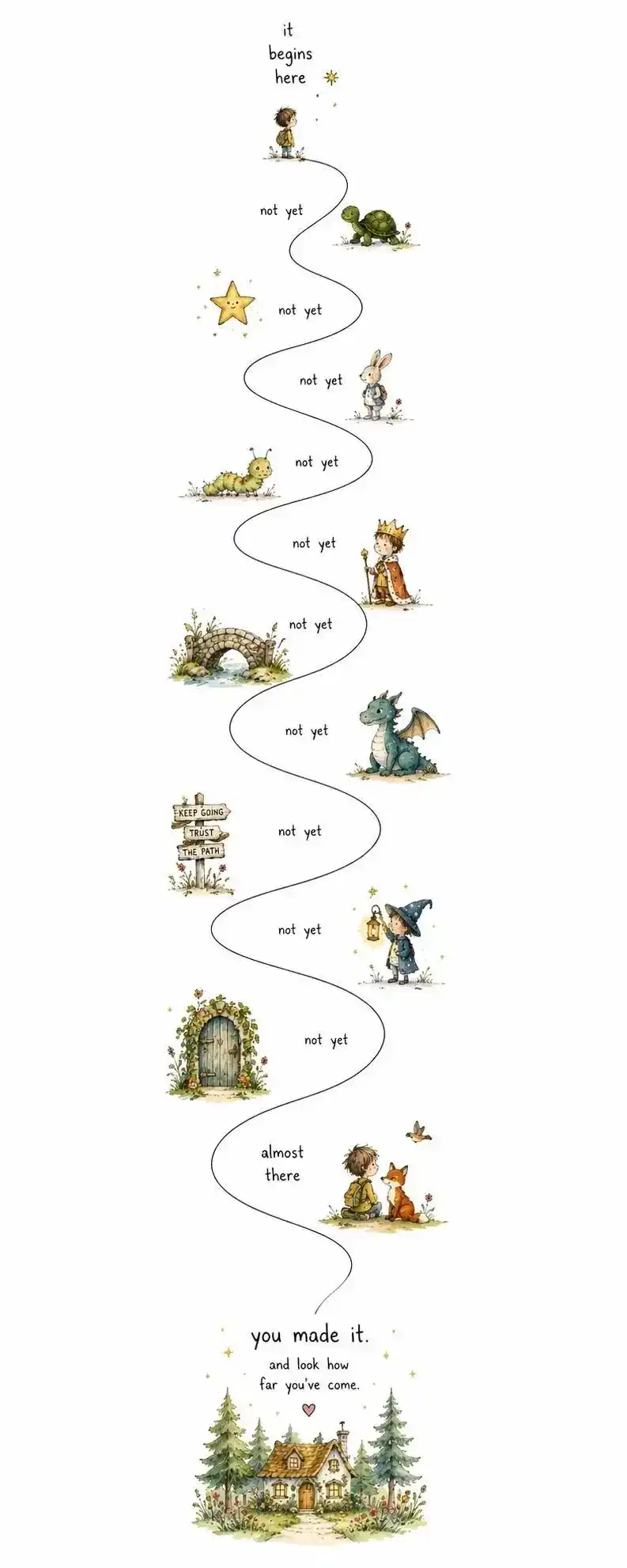
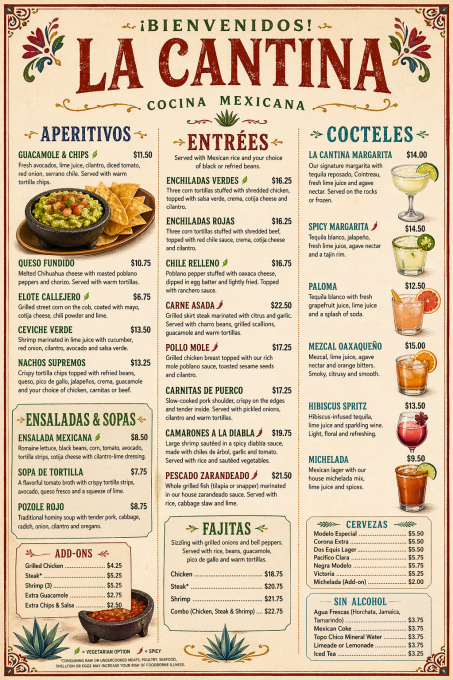
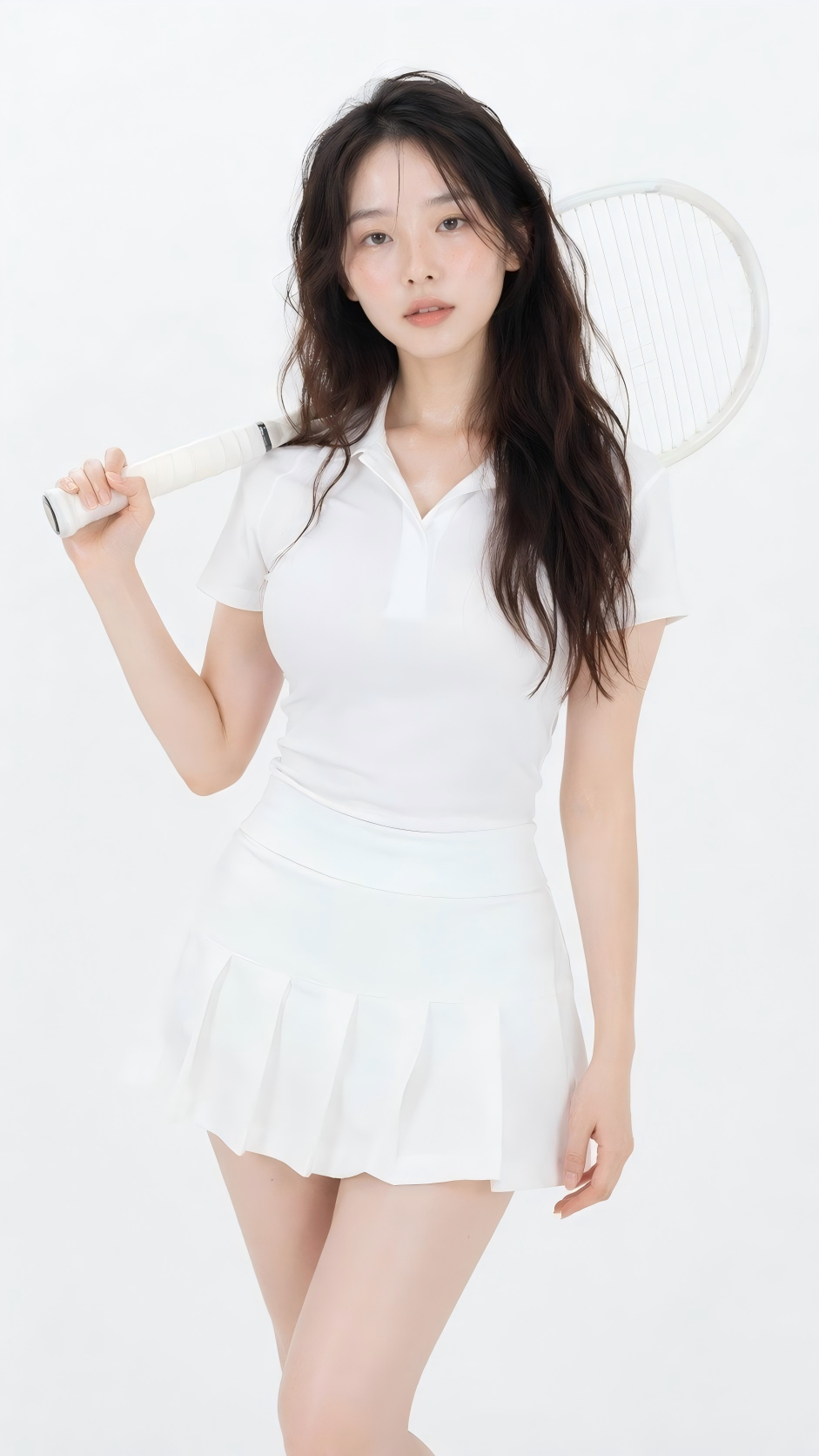
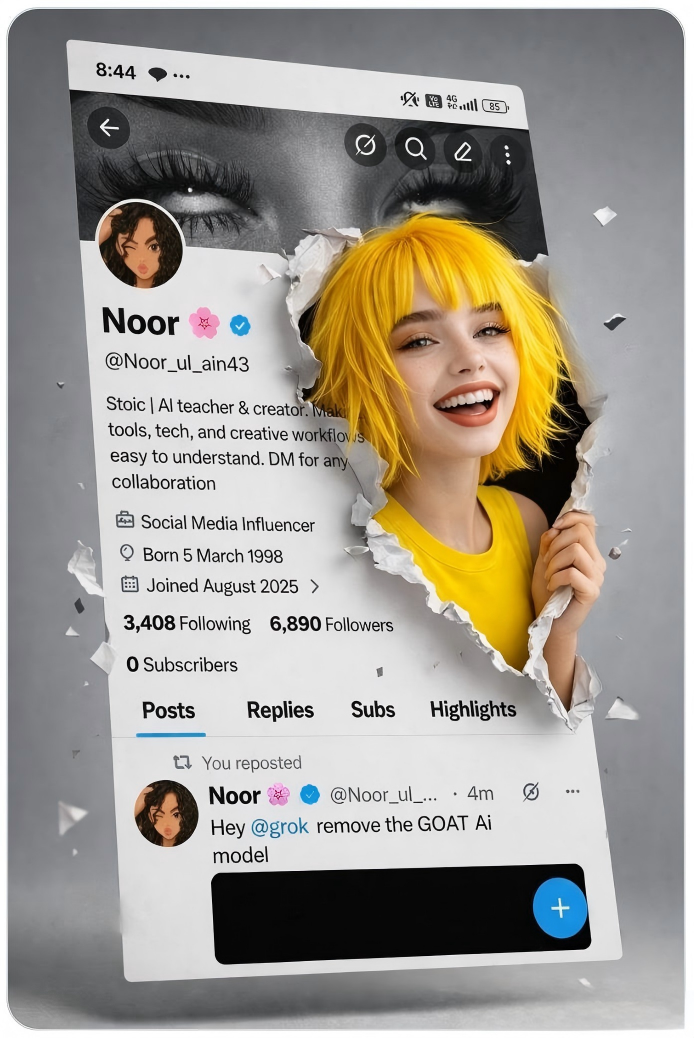
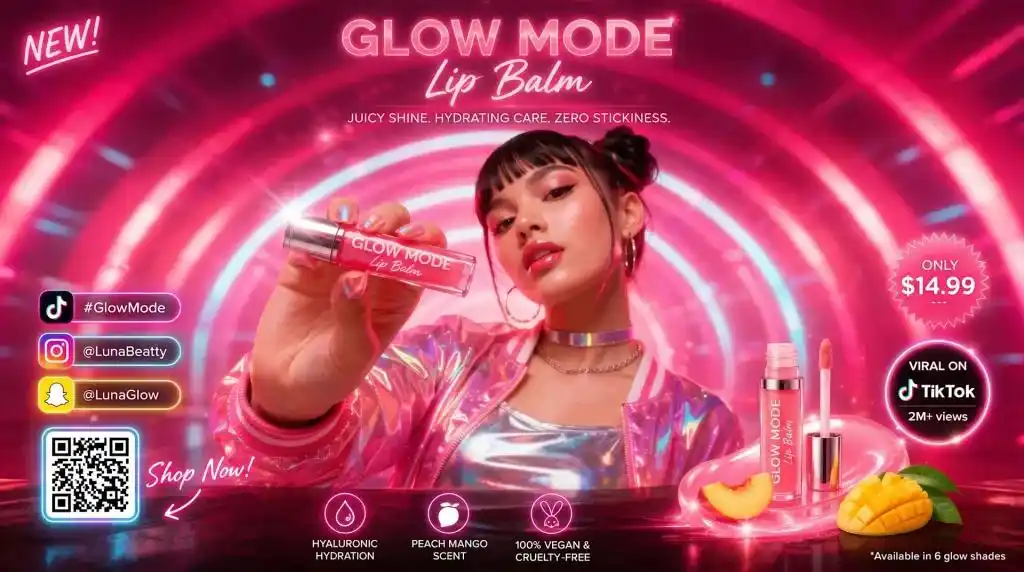
ChatGPT Images 2.0 is an AI image generator powered by GPT Image 2, with reasoning as its biggest upgrade. In supported workflows, the model can retrieve live web information, interpret uploaded files, plan visual structure, and transform a detailed prompt into a more thoughtful result instead of simply reacting to keywords.
The model is optimized for instruction following, dense text rendering, small UI elements, precise object placement, and detailed compositions. It can generate up to 8 images per prompt while maintaining consistency in character, style, and scene logic, with output up to 2K and multiple aspect ratios.
In supported modes, ChatGPT Images 2.0 can combine prompt understanding, web retrieval, file analysis, and visual planning for more accurate results.
Generate up to 8 images in one request while maintaining character identity, visual direction, tone, and scene continuity.
Produce highly detailed visuals up to 2K with better support for dense text, menus, icons, UI, labels, and multilingual typography.
Complex, multi-panel works that show the full range of ChatGPT Images 2.0
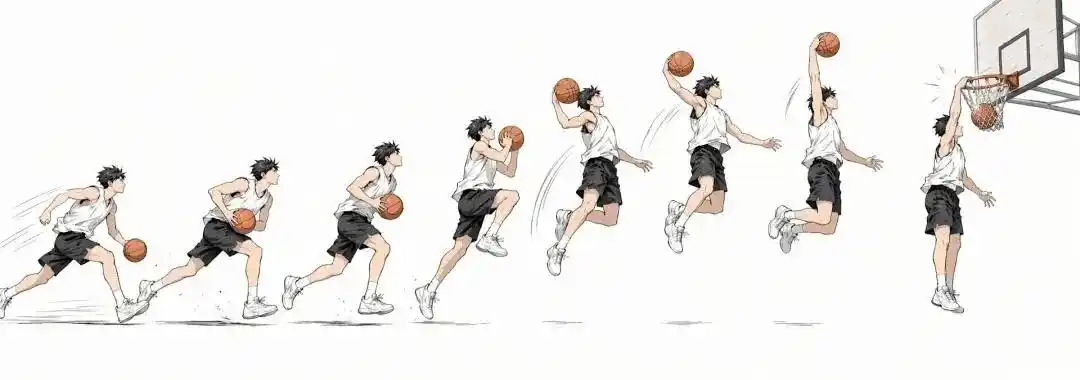
ChatGPT Images 2.0 can generate accurate motion sequences — illustrating each phase of a basketball dunk in a clean anime style.
Prompt: "Anime basketball dunk sequence, 7 frames showing approach, jump, extension, and finish, white background"
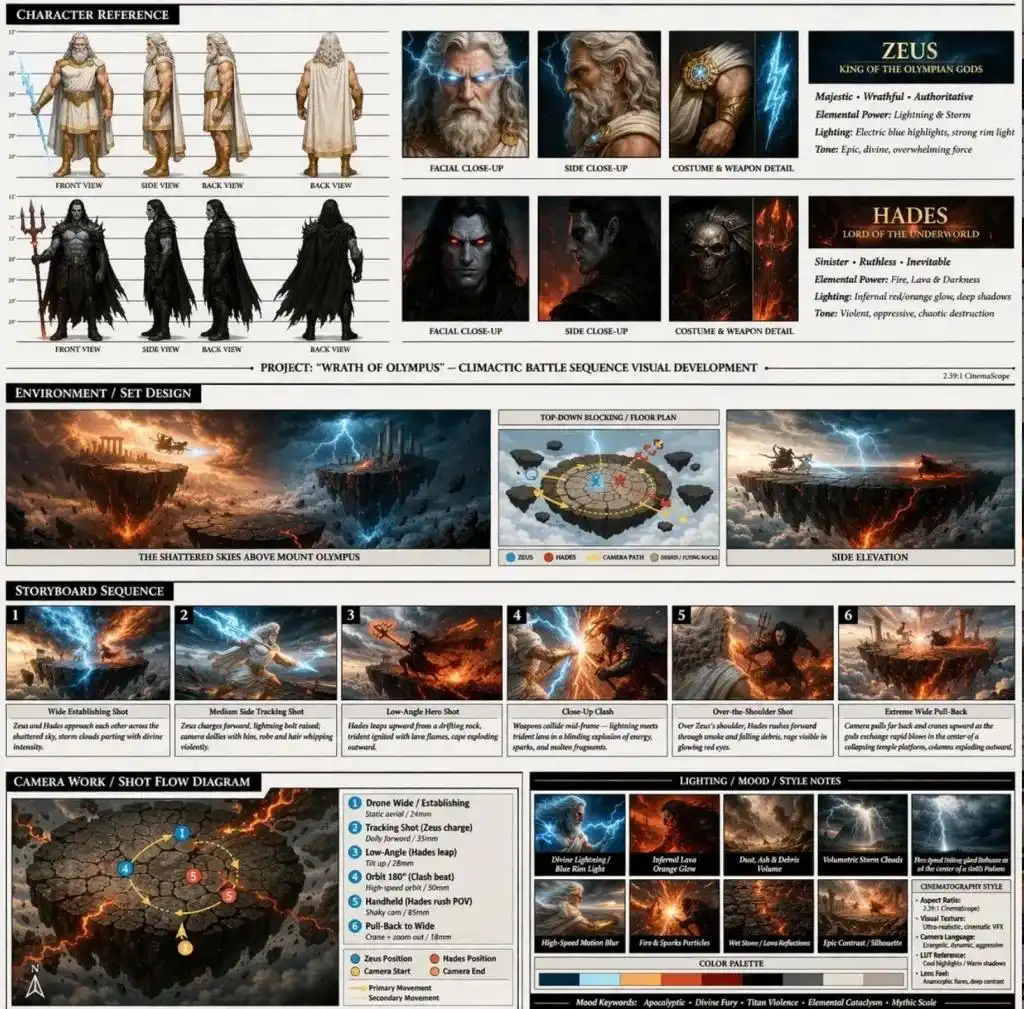
Generate full reference sheets with front/side/back views, face close-ups, costume details, environment, and storyboard from a single prompt.
Prompt: "Zeus vs Hades design sheet: front/side/back views, face close-ups, costume details, environment concept, storyboard, cinematic fantasy style"
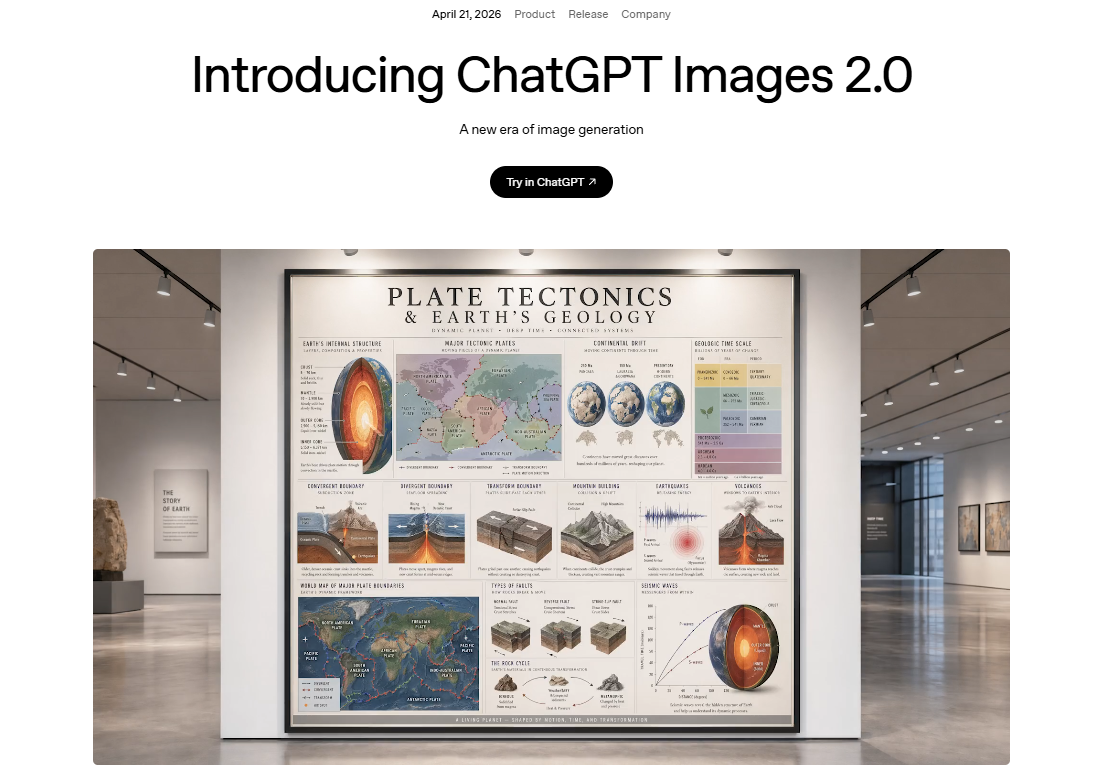
Transform dense scientific concepts into visually strong infographics ready for teaching and presentations.
Prompt: "Detailed infographic: plate tectonics and Earth geology, cutaways, seismic waves, rock cycle, museum exhibition style"

ChatGPT Images 2.0 transforms your text descriptions into stunning visuals in seconds. Simply describe what you imagine — from photorealistic portraits to abstract art — and our AI image generator brings your vision to life with remarkable precision.

ChatGPT Images 2.0 supports a wide range of artistic styles including realistic, anime, 3D render, oil painting, fantasy, and more.

Having trouble describing your idea? ChatGPT Images 2.0 can automatically enrich your prompt with more context, artistic direction, and useful details.

Every image generated by ChatGPT Images 2.0 is delivered in high resolution and ready for professional use.
Create stunning AI images in 3 simple steps
Type a detailed description of the image you want to create. The more specific you are, the better the result.
Select from realistic, anime, 3D, oil painting, fantasy, and more artistic styles.
Click Generate and let ChatGPT Images 2.0 bring your idea to life in seconds.
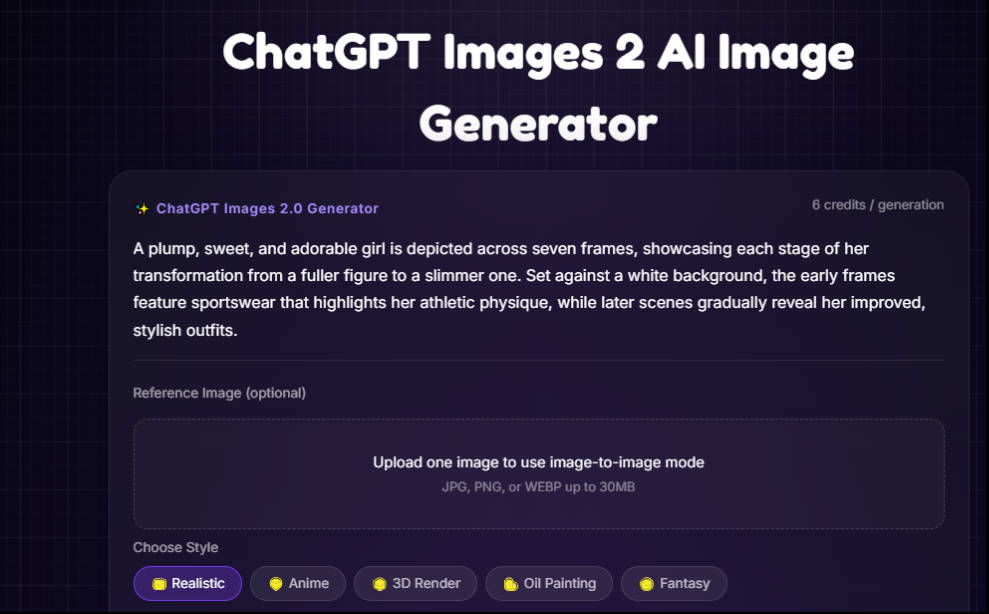
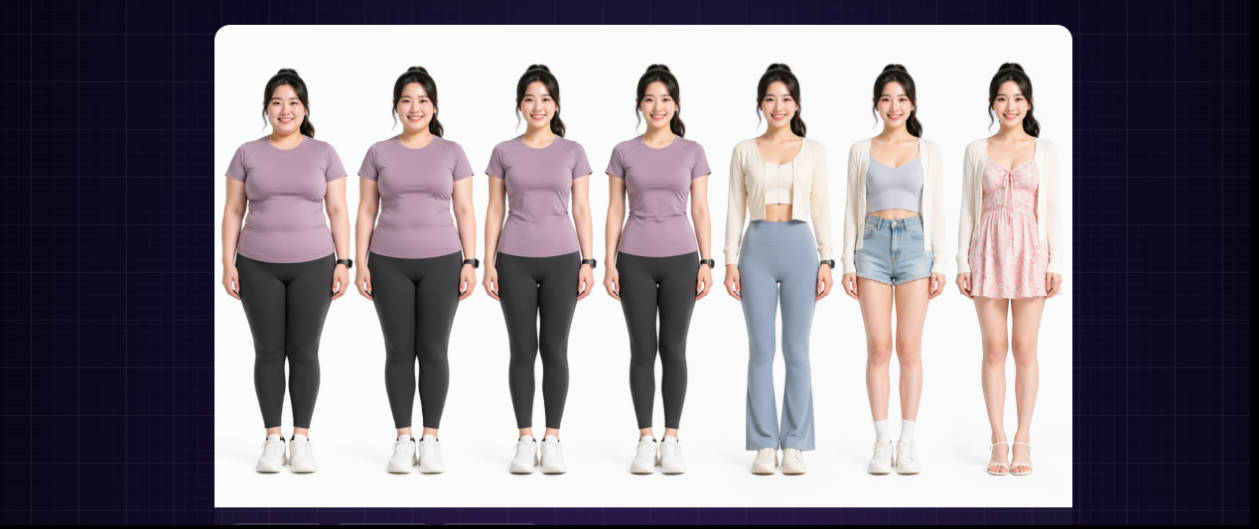
This example shows AI character consistency in a weight-loss transformation sequence, where one detailed prompt produces a full before/after visual story while keeping the same face, hairstyle, pose direction, and identity in every frame.
It also highlights strong multi-image storytelling, consistent subject generation, clean white-background presentation, gradual outfit changes, and better prompt fidelity for users who need before-and-after image generation with stable subject continuity.
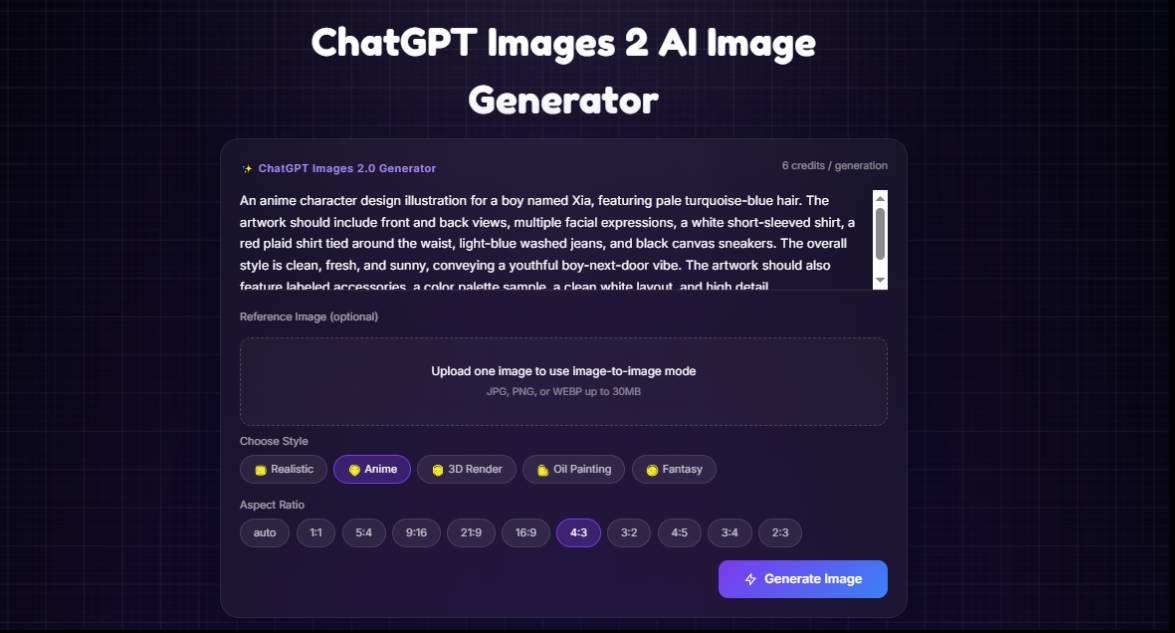
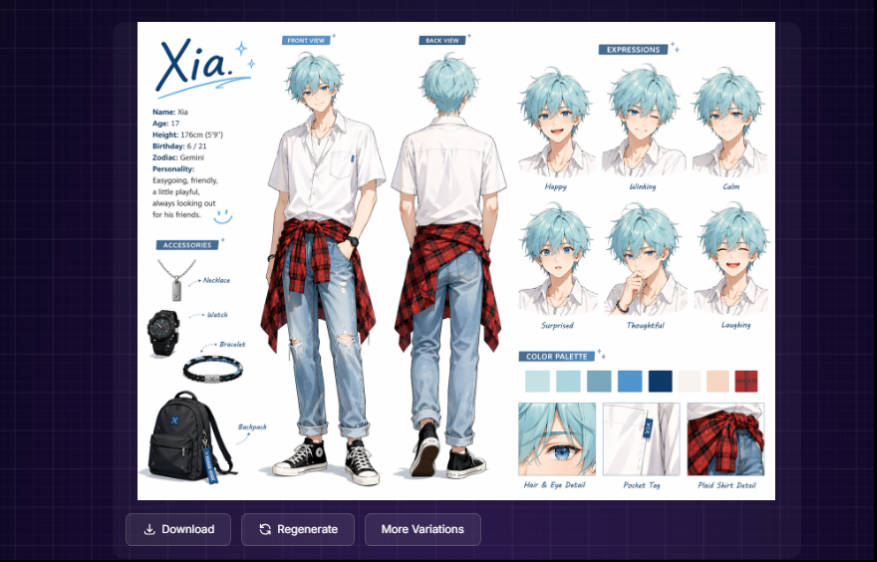
This example shows an anime character sheet for an original boy named Xia, turning one prompt into a clean reference board with front and back views, multiple expressions, accessories, palette blocks, and design close-ups.
It also highlights useful SEO-focused strengths such as anime reference sheet creation, original character design consistency, annotated layout planning, small-detail rendering, and polished presentation for artists, storytellers, and game design workflows.
One-click access to our most popular image generators — upload a photo and get instant results
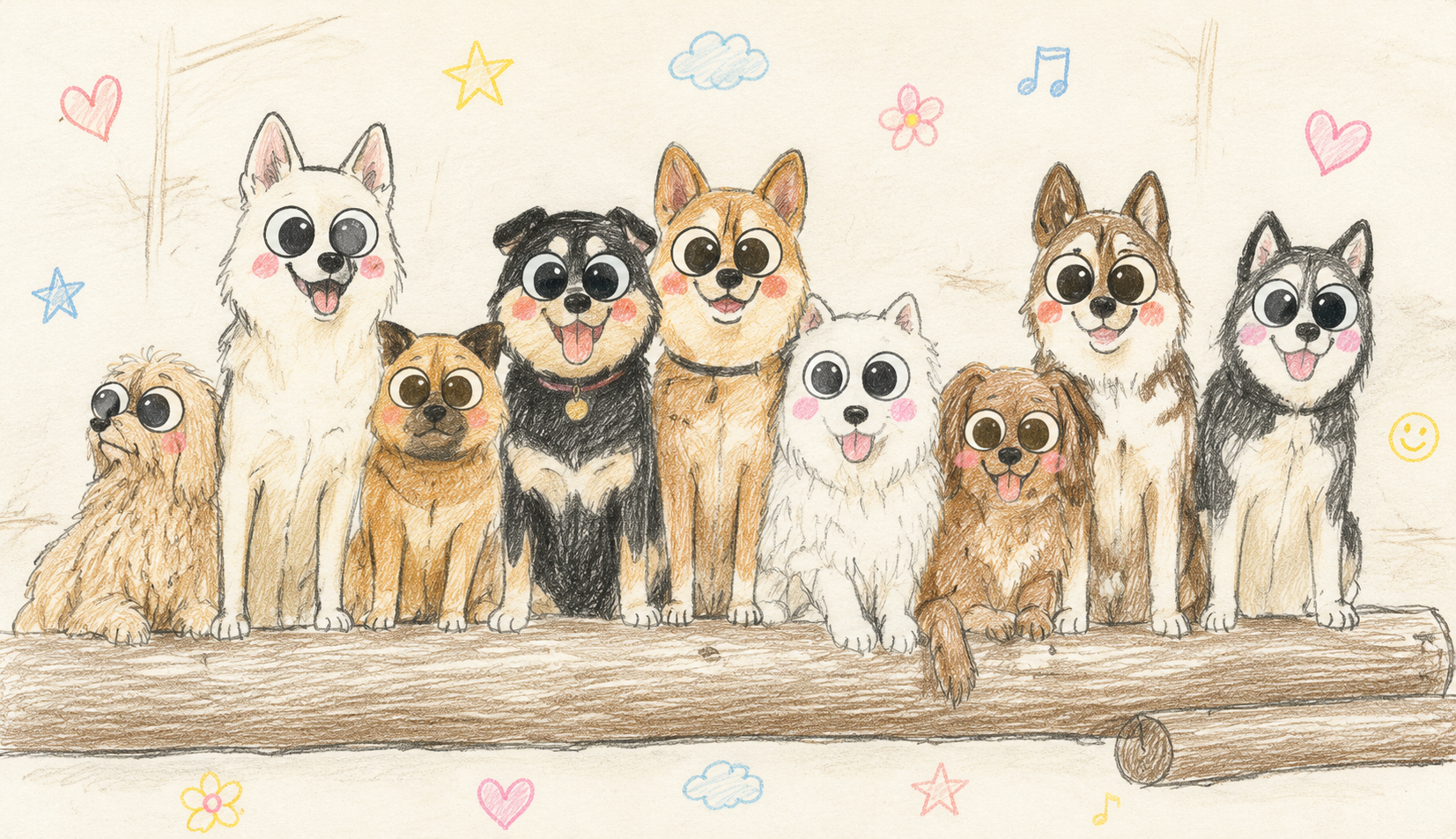
Turn any cat or dog photo into hand-drawn colored pencil portrait art — log in and generate with credits.
Open tool →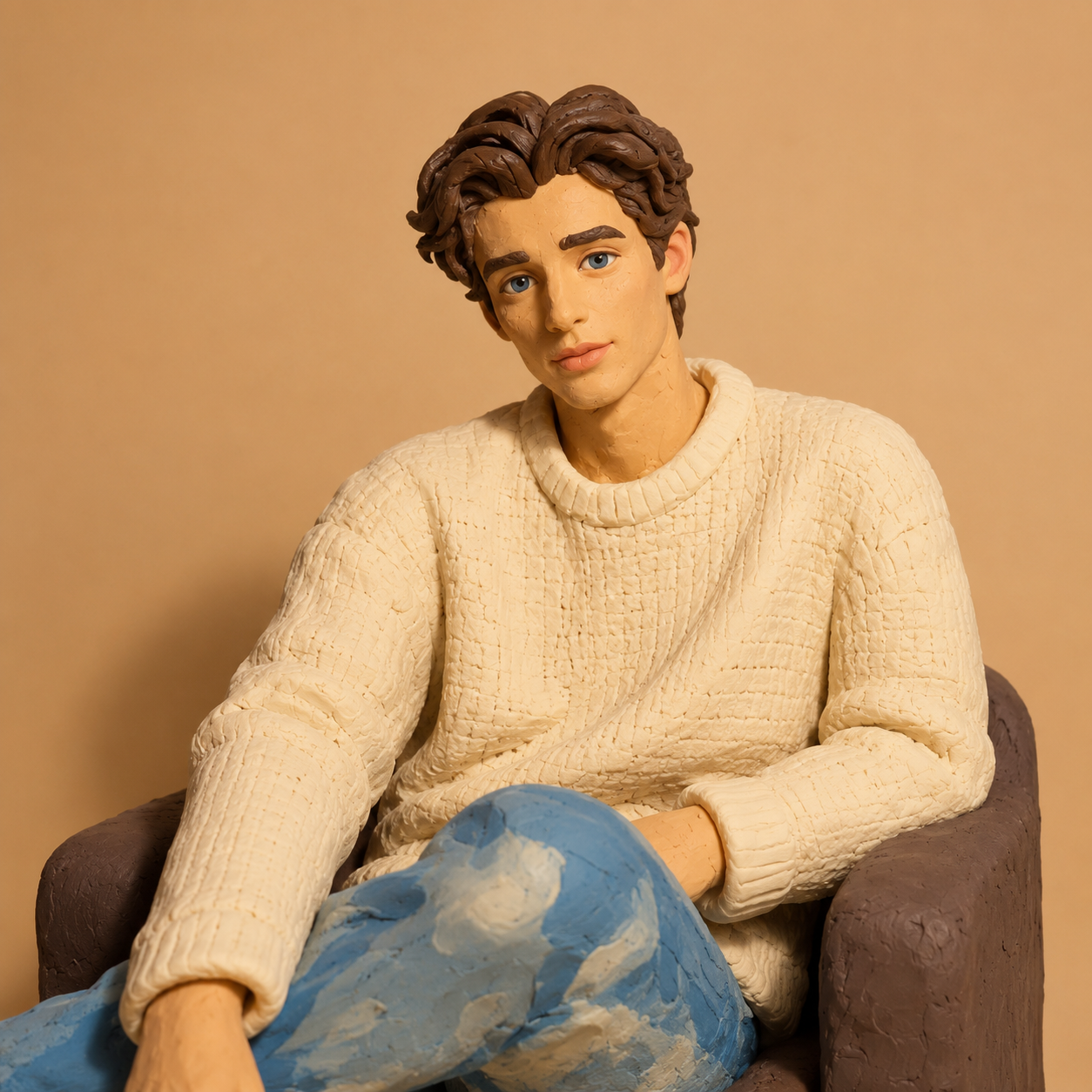
Transform photos into stop-motion clay art with sculpted textures and handmade charm.
Open tool →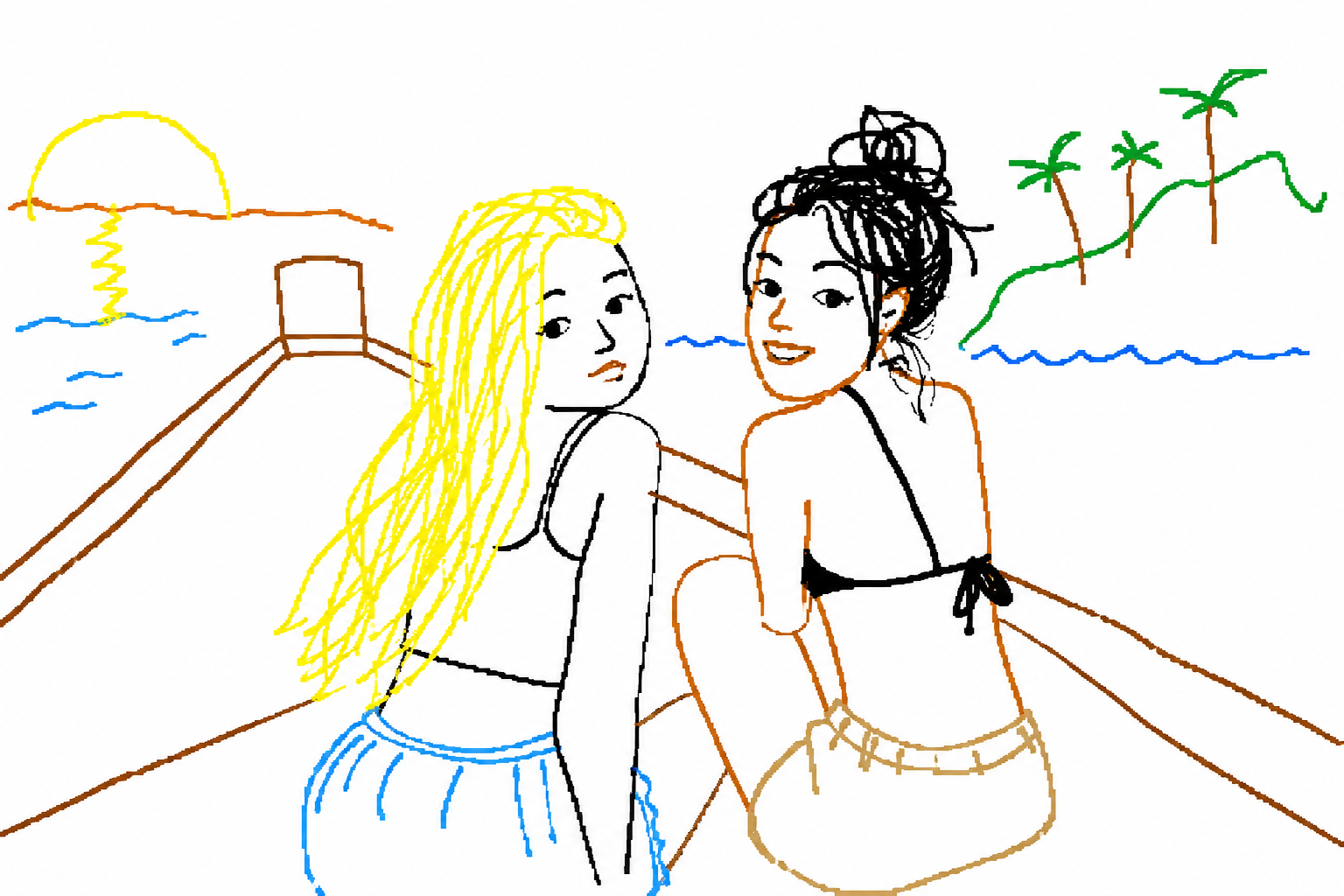
Redraw any photo in gloriously bad MS Paint style — perfect for memes and jokes.
Open tool →From photorealism to fantasy — choose your artistic direction
ChatGPT Images 2.0 is built for every creative need

Create platform-ready visuals, carousel cards, viral scenes, profile graphics, and realistic screenshots with better layout control.

Generate campaign posters, launch banners, product ads, seasonal promotions, and multilingual creatives with consistent style and readable text.

Create lesson sheets, learning visuals, diagrams, infographics, study cards, and classroom posters where structure and labels need to stay clear.

Produce app screens, dashboards, packaging, menus, instructions, and multi-angle product images with better object placement and interface fidelity.
Design comic sequences, fantasy maps, character sheets, editorial covers, and coherent image series where identity, lighting, and composition need to remain stable.
ChatGPT Images 2.0 runs on the GPT Image 2 model, and its biggest upgrade is reasoning. Instead of reacting only to short style hints, the model is better at planning composition, understanding object relationships, following dense instructions, and preserving explicitly requested details.
In supported modes, ChatGPT Images 2.0 can also combine image generation, web retrieval, and file-based visual analysis. That makes the workflow more informed than a simple text-to-image request.
This is one reason the model feels more like a practical production tool than a basic art demo.
One of the biggest upgrades in ChatGPT Images 2.0 is multi-image consistency. A single prompt can generate up to 8 images while keeping the same character design, visual style, tone, and scene logic.
The model also supports output up to 2K. Small typography stays more readable, textures hold together better, edges look sharper, and the final image is more suitable for marketing assets, covers, infographics, and presentations.
Speed is another major advantage. At roughly 3 seconds per image in your benchmark, ChatGPT Images 2.0 significantly shortens creative iteration loops.
Text rendering is one of the weak points of many image generators, especially beyond large English headlines. ChatGPT Images 2.0 stands out with much better text fidelity, including Japanese, Korean, Chinese, Hindi, and Bengali.
The model also follows detailed instructions more accurately for object placement, relationships, visible details, and style constraints.
Because the system preserves small UI elements, icons, composition rules, and typography more reliably, it becomes far more useful for commercial work that older models handled poorly.
"Design a cinematic Chinese event poster for a midnight technology expo, include the exact title 银河夜场, subtitle 未来界面设计展, realistic lighting, premium typography, clean layout, small readable body text, 16:9 format, 2K output"
"Generate 8 connected comic panels showing the same female detective in a beige trench coat exploring a neon night market, keep face, hairstyle, clothing, palette, and lighting consistent across all 8 images, manga cinematic style"
"Create a realistic short-video social app screen with accurate Chinese labels, like count, comment button, profile section, bottom navigation, polished mobile UI layout, high text fidelity, and clean spacing"
Strong prompts for ChatGPT Images 2.0 work best when they clearly define the subject, scene, composition, text requirements, consistency expectations, and target format.
For advanced results, write prompts with production intent. Ask for a poster, menu, infographic, multi-panel comic, product visual, or mobile UI mockup instead of a vague image.
ChatGPT Images 2.0 is especially useful when you need accurate text, fast turnaround, and multiple related outputs. It can produce posters, covers, business menus, social UI screenshots, dense infographics, coherent comics, multi-angle product visuals, and consistent marketing sets.
These use cases matter because they represent work that would normally require multiple design, illustration, and editing steps.
This homepage brings together product explanation, key capabilities, styles, examples, prompt ideas, and FAQ in one place.
If you are evaluating ChatGPT Images 2.0 for your workflow, the real question is not just whether it can make beautiful images, but whether it can make the right image with the right text, structure, and consistency at a useful speed.
Use the prompt box above to test a poster, infographic, UI screen, product photo, comic sequence, or multilingual text-heavy image.
For creators, marketers, operators, educators, and product teams, the value of ChatGPT Images 2.0 is not only visual quality, but the combination of reasoning, faithful rendering, 8-image batching, 2K output, and production-ready consistency.
Everything you need to know about ChatGPT Images 2.0
ChatGPT Images 2.0 is an advanced AI image generator that creates high-quality images from text descriptions.
ChatGPT Images 2.0 offers a free tier with a limited number of generations per day, along with more complete paid plans.
Text-to-image AI uses a diffusion model trained on millions of image-text pairs to turn your description into a coherent image.
ChatGPT Images 2.0 supports styles such as Realistic, Anime, 3D Render, Oil Painting, Fantasy, Watercolor, Sketch, and more.
Yes. Images generated on paid plans can be used for commercial applications according to the platform terms.
Most images are generated within seconds, depending on complexity, resolution, and server load.
ChatGPT Images 2.0 can generate outputs up to 2K depending on the workflow and plan.
No. You can simply describe what you want in natural language and let the model do the rest.