Japanese-inspired doodle note art
Doodle Notes Generator: Turn Your Photos Into Hand-Drawn Journal Art
Ever looked at a photo and thought, this would look so cute as a journal page? That's exactly what this doodle notes generator does. Upload any lifestyle photo — your coffee, your desk, your pet, your dinner — and watch it turn into a hand-drawn journal spread with tiny handwritten notes, little arrows, and that cozy Instagram-story-meets-notebook feel. It's weirdly satisfying and kind of addictive.
What Is the Doodle Notes Generator?
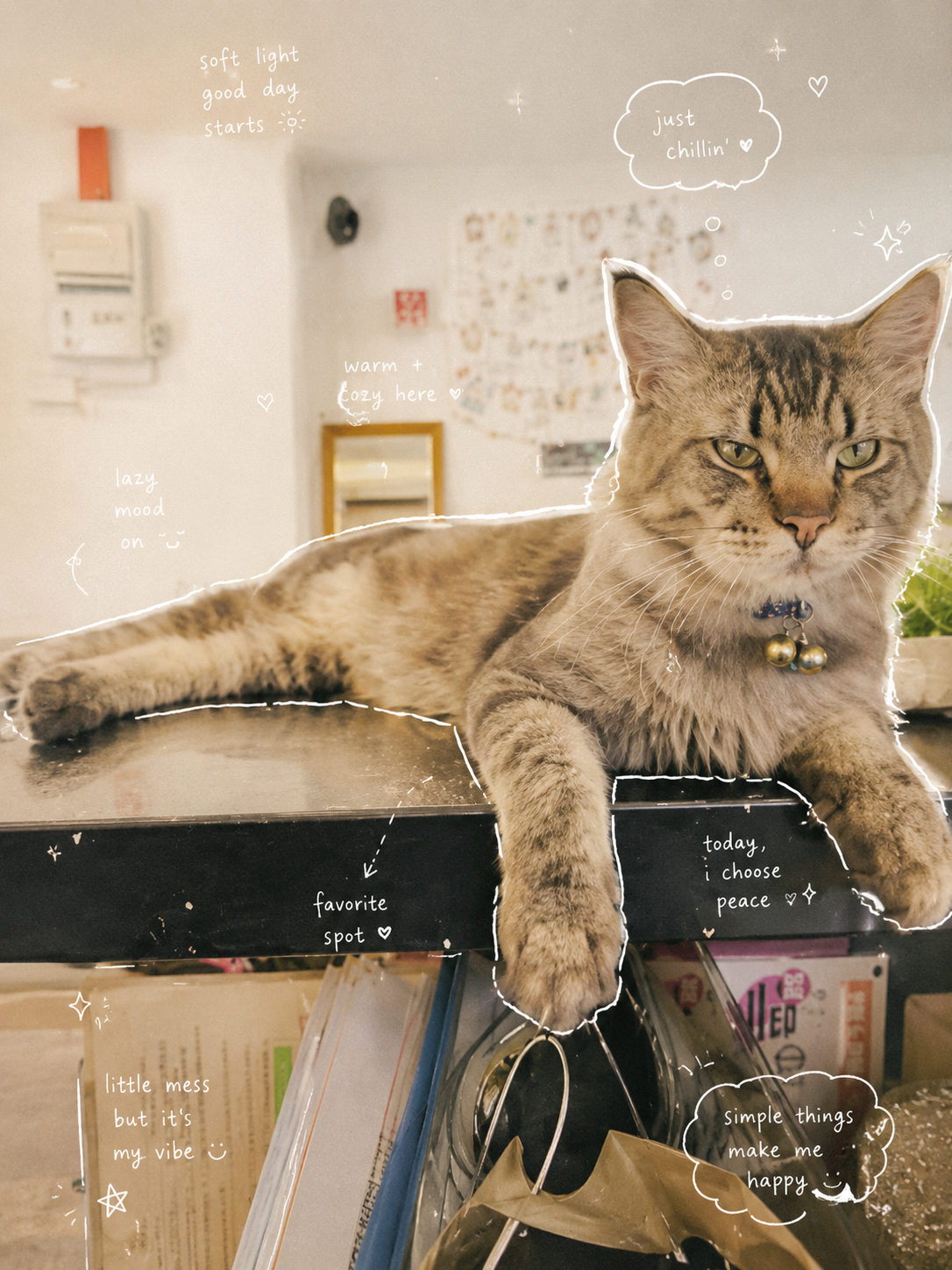
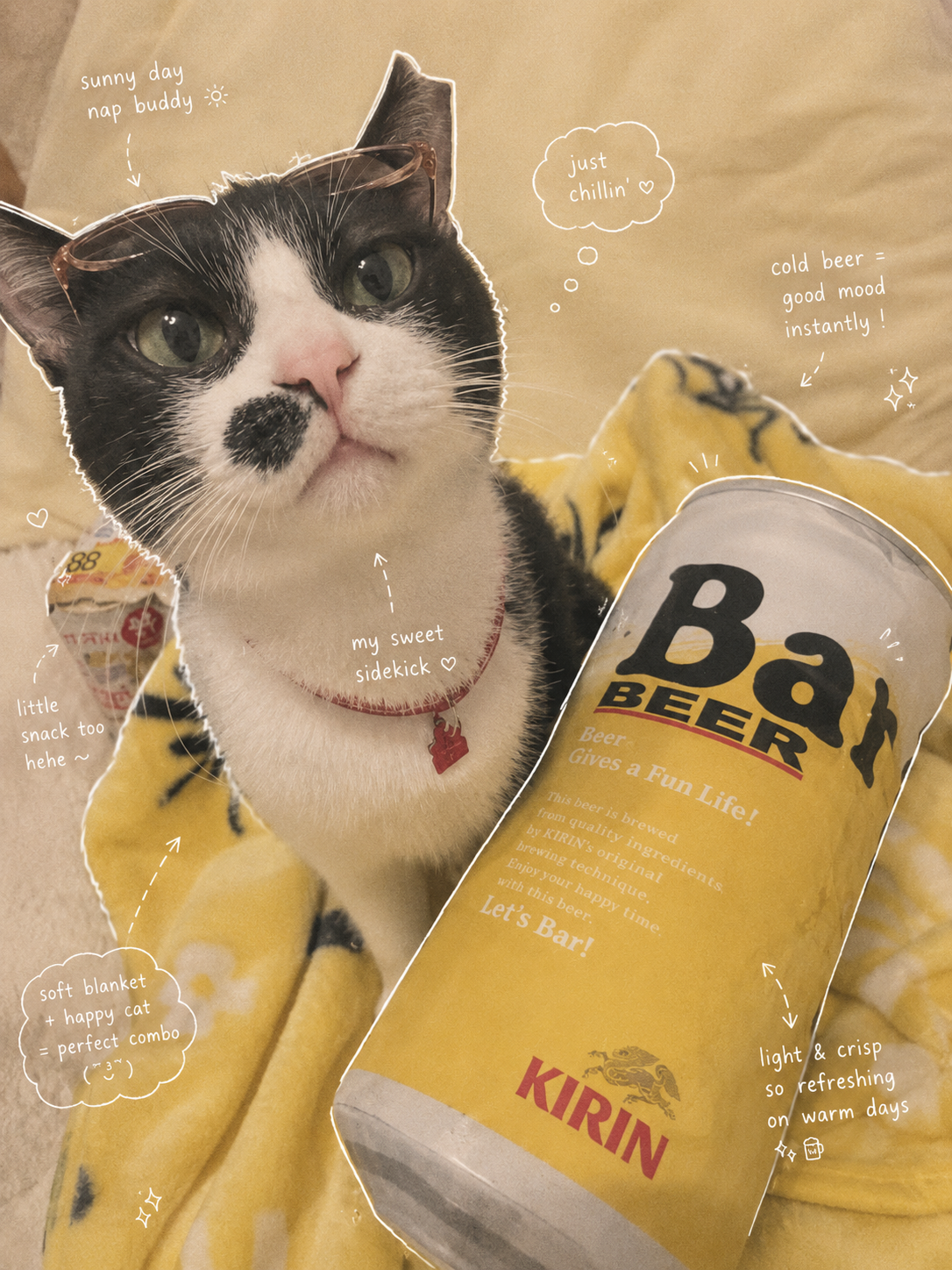
The doodle notes generator is a tool that turns your everyday photos into hand-drawn journal pages. It gives your photos a notebook makeover — white fine-line sketches trace the subject's outline, tiny handwritten notes float around the edges, and subtle arrows and sparkles guide your eye through the composition. The result feels like something you'd tear out of a well-loved travel journal or screenshot from an artsy Instagram story. Whether it's your morning latte, a shelf of plants, or a candid shot of your cat, the effect makes everything look like a page from someone's beautifully messy sketchbook.
How to Create Your Doodle Notes — Step by Step
- Upload your photo. Click the upload area or drag a clear JPEG, PNG, or WEBP photo (up to 30MB). Lifestyle shots work best — food, drinks, desk setups, pets, and everyday moments shine in this style.
- Log in to your account. Sign in so your credits can be applied — each doodle notes generation uses 6 credits.
- Click Create Doodle Notes. Hit the button and the tool transforms your photo into a hand-drawn journal spread with white fine-line sketches, handwritten annotations, and subtle decorative accents.
- Wait for processing. The doodle notes generator processes your image in about 15–30 seconds.
- Download or share your creation. Save your doodle notes image directly or share it to social media. Not quite right? Regenerate for a fresh composition.
Upload Your Photo to Get Started
Doodle Notes Generator
Upload a photo and turn it into a hand-drawn journal page with white fine-line sketches and handwritten annotations. Each generation uses 6 credits — log in to start.
Each generation uses 6 credits.
Your doodle notes will appear here.
Doodle Notes Style Gallery
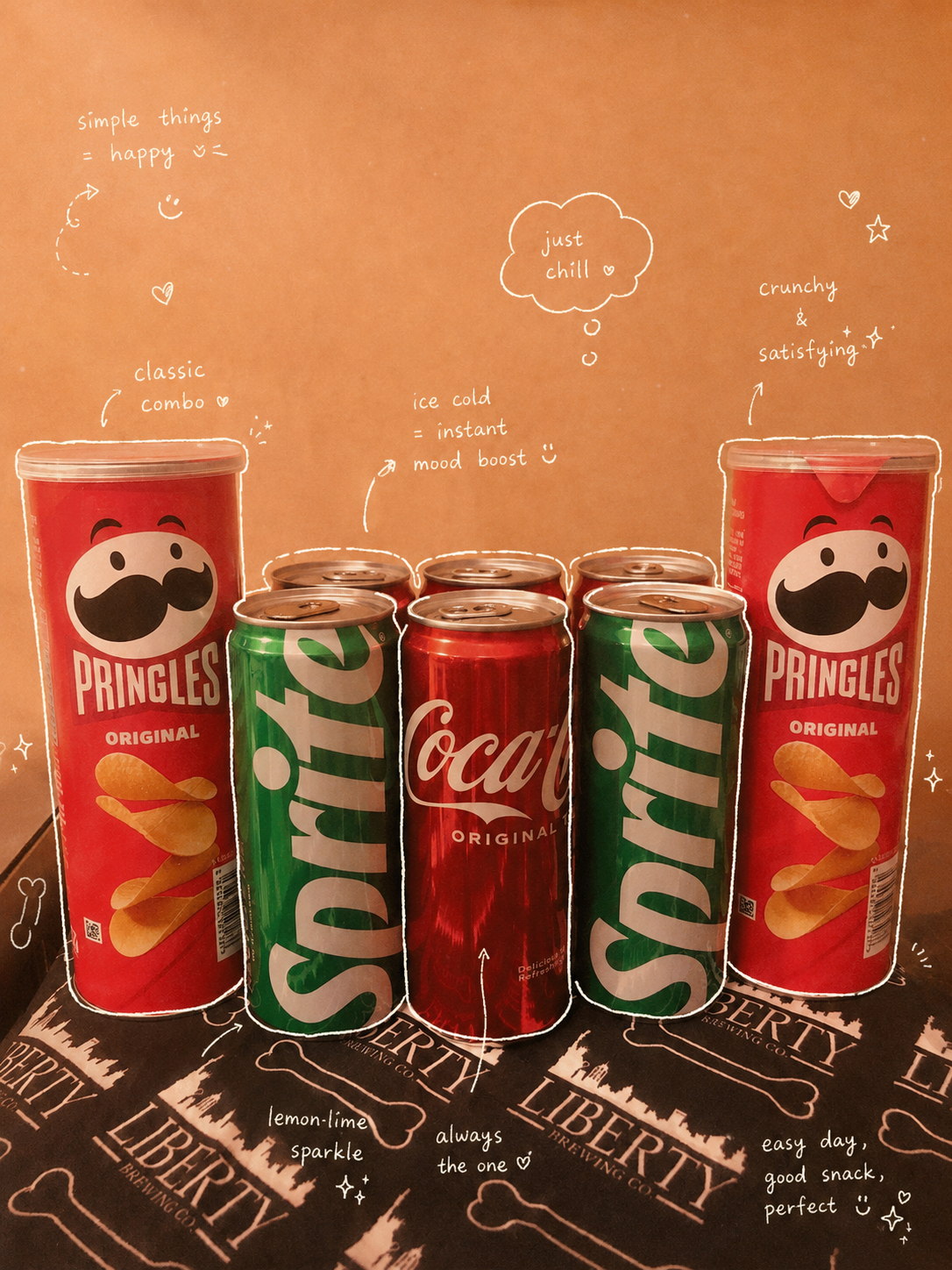
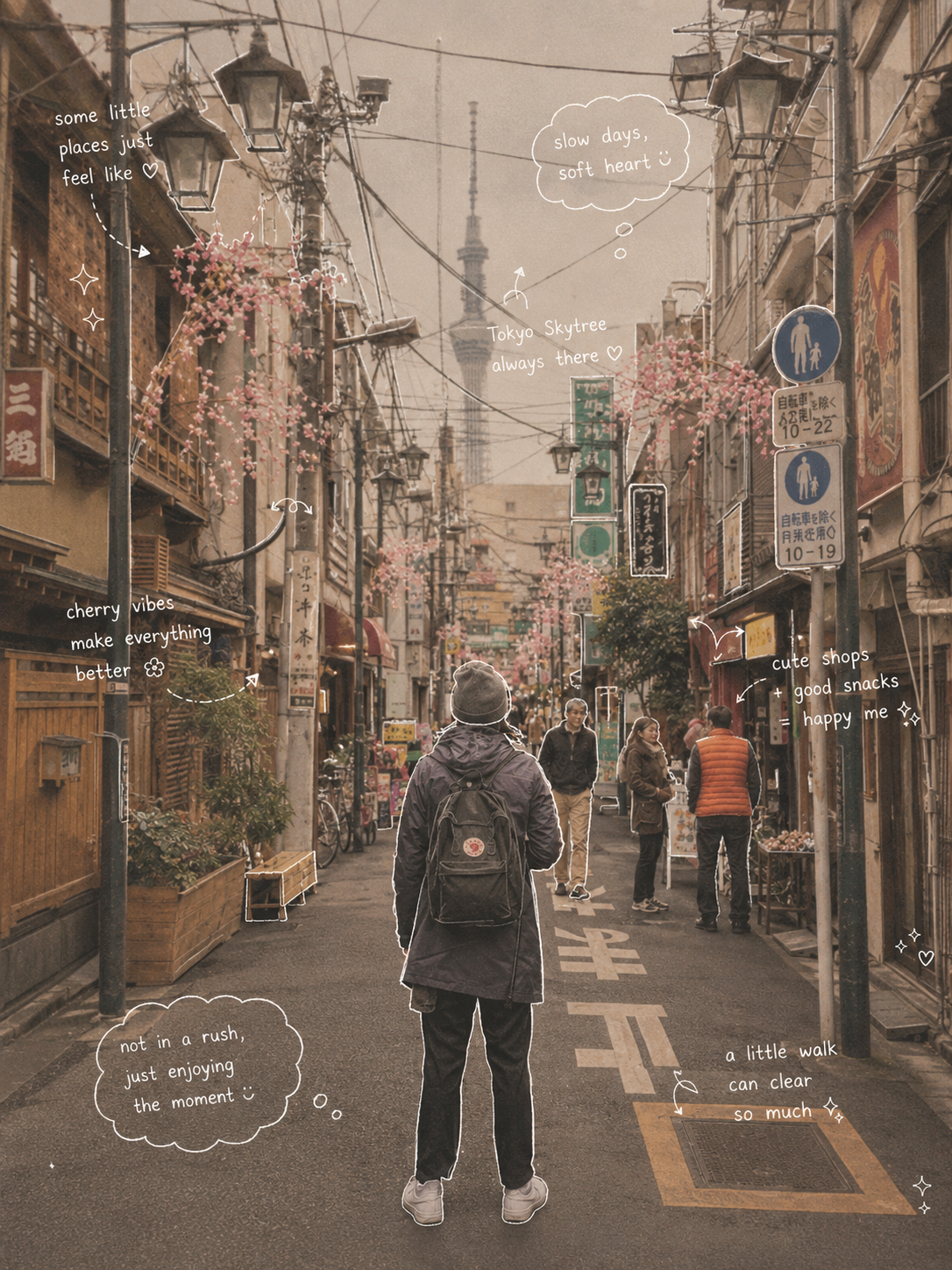
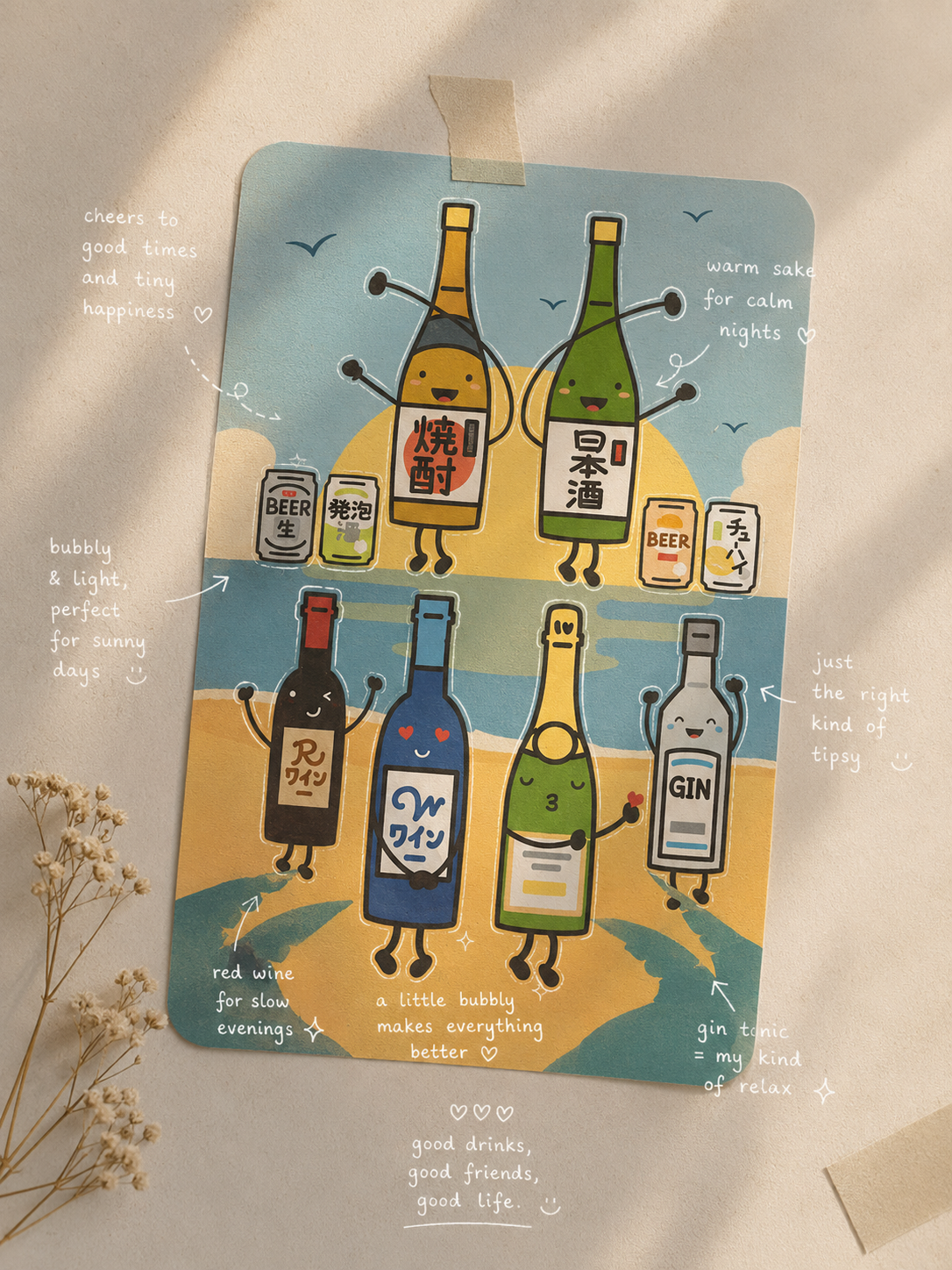
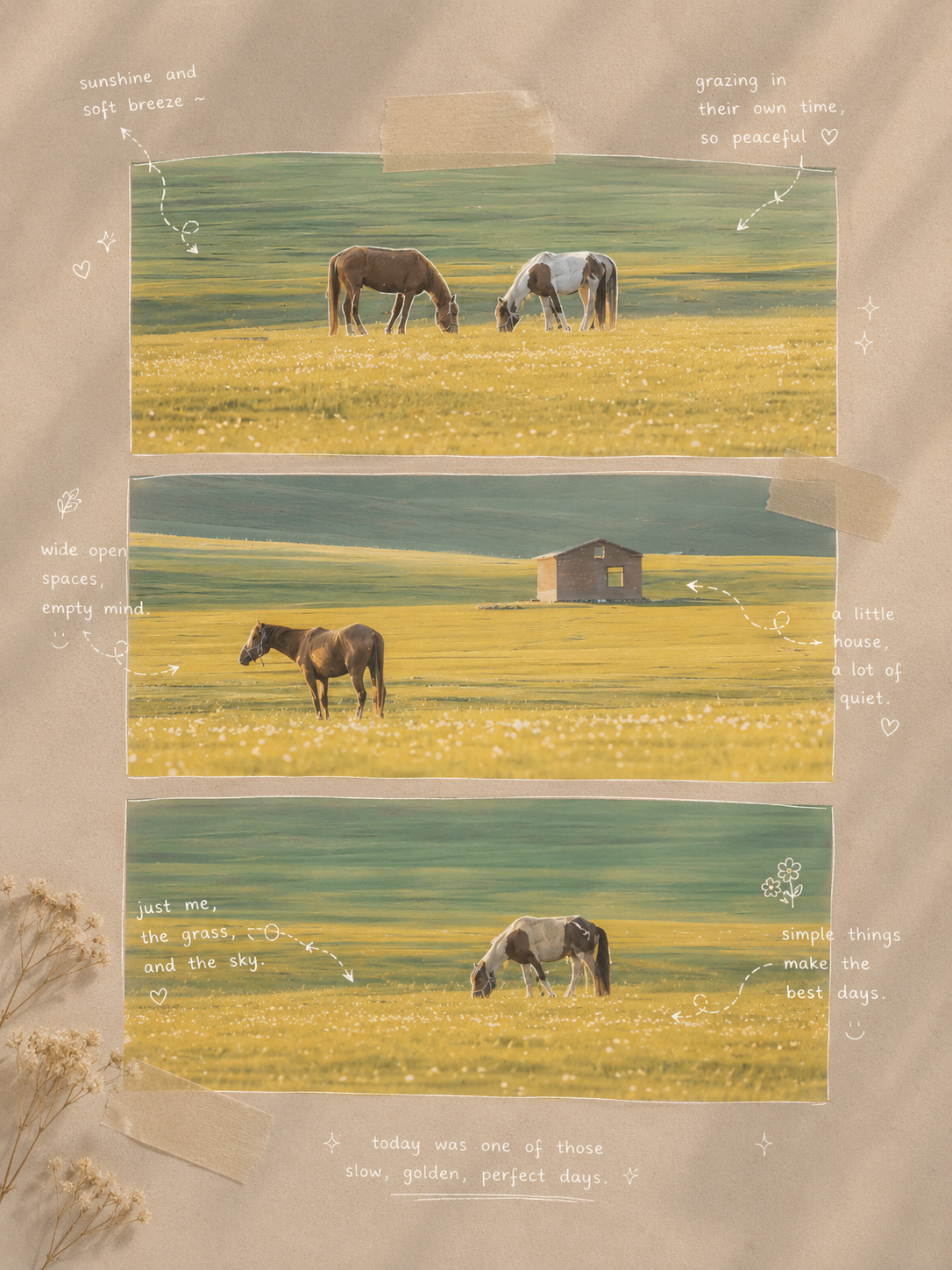
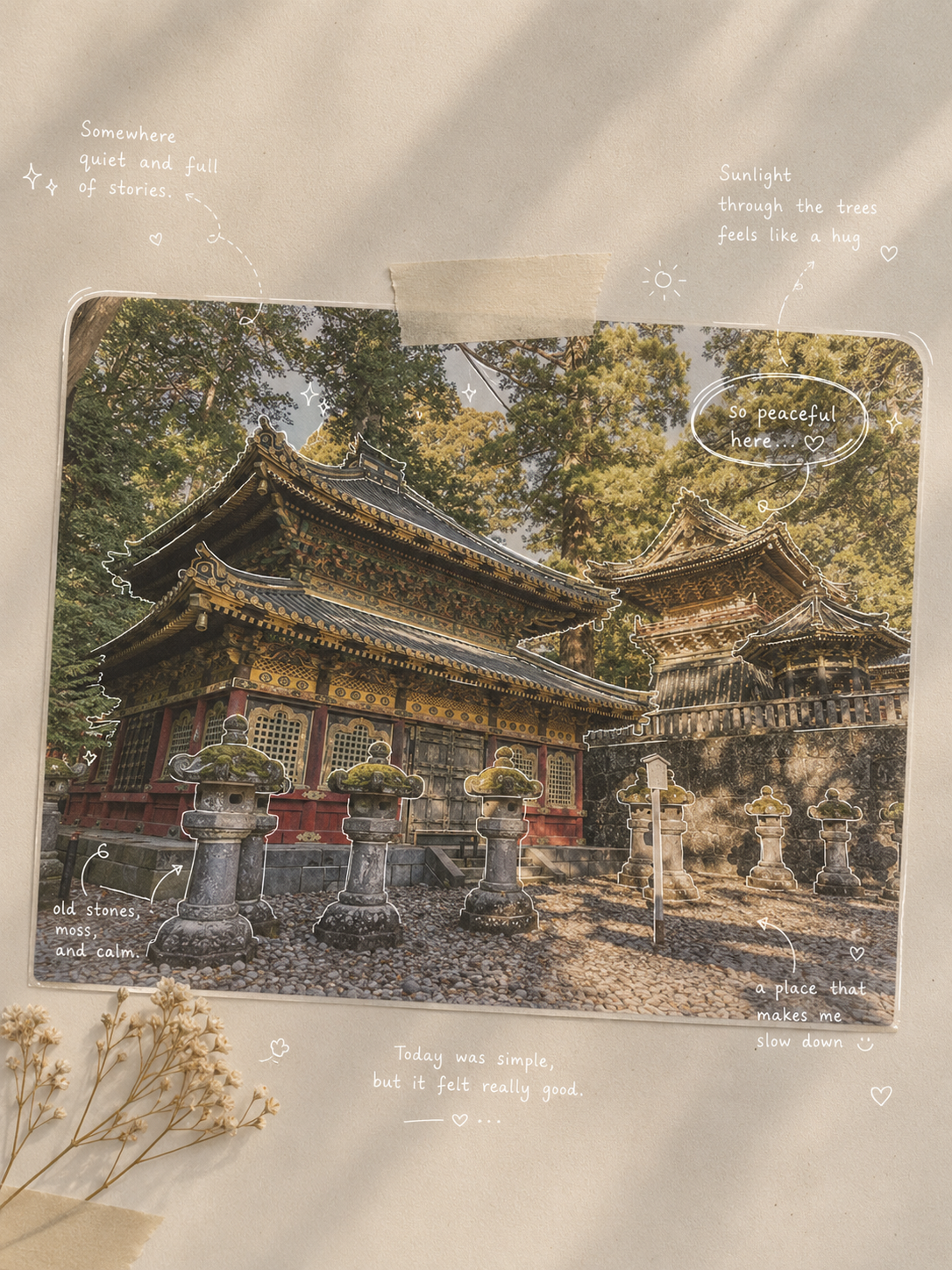
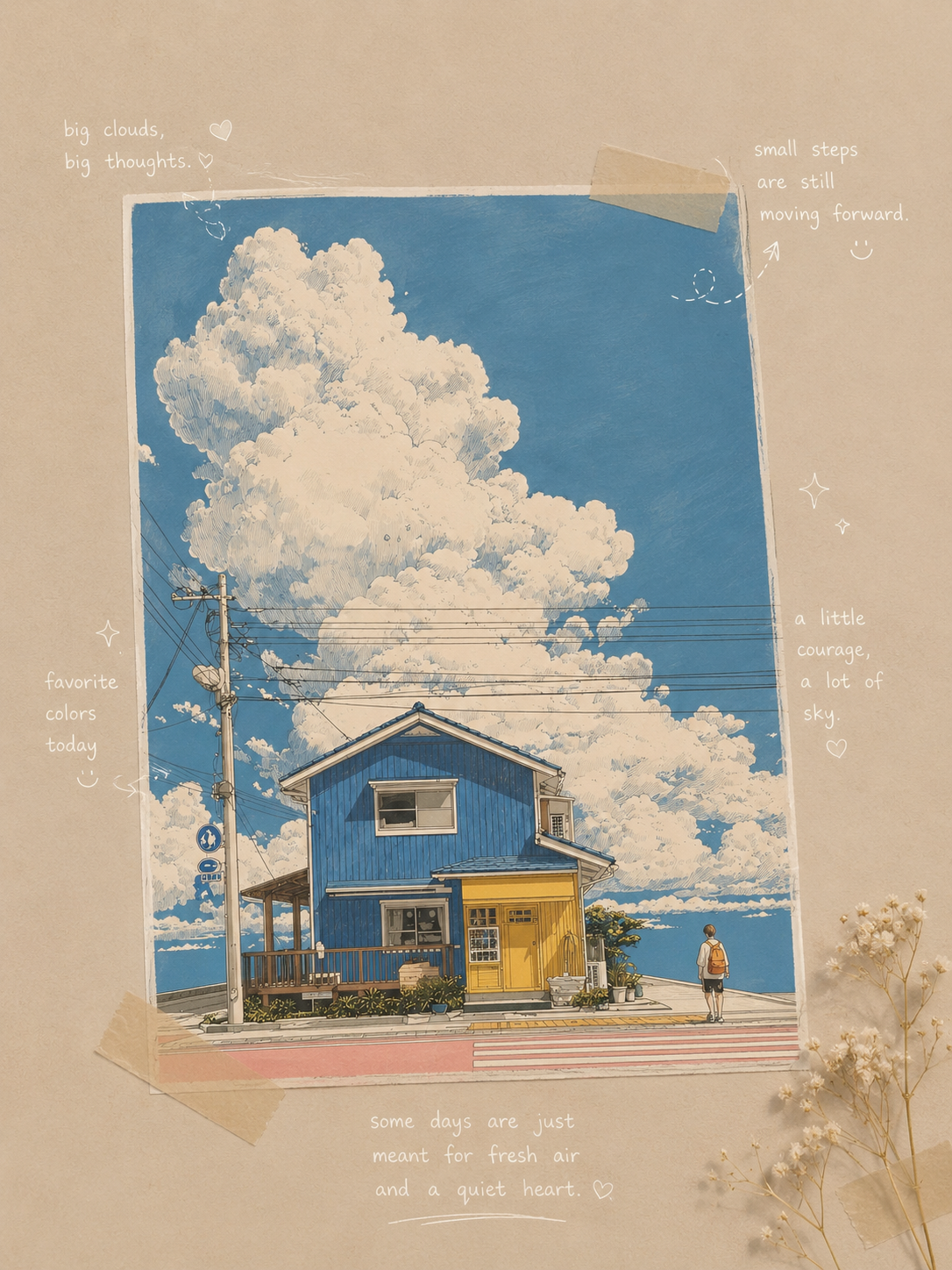
Sample doodle note transformations — everyday photos turned into hand-drawn journal spreads with white fine-line sketches and handwritten annotations.
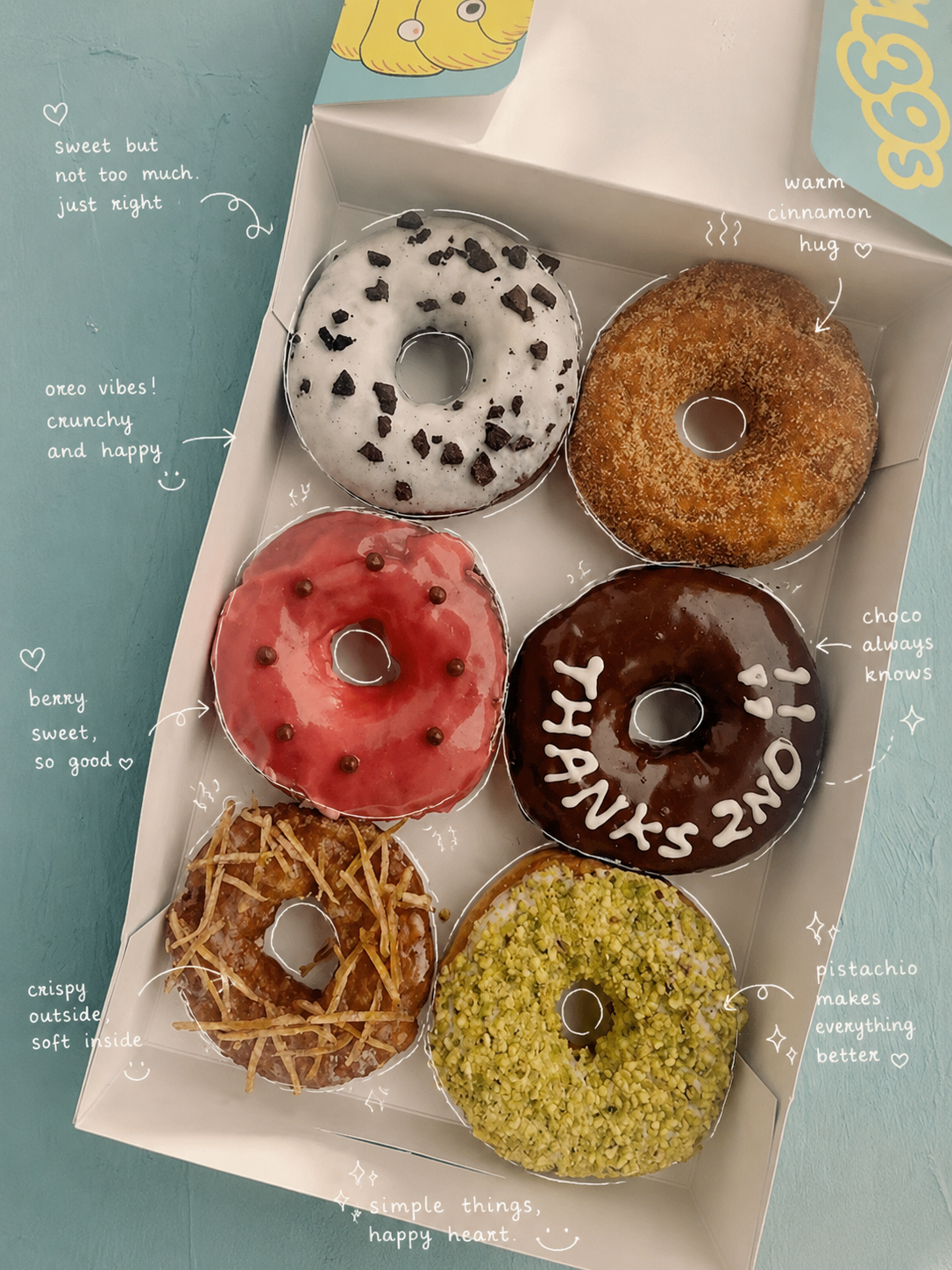
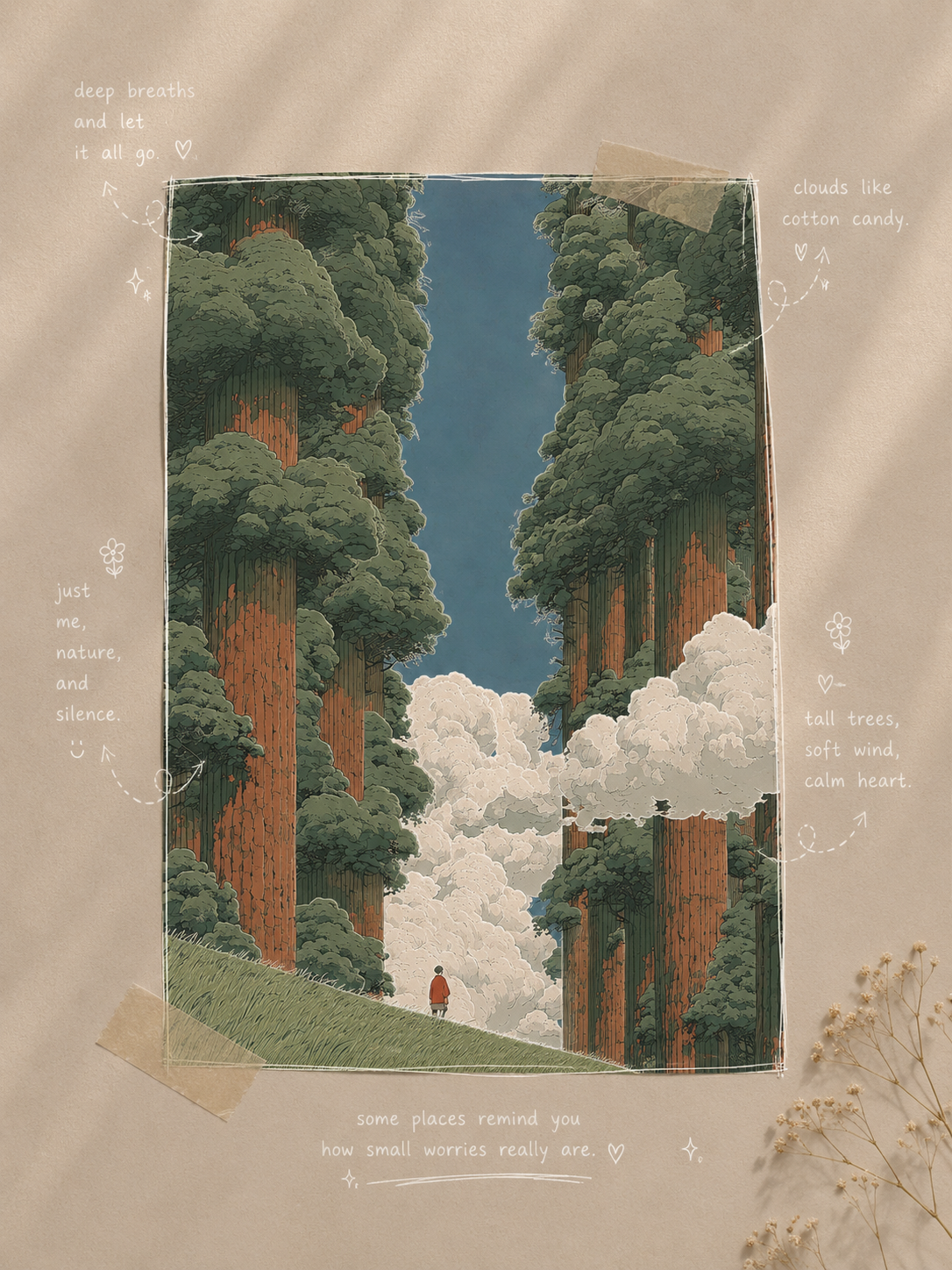
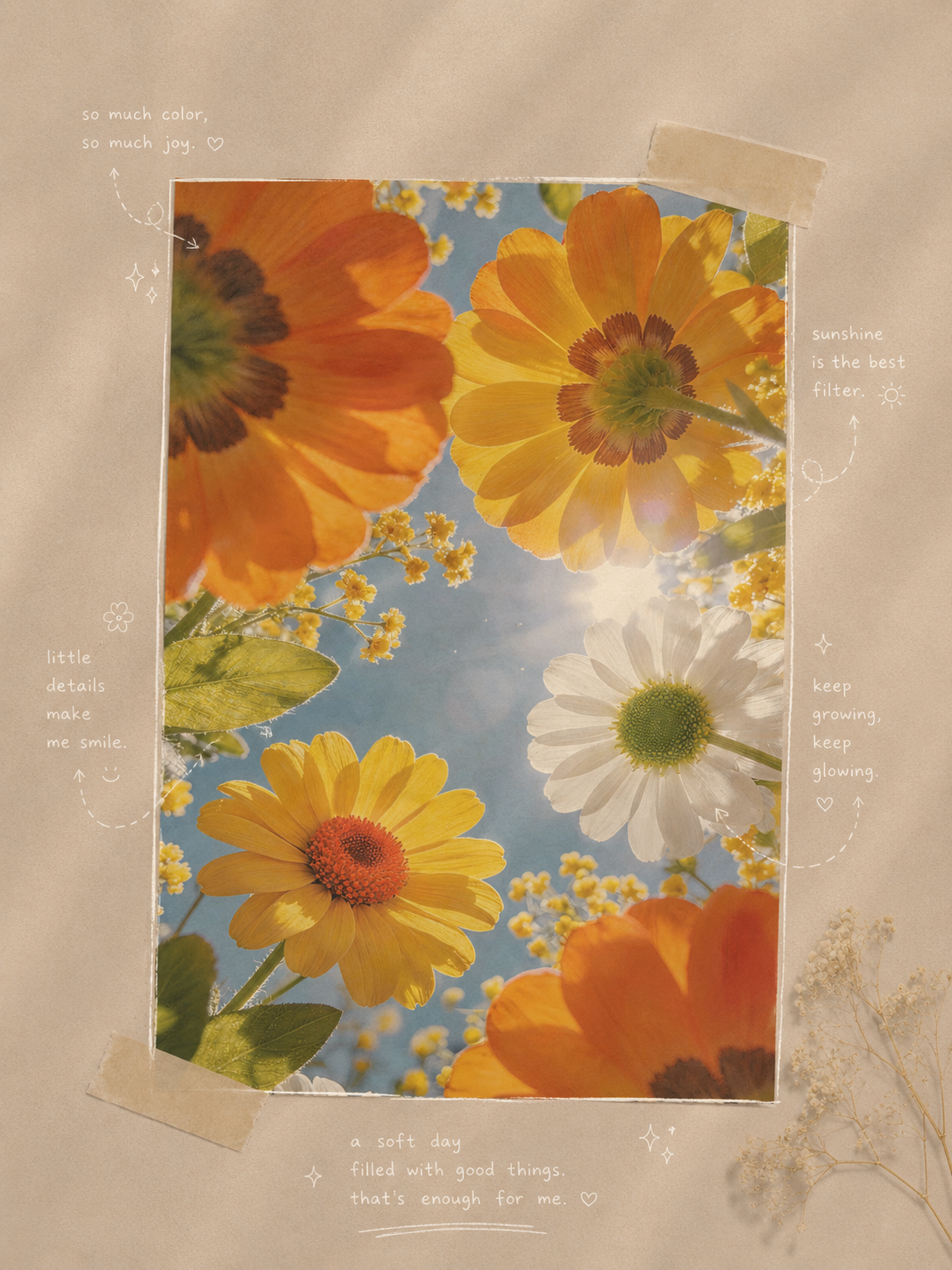
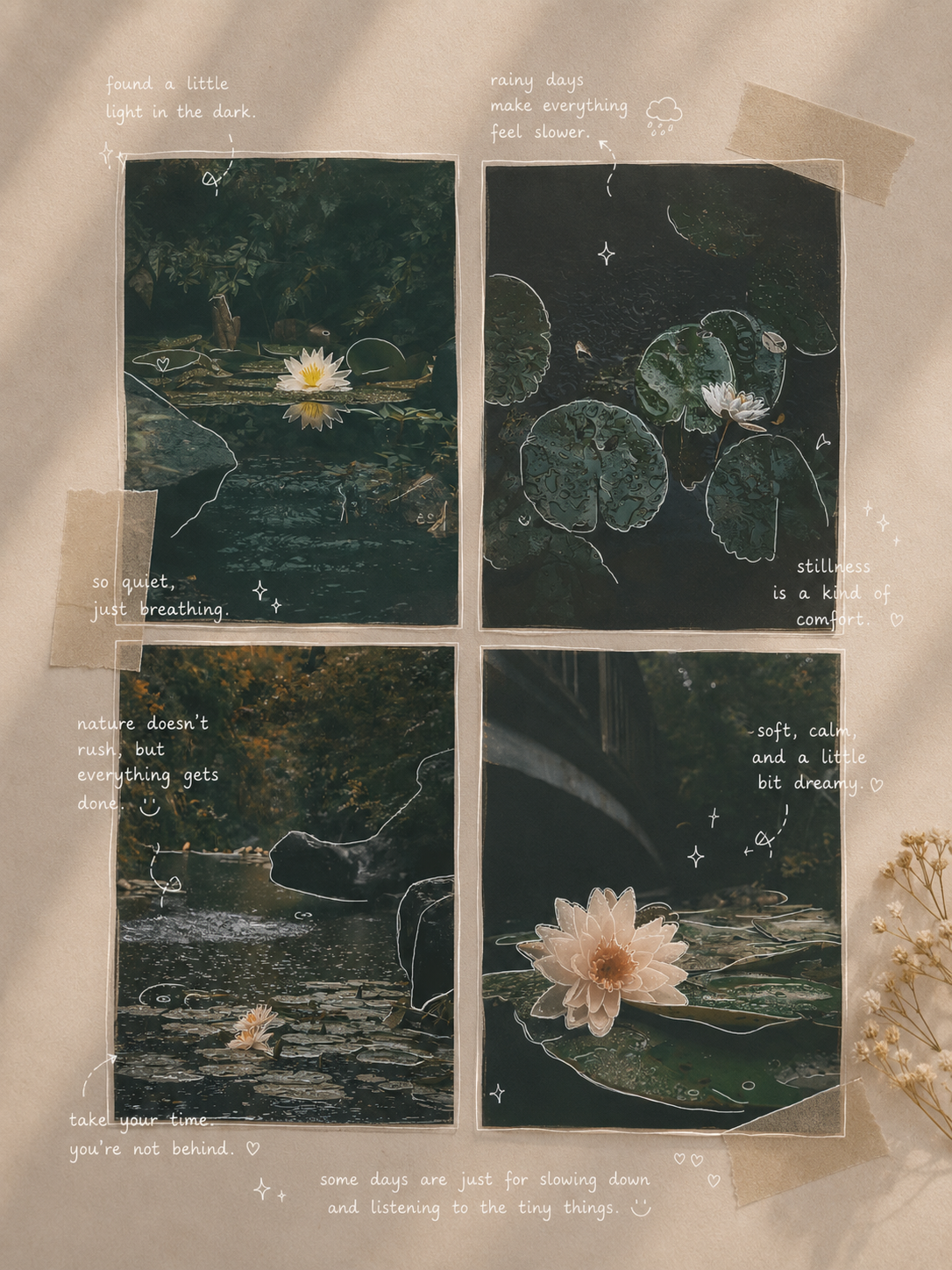
The Doodle Notes Style — What Makes It Special
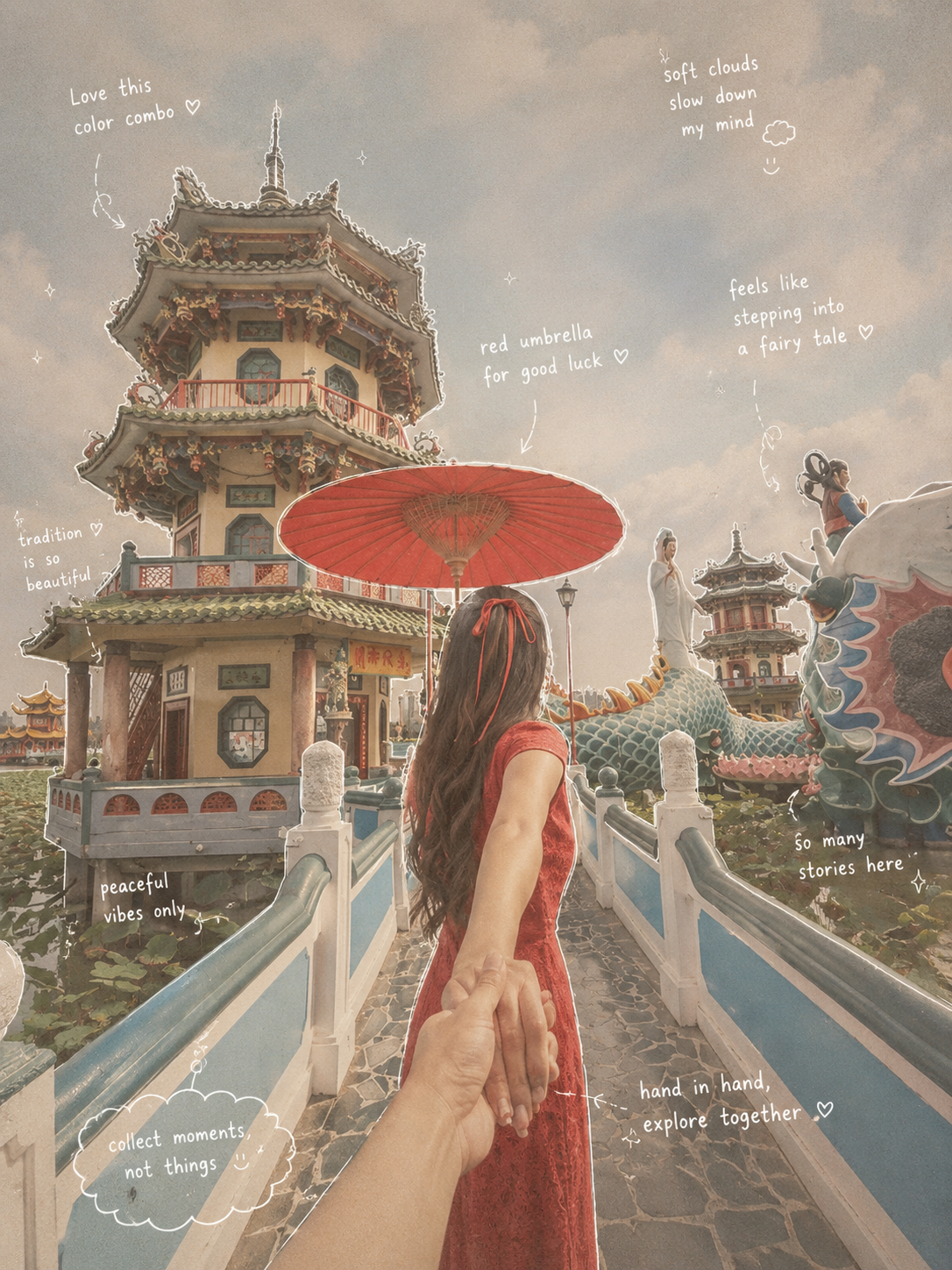
The doodle notes style isn't just a filter — it's a whole visual language. Every element works together to create that relaxed, artsy journal feel:
Overall Mood
Japanese-inspired everyday aesthetic with low saturation, soft light, and a subtle film grain. The composition breathes — generous negative space, a sense of calm, and that effortlessly chic magazine-journal vibe. Like someone with really good taste casually documented their day.
Drawing Rules — White Fine-Line Sketch
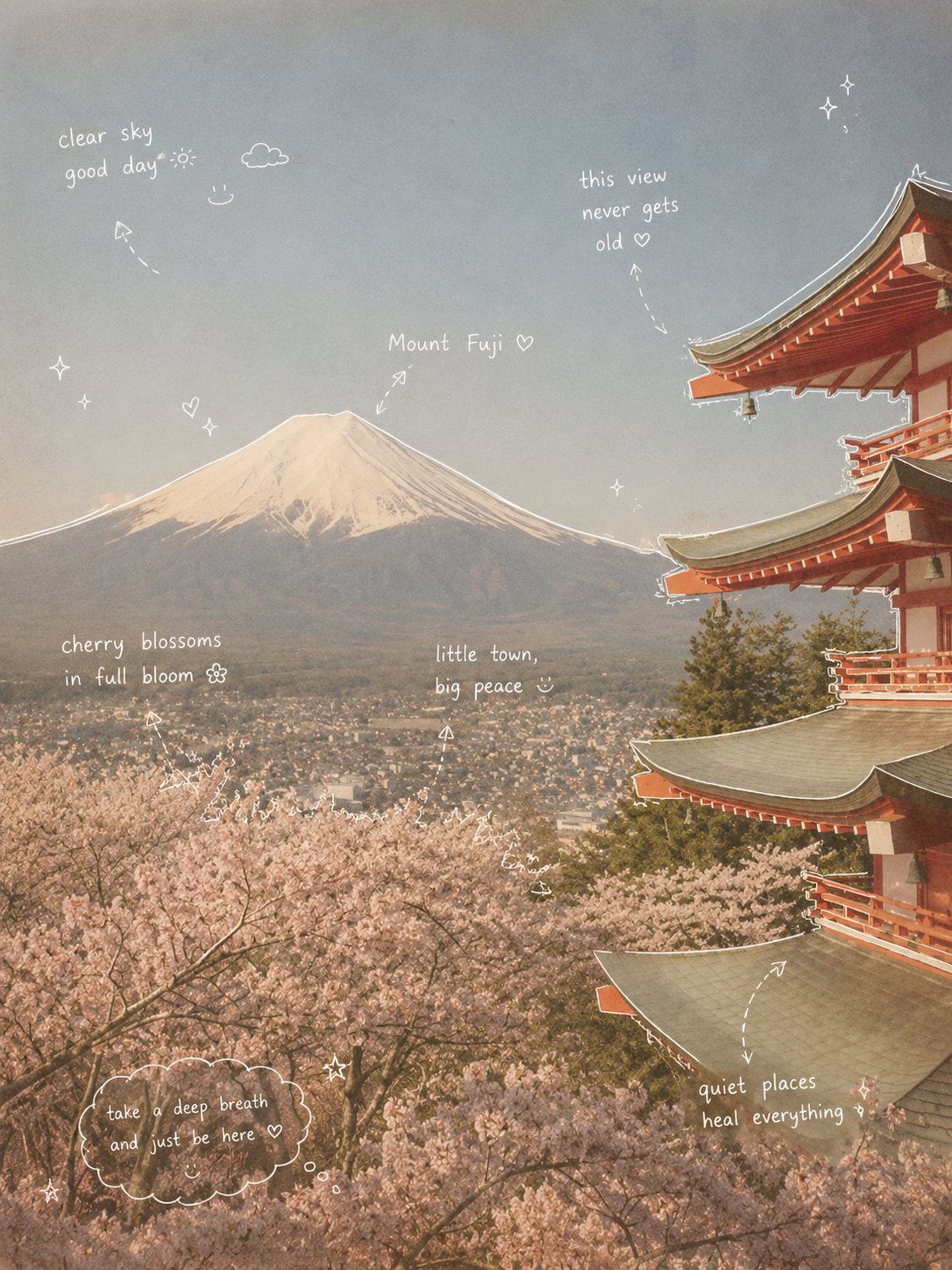
Pure white thin lines in a single-stroke style. The lines are slightly uneven with a natural hand tremor — nothing too perfect. Objects get a loose contour outline, and arrows, dashed lines, and arcs guide your eye around the page. Looks like someone was doodling while on a phone call.
Handwriting — Tiny Diary Scribbles
Handwritten font in pure white, deliberately imperfect — like random thoughts jotted in the margins. Sentences are short and casual, with a light emotional tone and a touch of playfulness. Font size stays small, tucked into corners rather than shouting as headlines. Think of it as the visual equivalent of someone murmuring "okay this is actually so good" under their breath.
Annotation Style
Drinks get notes about taste, temperature, and mood ("crisp, lightly sweet, so comforting"). Food gets texture and satisfaction notes ("crispy on the outside, soft inside, can't stop"). Spaces capture atmosphere ("warm light, feels like Sunday"). Everything wraps up with a tiny one-liner summary that hits right in the feelings.
Decorative Touches — Less Is More
A few steam wisps, tiny sparkles, a stray star or heart, maybe a doodle emoji — but never overdone. These feel like accidental little details, not deliberate design choices. The page stays airy and uncluttered. It's the difference between someone who decorated and someone who just happened to have cute handwriting.
What Photos Work Best for Doodle Notes?
The magic of doodle notes is that almost anything works — but some photos really sing in this style. Food and drink shots are incredible: a latte with foam art, a slice of cake on a pretty plate, a bowl of ramen with steam rising. Desk setups and cozy corners become aspirational journal spreads. Pets being pets — a cat napping in sunlight, a dog looking out the window — turn into heart-melting sketchbook moments. The common thread? Everyday life, captured with a bit of warmth. Natural lighting, clean compositions, and a single clear subject will give you the best results. Avoid chaotic backgrounds or photos where the main subject is too small in the frame.
Frequently Asked Questions About Doodle Notes
What is the Doodle Notes Generator?
The doodle notes generator is a tool that transforms your photos into hand-drawn journal-style art. It applies white fine-line sketches, handwritten annotations, arrows, sparkles, and a warm paper texture to make any photo look like a page from a beautifully messy sketchbook or Instagram story journal.
How do I turn my photo into doodle notes?
Log in to your account, upload your photo, choose your preferred aspect ratio (3:4 works best for the journal look), and click Create Doodle Notes. The tool processes your image in about 15–30 seconds and delivers a hand-drawn journal composition. Each generation uses 6 credits.
What kind of photos work best for this style?
Lifestyle photos work beautifully — food and drinks, desk setups, cozy corners, pets, plants, and everyday moments. Natural lighting and a clear single subject produce the most charming results. The style is designed for that casual, journal-like feel, so candid shots often work better than heavily staged photos.
Can I use this for social media posts?
Absolutely — doodle notes are perfect for Instagram stories, Pinterest pins, blog headers, and any platform where a cozy, artsy aesthetic stands out. The 3:4 vertical format is designed with social media in mind, and the hand-drawn look naturally grabs attention in a feed full of polished photos.
How many credits does each doodle notes generation cost?
Each generation costs 6 credits. You need to be logged in before generating. If your balance is low, visit the pricing page to purchase more credits.
Do I need an account to generate doodle notes?
You need an account to generate because each creation uses credits. You can browse the gallery, read about the style, and see examples before signing up.
What makes this different from other AI image filters?
Most filters just change colors or add a texture overlay. The doodle notes style is a complete transformation — it redraws your photo as a hand-drawn sketch, adds meaningful handwritten annotations (not random text), and composes the page with arrows, sparkles, and breathing room. The result feels intentional and personal, like something a human artist would create in their notebook.
Try More AI Image Tools
AI Pet Portrait Generator: Hand-Drawn Pet Art
Turn your pet photos into charming colored pencil portraits with kawaii charm.
Claymation Generator: Stop-Motion Clay Art
Transform photos into adorable claymation-style characters and scenes.
Ugly Image Generator: Hilarious Disaster Art
Turn photos into gloriously bad MS Paint-style creations for memes and laughs.
AI Image Generator: Text & Image to Art
Create stunning AI art from text prompts or transform existing images.